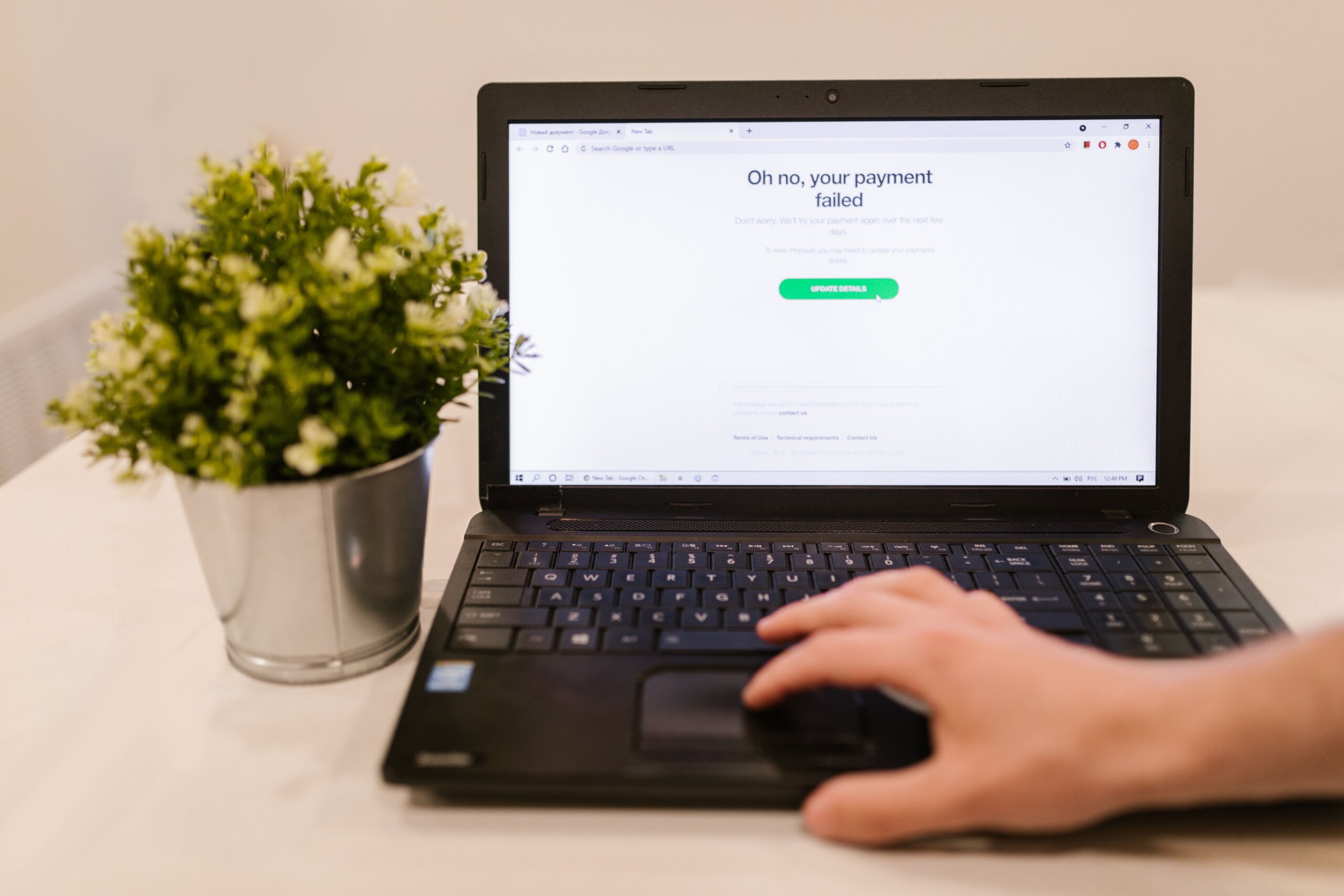
Cancelling McAfee should take about two minutes.
The reason it so often does not is that the company billing you is not always McAfee. A subscription bought through the App Store, bundled with a new laptop, or attached to a hosting plan is billed by that third party, and turning off auto-renewal inside your McAfee account does nothing to stop the charge.
This guide covers every billing route, what a refund actually gets you, and a warning about the fake support numbers that dominate search results for this topic.
Start By Finding Out Who Is Billing You
Pull up the card statement or invoice for the most recent charge and read the merchant name. That single line determines everything that follows.
| What the charge says |
Where you cancel |
| McAfee, MCAFEE.COM, or Digital River |
Your McAfee account, under Auto-Renewal Settings |
| Apple or iTunes |
Apple ID subscription settings on your iPhone, iPad, or Mac |
| Google or Google Play |
Google Play subscriptions page |
| Dell, HP, Lenovo, or another manufacturer |
That vendor’s account or digital locker |
| Your web host or domain registrar |
The billing or add-ons panel in that provider’s dashboard |
If the statement is ambiguous, search your inbox for the original purchase receipt. The sender address tells you the same thing.
Cancelling When McAfee Bills You Directly
This is the most common case and the only one you can handle entirely inside McAfee’s own systems.
- Sign in at mcafee.com using the email address the subscription was registered to. This is often an older personal address rather than the one you use day to day, so check the purchase receipt if the login fails.
- Open My Account, then Auto-Renewal Settings. On newer account layouts the same controls sit under Subscriptions and then Manage.
- Find the subscription you want to stop and select Update settings, then End my membership or toggle auto-renew off.
- Confirm on the retention screen. McAfee shows a “Before you go” prompt with an offer attached, and the cancellation does not register until you click through it. This is the step most people miss.
- Wait for the confirmation email and keep it. If a charge appears anyway, that email is what gets it reversed.
Turning off auto-renewal does not switch off your protection. The software keeps working until the end of the term you already paid for, and then simply stops renewing.
Cancelling through the App Store or Google Play
If Apple or Google collects the money, McAfee cannot cancel the subscription for you, and support agents will tell you exactly that.
On iPhone or iPad: open Settings, tap your name at the top, tap Subscriptions, select McAfee, then tap Cancel Subscription. On a Mac the same list lives in App Store settings under your account name. Apple’s own instructions are at support.apple.com.
On Android: go to play.google.com/store/account/subscriptions, or open the Play Store app, tap your profile picture, then Payments and subscriptions. Select McAfee and cancel.
Deleting the app does not cancel anything. The billing continues until you cancel it in the store.
Cancelling a bundled or third-party subscription
Two situations catch people out.
Preinstalled trials from a laptop manufacturer
McAfee LiveSafe ships preinstalled on a lot of new machines with a trial that converts to a paid subscription. Depending on how the purchase was recorded, the renewal may be managed by the manufacturer rather than by McAfee. Dell, for example, handles some of these through its Digital Locker. If your subscription does not appear in your McAfee account at all, this is usually why.
Website security add-ons
Hosting companies and registrars sell McAfee-branded and similar site security products as line items on a hosting bill. These never appear in a McAfee consumer account. Cancel them in the add-ons or subscriptions section of the hosting control panel, and check whether the renewal is set to bill annually so you know your deadline.
Getting a refund
Cancelling stops future charges. It does not return money already taken, and that requires a separate request.
McAfee’s published policy allows refunds within 30 days of a new purchase and within 60 days of an automatic renewal charge. Outside those windows you are relying on goodwill.
To request one, contact support through service.mcafee.com while logged into your account, and have the order number, the account email, and the charge date ready. Ask for a cancellation reference and a written confirmation before you end the conversation.
Where Apple or Google took the payment, the refund request goes to them instead, through the purchase history in your Apple ID account or the order history in Google Play. Their refund windows are shorter and enforced more strictly.
If a genuine cancellation confirmation is ignored and you are charged again, a chargeback through your bank is a legitimate fallback. Send the confirmation email as evidence.
A warning about fake McAfee support numbers
This deserves its own section because the search results for McAfee cancellation are heavily manipulated.
Query almost any phrasing of this question and the first page fills with pages built purely to surface a phone number: Goodreads quote pages, abandoned university subdomains, job board profiles, and waiver form pages, all stuffed with a toll-free number repeated after every sentence. Those numbers do not belong to McAfee. They connect to call centres that will ask for remote access to your machine, request card details to “process the refund,” and frequently take more money than the subscription ever cost.
The pattern is easy to spot once you know it. Legitimate vendor documentation does not repeat a phone number 40 times in one article, and it is not published on a seminary website or inside a Goodreads quote.
The safe rule is simple. Reach McAfee support only from inside your logged-in account or from the official service domain. Never call a number you found in a search result, and never let anyone who called you first connect to your computer.
Removing the software after cancelling
Cancellation and uninstallation are separate actions. If you want the software gone before the term expires, McAfee publishes a removal tool that clears out components the standard uninstaller leaves behind. On Windows, remove it through Apps and Features first, then run the removal tool if traces remain.
Before you uninstall, make sure a replacement is in place. On Windows, Microsoft Defender reactivates automatically once McAfee is removed, so you are not left unprotected, but it is worth confirming rather than assuming.
Common problems
The subscription is not in my account
Almost always the wrong email address, or a subscription managed by a third party. Check the purchase receipt for both the registered address and the merchant.
I turned off auto-renew and got charged anyway
Usually the retention prompt was never confirmed, so the change did not save. Log back in and verify the current state rather than trusting your memory of the click.
I cancelled but McAfee keeps emailing me
Marketing email is separate from billing. Use the unsubscribe link at the bottom of the message.
Can I cancel a free trial?
You cancel the renewal, not the trial. Turn off auto-renew and let the trial run out on its own. Nothing is charged.
Conclusion
The whole job comes down to three things. Identify the merchant on the charge, cancel in that merchant’s system rather than assuming McAfee controls it, and confirm through the retention screen so the change actually saves. Keep the confirmation email, request any refund within the 30 or 60 day window, and ignore every phone number that search results push at you along the way.