While remote working is the new normal, staying organized may be challenging.
Remote setups work smoothly only when there’s a simple way to manage updates and follow the progress of each project, which is why choosing the right project management tool matters. A good platform gives remote teams a shared space to plan work, monitor tasks, and sort out questions before they slow things down.
If you’re looking for a reliable PM tool to coordinate projects without relying on endless chat threads and spreadsheets, read on. In this article, we’ve compiled a list of the best project management tools for remote teams to help you get started.
Widely regarded as one of the best PM tools for remote work, Asana is built to help teams plan, track, and deliver projects without losing sight of goals. Over 85% of the Fortune 100 choose Asana to coordinate work across departments and teams.
Asana lets you break down work into clear tasks and projects, assign responsibility, and set deadlines that keep everyone on the same page. You can view work in multiple ways — list, board, calendar, and timeline — so teams see progress from different angles. Reporting dashboards provide real-time insights, and tools like workflows and forms help standardize how work gets in and moves through your team.
Recently, Asana has also added AI-powered features that assist teams with routine work, suggest structures for new projects, and summarize progress across tasks and portfolios.
Key features:
task and project creation with due dates and assignees
multiple views: list, board, calendar, timeline
dashboards and real-time reporting
portfolios for monitoring multiple projects
workflow builder and automation rules
integrations with Microsoft 365, Google Workspace, Slack, and other popular tools
AI-assisted smart summaries, status updates, and workflow recommendations
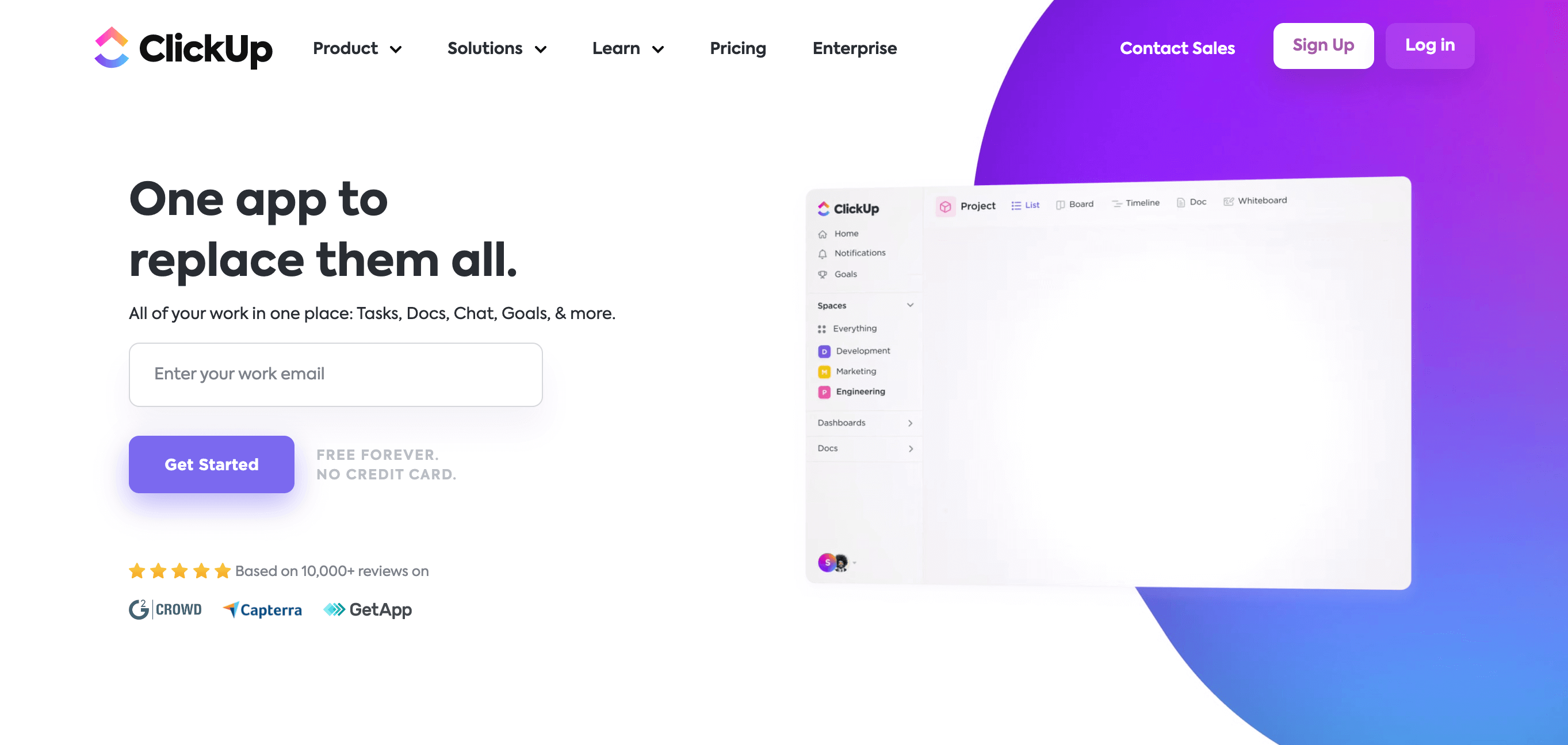
ClickUp is an all-in-one work platform that combines project and task management with docs, chat, whiteboards, dashboards, and more, all under a single workspace. Used by more than 20 million users worldwide, ClickUp continues to ramp up its AI-powered tools to help teams reduce time spent on manual work and focus on real outcomes.
Originally developed as an internal tool, ClickUp has grown to one of the go-to remote team management tools with built-in automations, nested subtasks, collaborative docs, and workflow customization.
The platform features a flexible structure called the Hierarchy, where work is organized into Spaces, Folders, and Lists. You can view your work through dozens of layouts, including Gantt charts, board, list, calendar, and mind map views, and filter everything through the Everything view — a global snapshot of what’s happening across your entire ClickUp setup.
Key features:
flexible task and project Hierarchy with Spaces, Folders, and Lists
multiple work views: board, list, calendar, Gantt, mind map, and more
Everything view for a global look at tasks and work across your workspace
customizable tasks with automation, nested subtasks, and 35+ ClickApps
collaborative docs and whiteboards
integrated chat and comments linked to work items
dashboards and reporting tools
integrations with other tools
AI capabilities
Pricing:
Tiers at ClickUp vary depending on the size and needs of your team.
Free Forever: $0/user/month
Unlimited: $10/user/month
Business: $19/user/month
Enterprise: custom pricing
Annual billing includes a 30% discount on the standard monthly rates.
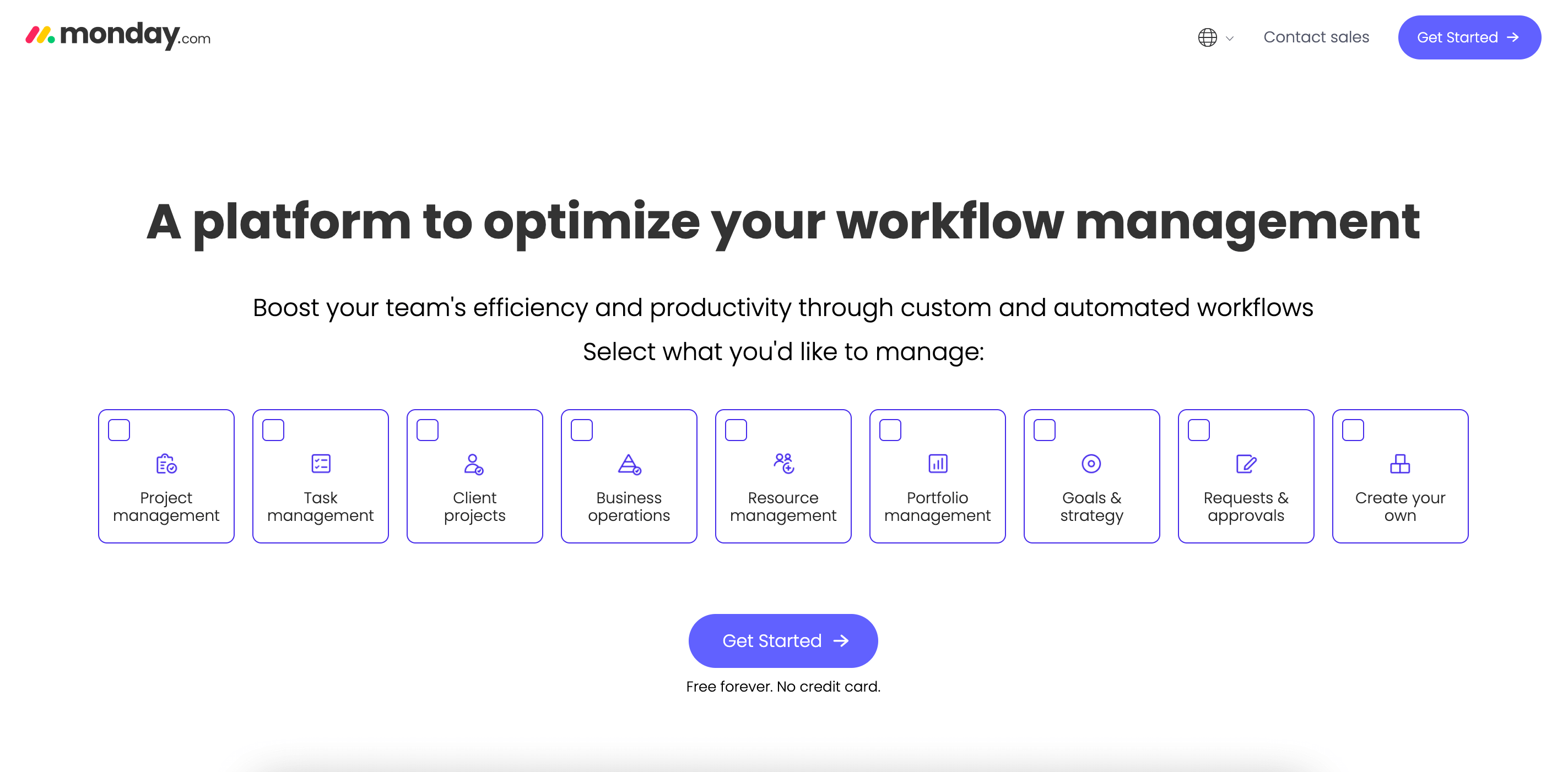
Trusted by 250,000+ customers worldwide, Monday.com is a cloud-based work operating system designed to support teams of all sizes in planning, managing, and tracking work in a single environment. The platform powers project execution, workflows, and virtual team coordination with a mix of visual tools and customizable building blocks.
Monday.com gives you a range of views — from task lists and Kanban boards to timeline layouts. Boards and dashboards are built to show real-time status updates and help teams with task tracking and workload planning without switching between apps.
Teams can choose from hundreds of templates for marketing plans, product roadmaps, and service delivery and adjust automations and integrations to fit their natural rhythm. Built-in collaboration features support both synchronous and async communication, while integrations with cloud storage and tools like Google Drive or Slack streamline file sharing and reduce friction between systems.
Key features:
visual workflows with list, board, calendar, and timeline views
progress dashboards
task automation
integrations with popular apps and services
templates tailored for different project types and industries
tools for team collaboration
file attachments, comments, and updates tied to specific items
Pricing:
Monday.com is available across several subscription tiers.
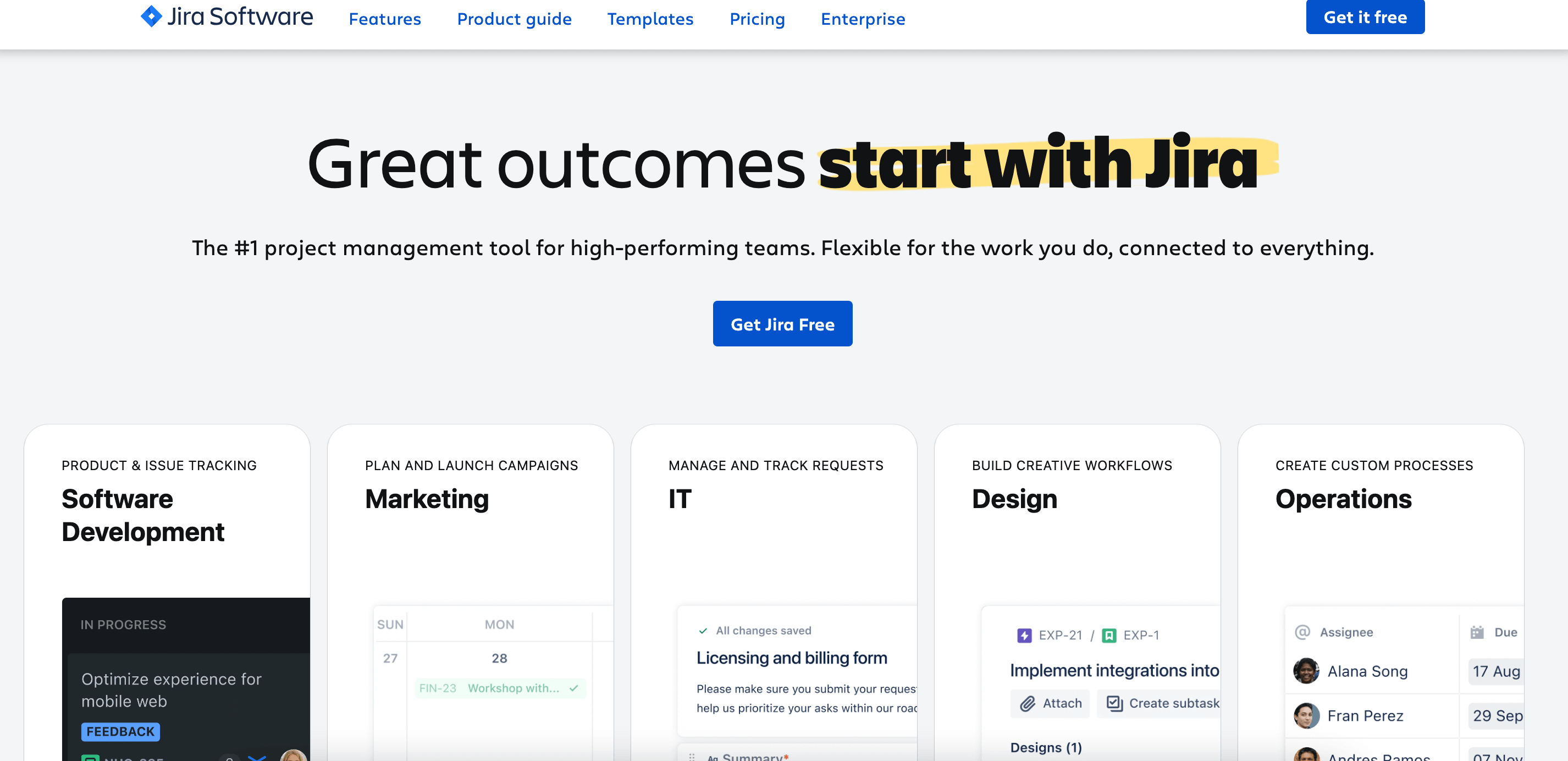
The next well-known name on our list of the top project management tools for remote teams is Jira, created by Atlassian. This project tracking and agile project management tool is widely used by software teams to plan, organize, and release work in a structured way.
Jira lets teams visualize progress, manage backlogs, prioritize high-impact work, break big projects into clear items, and monitor progress through customizable boards and detailed reports. It also integrates with thousands of other tools via the Atlassian Marketplace, which means teams can connect code repositories, documentation, and communication tools to the same workspace. Jira’s community of more than 4.5 million members contributes feedback, apps, and expertise that make it easier to find solutions and best practices.
Because it was designed for complex work, Jira scales from small groups tracking simple tasks to large organizations coordinating software releases, enabling features such as resource allocation, automated workflows, and detailed analytics.
Key features:
Agile boards supporting Kanban and Scrum workflows
backlog management
sprint planning
workflow automation
integration with over 3,000 apps in the Atlassian Marketplace
flexible project views, including lists and timelines
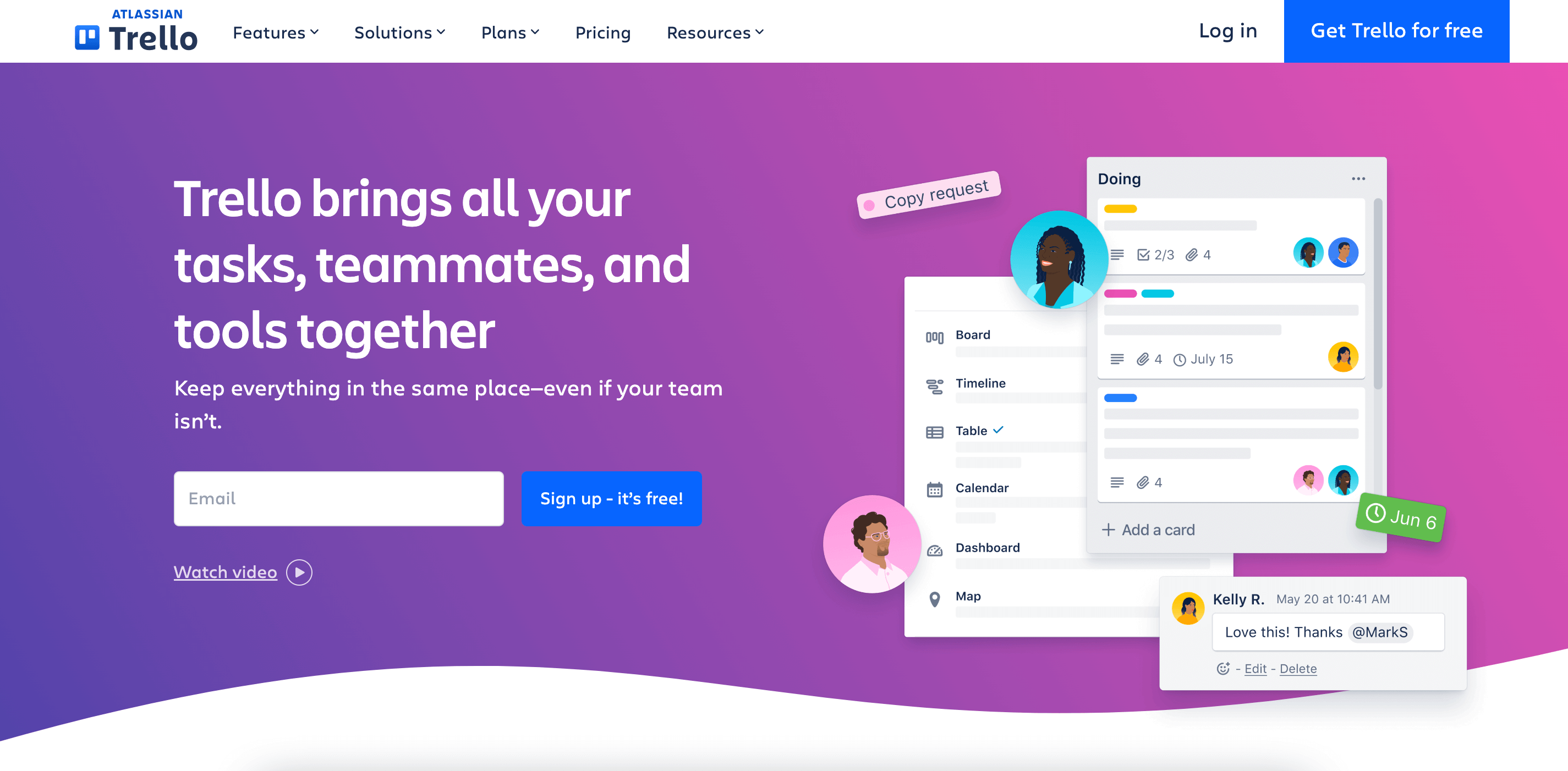
Trello is a visual project and work management platform built around boards, lists, and cards that help streamline project management for remote teams. Trello gives you a simple canvas where you can set up stages of work like To Do, In Progress, and Done, and drag cards between them. This visual approach, inspired by the Kanban methodology, makes it easy for teams to see what’s happening at a glance and to keep task tracking clear and straightforward.
You can attach files, add checklists, assign team members, and comment directly on cards, while Trello’s inbox feature lets you capture ideas from Slack, email, or other tools and bring them into your boards.
Trello appeals to both small teams and larger organizations because the system adapts to many workflows. Marketing teams often employ the tool to plan campaigns, while product teams use it as a lightweight alternative for virtual team coordination. You can customize boards with Power-Ups, automate repetitive moves, and switch between views like calendar or timeline.
Key features:
visual boards, lists, and cards
drag-and-drop workflow management with Kanban boards
automation tools
inbox to capture tasks from email and messaging apps
custom fields, stickers, and labels to categorize work
attachments and comments
calendar, timeline, and dashboard views
Power-Ups and integrations with tools like Google Drive, Slack, and others
Pricing:
Trello arranges its subscription options into several tiers.
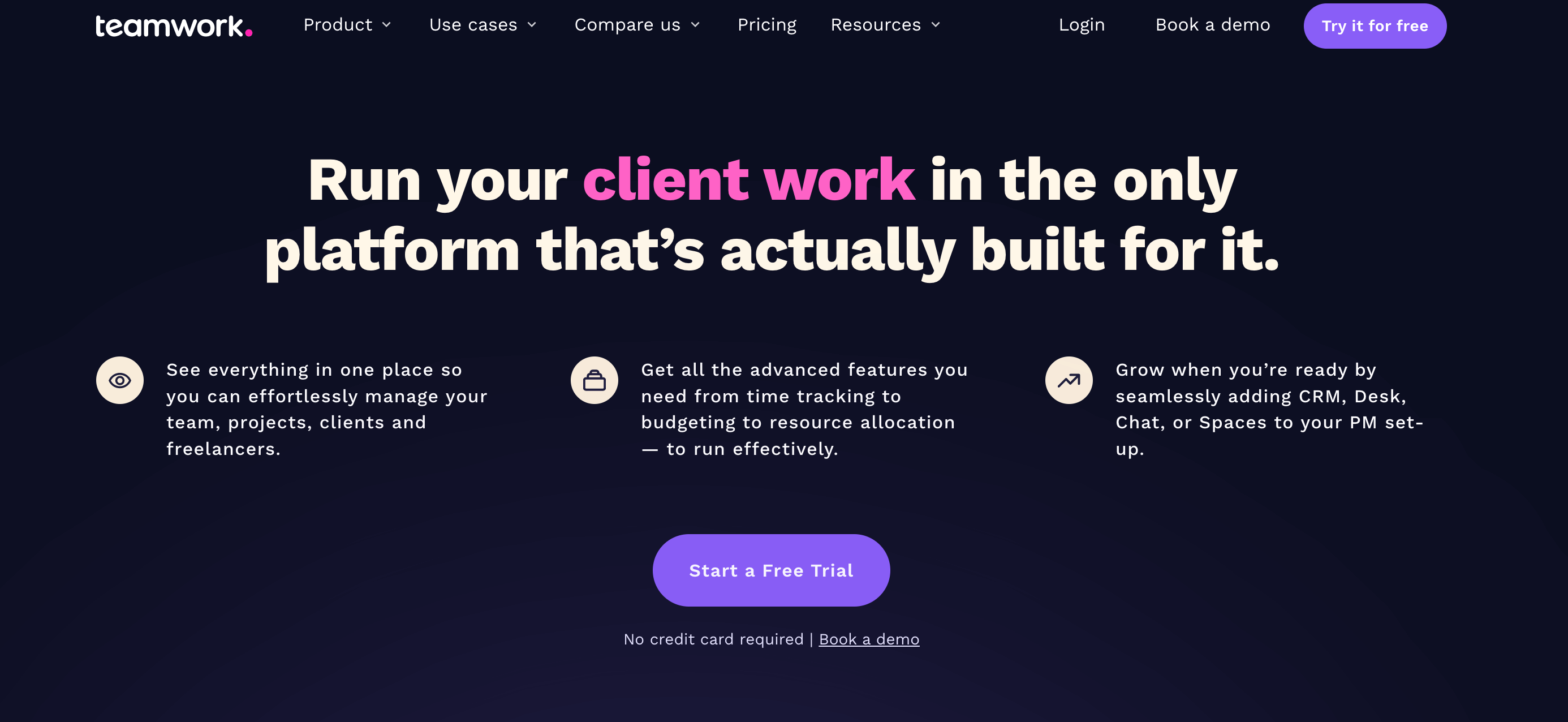
Teamwork is one of the AI-powered remote team management tools created with the goal of helping teams deliver work on time and on budget. Teamwork covers planning, execution, tracking, and collaboration. The software is especially well-suited to teams doing client work, like agencies, consultancies, and professional services, since it effectively combines project oversight with built-in time and financial features.
In Teamwork, you can organize work using flexible views like lists, tables, or Gantt charts, and set up projects with templates that really save time. Moreover, templates and intake forms help standardize how client work is taken in and executed, while comments and the file sharing feature keep conversations and assets tied directly to the work they relate to.
Teamwork supports resource allocation and workload planning so you can see who’s busy and who’s available. Built-in time tracking makes it possible to log billable hours and compare them with budgets, and reporting views help teams keep an eye on both progress and profitability. With integrations to common apps and a desktop experience designed to reduce context-switching, Teamwork makes project management for remote teams more predictable and transparent.
Key features:
task lists, milestones, checklists, and dependencies
flexible views, including list, board, table, and Gantt charts
project templates and intake forms
built-in time tracking and billable hours reports
project dashboards
comments, attachments, and collaborative updates tied to tasks
integrations with Slack, Microsoft Teams, Google Drive, etc.
Smartsheet is a work management and project planning platform that combines the familiarity of spreadsheet-style interfaces with tools designed for modern teams. It helps users plan and organize work, automate repetitive processes, and keep complex projects on track.
What sets Smartsheet apart is its foundation in grid-like sheets, which can evolve into dynamic project views like Gantt charts, Kanban boards, calendar, and card layouts. Teams can assign tasks and milestones, organize data into dashboards, and build automated workflows that reduce manual steps. The platform also supports custom forms and reporting, giving project owners a way to standardize how work is submitted and visualized.
Smartsheet also offers tools for workload planning, integrated notifications, and file sharing across sheets and dashboards. The built-in reporting features bring insight into progress and trends without having to cobble together separate spreadsheets or apps.
Key features:
spreadsheet-style sheets that evolve into project views like Gantt charts and calendar layouts
task assignment, milestone tracking, and automated workflows
dashboards and reporting
prebuilt templates
conditional logic forms
automated alerts and notifications for deadlines and status changes
integrations with Google Workspace, Microsoft Office 365, Slack, and other tools
Pricing:
Smartsheet’s subscription model spans several tiers tailored to different team sizes.
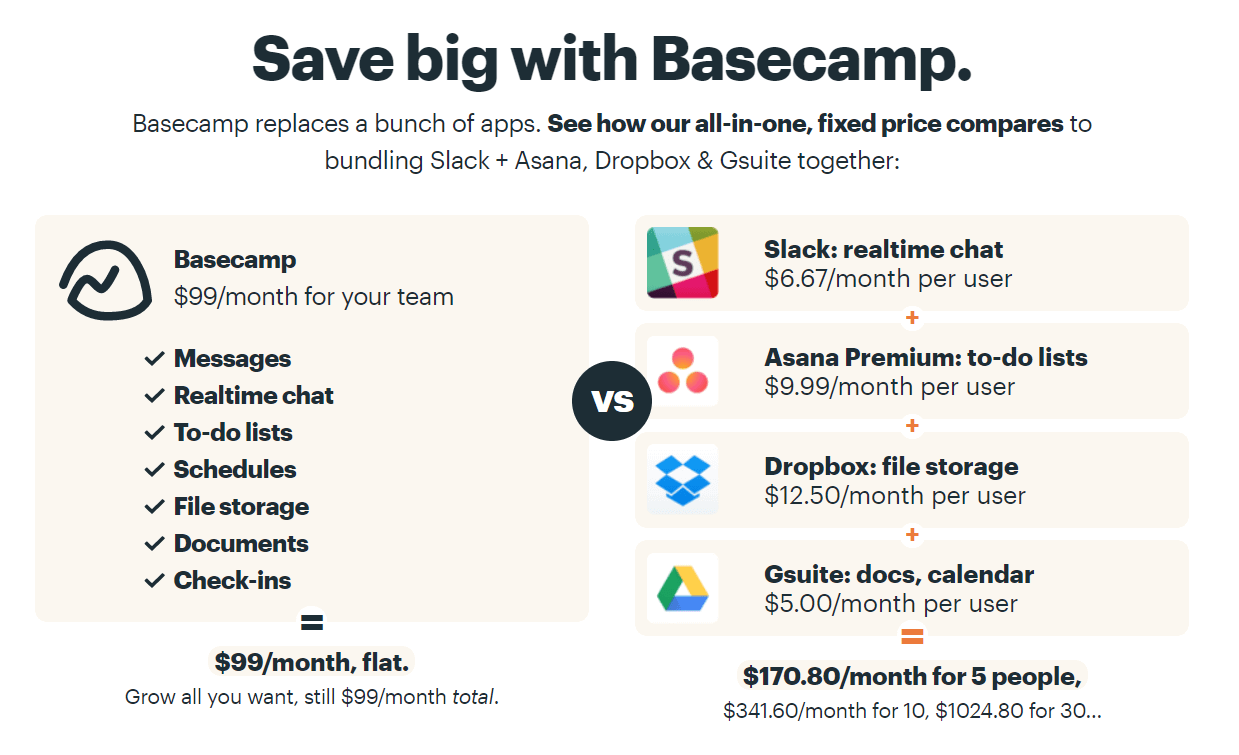
Used by over 100,000 companies globally, Basecamp is a web-based project management and collaboration tool that’s built around simplicity. It features task lists, message boards, schedules, and file sharing, efficiently centralizing project work and communication.
As one of the best project management tools for remote teams, Basecamp focuses on straightforward project pages where you see to-dos, discussions, milestones, and schedules together. You can assign tasks and track deadlines, chat with teammates or clients, and upload and share files.
Basecamp was originally developed in the early 2000s to solve the real project confusion a team saw in their own work. Its design priorities lean toward ease of use and real work visibility rather than dashboards cluttered with metrics. This makes the tool particularly appealing for users who find straightforward communication more important than deep customization.
Key features:
to-do lists and task management with assignments and due dates
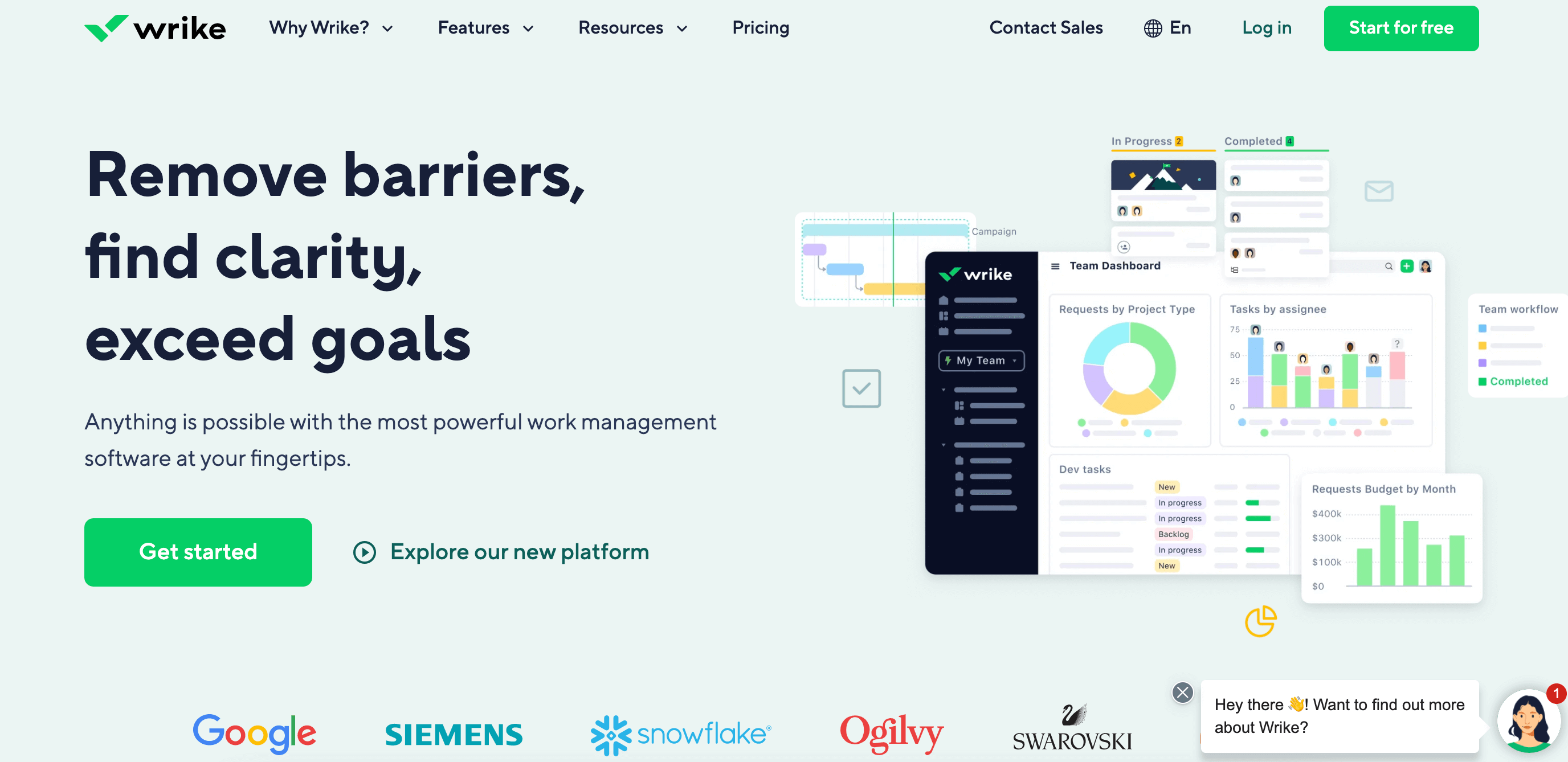
Wrike is an excellent option for teams that want control and real-time insight into work across functions and departments. This project management tool is known for giving organizations a central hub to plan and track work, automate routine processes, and connect people with the information they need. Designed to scale from small to enterprise teams, Wrike also offers ample flexibility so work can be configured around different workflows and industries.
The tool supports multiple ways of organizing work, including interactive Gantt charts, board views similar to Kanban boards, and table boards that feel familiar to users who like spreadsheets. Tasks and subtasks can be grouped into folders and projects, while dashboards offer high-level visibility into progress and status.
With built-in automation and AI-assisted features, Wrike allows teams to reduce manual steps and quickly route work where it needs to go. Plus, Wrike’s integrations with external tools and mobile apps go a long way toward teams staying connected at all times.
Key features:
project and task management with flexible hierarchy and boards
interactive Gantt charts for timeline planning
custom fields, workflows, and statuses
templates and dynamic request forms
tools for resource allocation and workload oversight
automation and AI features
multiple views, including board, list, and calendar layouts
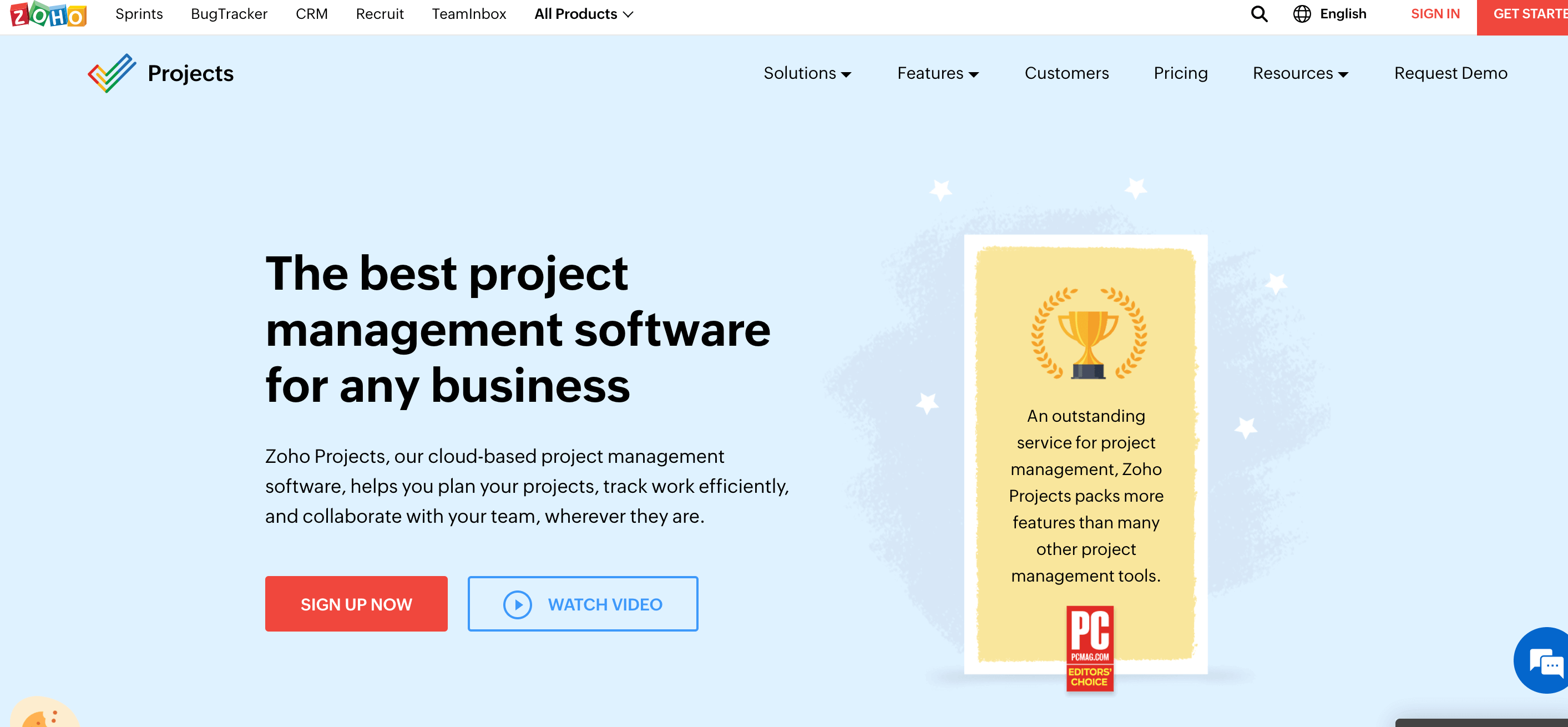
If you’re looking for a balance of features and pricing, consider Zoho Projects. A popular choice among small remote teams, this project management solution offers a comprehensive suite of tools for organizing tasks, managing timelines, and communicating with teammates.
In Zoho Projects, you can break work down into tasks and subtasks, assign responsibilities, set due dates, and visualize timelines. Collaboration features such as comments, feeds, and file attachments let team members stay aligned and reduce friction between discussions and work items. Integrations with calendars, email, and external apps make it easier to bring project context into other tools your team might already use.
Zoho Projects also has a built-in time tracking functionality, helping teams understand where hours are going and how work progresses. It’s flexible enough for basic task tracking, and with its advanced plans, you can customize workflows, dashboards, and rules to fit more complex project needs.
Key features:
task and subtask management with assignments and deadlines
Gantt charts and calendar views for planning and scheduling
timesheets and built-in time tracking
interactive team feeds and comments
file attachments
integrations with external storage and apps
custom workflows and automation rules
built-in dashboards and reporting
sync with calendars and external tools like Google Workspace and Microsoft Outlook
Pricing:
Zoho Projects structures its pricing around a few core plans.
Free: $0/user/month
Premium: €5/user/month
Enterprise: €10/user/month
Ultimate: €15/user/month
Zoho Projects Plus: custom pricing
You save €12/user/year with annual subscriptions.
Conclusion
Finding the right project management tool should come down to your team’s real daily needs, whether it’s clearer timelines, more convenient ways to share updates, or a place to keep tasks organized. Each platform on this list approaches remote work a little differently, so it’s worth exploring a few to see which one matches your workflow.
We hope our list of the best PM tools for remote work helps you find a solution that keeps projects moving in a steady, predictable way.