Safest Software Download Sites: Trusted Platforms Reviewed In 2026
Grace Huang
Content Writer – ReVerb
05.18.2026
Even with the plethora of technological advances society has been hurtling through in recent years, finding safe software online is still harder than it should be.
The tricky thing is that many download pages look legitimate at first glance, but the real issue is what happens after you click — bundled installers, outdated versions, aggressive ads, or mirror links that are not always easy to verify.
That’s why people still look for the best free software download sites instead of downloading random files from search results alone. But what to look for when scoping out which sites you can actually trust? These sites usually have a few things in common: clear button downloads, active update checks, user reviews, malware scanning, and some form of community or editorial oversight.
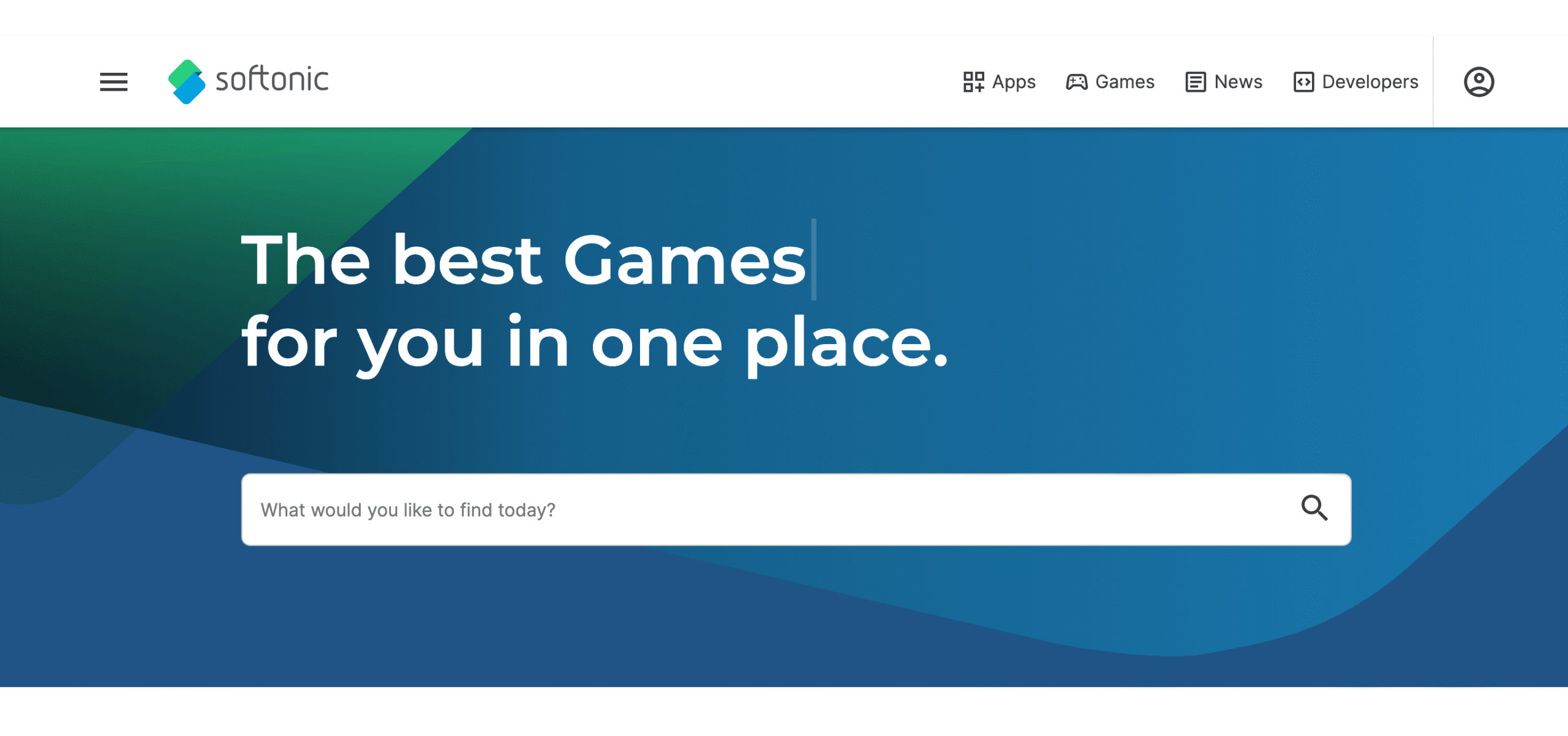
Softonic is one of the most well-established and recognizable names in the download space, and to this day, it still has one of the largest libraries for Windows, Mac, Android, and web apps. It is a good starting point when users want quick access to popular programs, app reviews, and basic software comparisons in one place. The site makes it easy to browse trending apps, compare programs, read user reviews, and access downloads without needing to jump between multiple developer sites.
One reason Softonic continues to stand out is its accessibility. Whether someone is looking for productivity software, media tools, browsers, utilities, or casual games, the platform offers a straightforward way to discover and download programs. Softonic also emphasizes malware scanning and download verification to improve user safety, and includes editor reviews, update tracking, and security checks to help users make more informed download decisions with greater peace of mind, making it one of the safest software download sites out there.
Best for: Safe access to popular apps and software downloads
Ninite has built a loyal following over the years because it solves a very specific problem. Instead of downloading programs individually, users can select several apps at once and bulk install them through a single package. Imagine all the time saved and hassle avoided.
The platform skips most of the annoying stuff people associate with free downloads. No extra toolbars, no endless setup prompts, and no confusing installer screens asking users to accept unrelated software. That cleaner experience is a big reason many people still consider it one of the best free software download sites available for Windows users. It is incredibly practical for installing browsers, Zoom, Spotify, messaging apps, utilities, compression tools, and media players all at once. Honestly, once people use Ninite for the first time, they usually keep coming back to it. Best for: Bulk Windows installs without bundled software
Upon arriving at the site, MajorGeeks looks absolutely ancient. Ironically, that’s probably part of why so many Windows users still trust it. The site has been around for practically forever and still mostly sticks to utilities, repair tools, antivirus programs, cleanup apps, and other practical, useful downloads instead of promoting the trendier apps.
It also feels a lot more hands-on than most giant download directories around now. Some software pages include clear explanations and recommendations instead of those generic filler descriptions that all sound identical. So this probably wouldn’t be the first site I would send someone completely new to computers who’s just looking for something quick and easy. But for troubleshooting tools and niche Windows utilities, MajorGeeks still has a pretty loyal following.
Best for: System utilities and advanced Windows tools
FileHippo is one of the top safe download sites that people have been using for years without having to think too much about it. Thankfully, it’s super straightforward. Search for the app you need, download it, and move on. That’s literally it. The simplicity is probably a big contributing factor to why it survived while a lot of older download sites became unusable and obsolete.
A lot of people still use FileHippo for older versions of software, too. Sometimes updates, unfortunately, make programs worse, as Apple product users know all too well. Sometimes they break compatibility or remove features people liked. FileHippo gives users other options when they specifically need an earlier version.
Like with any third-party download platform, it is still smart to pay attention to what you are installing. But overall, the site feels cleaner and less chaotic than a lot of alternatives floating around online now.
Best for: Popular apps and older software versions
People usually find sites like FossHub after getting aggravated with some of the bigger download platforms, which can be a little disorienting to navigate. The pages are cleaner, the downloads are direct, and you don’t waste an exorbitant amount of time trying to figure out which button is fake. Exhausting.
The site mostly focuses on open-source software. Media tools, utilities, productivity apps, smaller community-run projects — that kind of thing. One of the best things about FossHub is that it’s not trying to be flashy, which is incredibly helpful for those of us who are easily overstimulated in today’s digital age. A lot of download sites started feeling more like ad platforms over the years. Meanwhile, FossHub has stayed relatively simple.
It also is incredibly helpful that the site isn’t constantly shoving unrelated installers at users every five seconds. That alone makes it feel more trustworthy and less overwhelming than a lot of alternatives.
SourceForge has kind of a weird reputation because people who have been online forever still remember the controversy around bundled installers years ago. For those not yet in the know, back in the mid-2010s, a lot of users got frustrated with SourceForge because some downloads started including bundled adware and extra software people did not actually want. The site cleaned things up years ago, but longtime internet users still remember that period, which is why its reputation stayed pretty mixed for a while.
Some users never fully got over that, which is understandable. But the platform cleaned itself up a lot after that period and still hosts a massive amount of open-source software today.
That being said, this is really more of a “you know what you are looking for” kind of site. Developers, technical users, and open-source communities still rely on it heavily because many projects actively maintain their pages there. It is definitely not modern-looking. But honestly, neither are most developer-focused platforms. The important thing is that people can still find legitimate, actively maintained software there without digging through a ton of random stuff.
Best for: Open-source projects and developer tools
PortableApps may be a little niche, but people who use it tend to love it. The whole concept is about apps that run without needing a full installation. That ends up being super useful for shared computers, USB drives, older systems, or just avoiding clutter.
The platform focuses mostly on free and open-source software, including browsers, messaging apps, media players, utilities, and productivity tools. Since a bunch of programs run through a portable launcher instead of a traditional installer, users can also avoid a lot of the miscellaneous junk that still shows up elsewhere online.
The site itself leans more practical than polished. But that straightforward approach is just what its loyal user base appreciates.
Best for: Portable freeware and open-source applications
LO4D leans heavily into Windows software and puts more emphasis on scan information and version tracking than a lot of download sites do. That extra context can be really useful because users can usually see screenshots, compatibility notes, version details, and security scan information before actually downloading anything.
Compared to some older software portals, the pages feel less cluttered, too. There is still advertising, obviously, but the overall experience feels more transparent than sites that are loaded with confusing fake buttons everywhere.
For Windows users specifically, LO4D ranks highly among the safest free software download sites for Windows because the platform focuses heavily on software verification and cleaner downloads instead of just hosting massive amounts of random files.
Best for: Windows freeware downloads with security scanning
SnapFiles feels more curated than most giant download directories now. It’s a bit more like a recommendation site than a cluttered software warehouse. Instead of trying to host absolutely everything on the internet, the site leans more toward freeware, utilities, productivity tools, and smaller desktop apps people might realistically use.
One thing that helps is the editorial feel. Listings usually include ratings, screenshots, reviews, and explanations that make the site feel less automated overall. The more streamlined approach is part of what makes it easier to trust compared to some giant download portals overloaded with ads and distractions.
FileHorse mostly sticks to well-known desktop apps instead of hosting thousands of obscure programs nobody has heard of. That alone makes the site feel way less sketchy than some of the older download directories floating around online.
Most people are going there for familiar software anyway — browsers, Discord, Spotify, VLC, antivirus tools, stuff like that. It’s not trying to reinvent the wheel, which actually works in its favor. It probably won’t replace official developer websites for everyone, but for downloading mainstream apps quickly, FileHorse definitely does the job.
Best for: Clean downloads for popular desktop apps
Conclusion
A lot of people assume a site is trustworthy just because it shows up near the top of Google results, but that doesn’t really mean much anymore. Some download pages look pretty legitimate right up until the moment users click the wrong button and suddenly end up with popups, bundled software, or installers trying to change browser settings for no reason.
Usually, the safer platforms are the ones that feel transparent about what users are actually downloading. Clear version history, direct download links, active moderation, user reviews, and fewer misleading ads all tend to be good signs. It also helps when a site focuses more on recognizable software instead of hosting thousands of random files nobody has heard of.
Some of this just comes down to gut instinct, too. If a page immediately feels chaotic, overloaded with flashing buttons, or weirdly aggressive about getting users to install something, there is usually a reason for that.
Downloading software online still feels way more annoying than it should in 2026. Some sites genuinely try to make the process safer and easier, while others seem designed to confuse people into clicking the wrong thing.
The best software download sites are usually the ones that feel the most transparent about what users are getting in the first place. Whether someone ends up preferring Softonic, Ninite, FossHub, FileHippo, or PortableApps mostly depends on what kind of software they download most often and how comfortable they are using third-party platforms.
At the end of the day, not all software download sites are created equal, and a little caution still goes a long way before clicking install.
If you want to feature your listed company on this list, email us or submit a form in the Top Choices section. After a thorough assessment, we’ll decide whether it’s a valuable addition.