Top AI Photo Editing Tools For Professional Photographers In 2026
Max Dewod
Freelance Writer
06.03.2026
Long shoots do not end when the camera card fills up. The real drain often starts later, when hundreds or thousands of files still need consistent color, clean selection, and careful retouching.
That is why top AI photo editing tools for professional photographers in 2026 matter so much for studios that want to move faster without flattening their style.
The strongest tools do more than save time. They fit into Lightroom, Photoshop, or desktop workflows already in place, and they help keep quality steady across large jobs — not just single hero images for quick posting. The best AI photo editing tools for professional photographers in 2026 give photographers room to stay creative while offloading repetitive work.
Best AI Photo Editing Tools For Professional Photographers In 2026
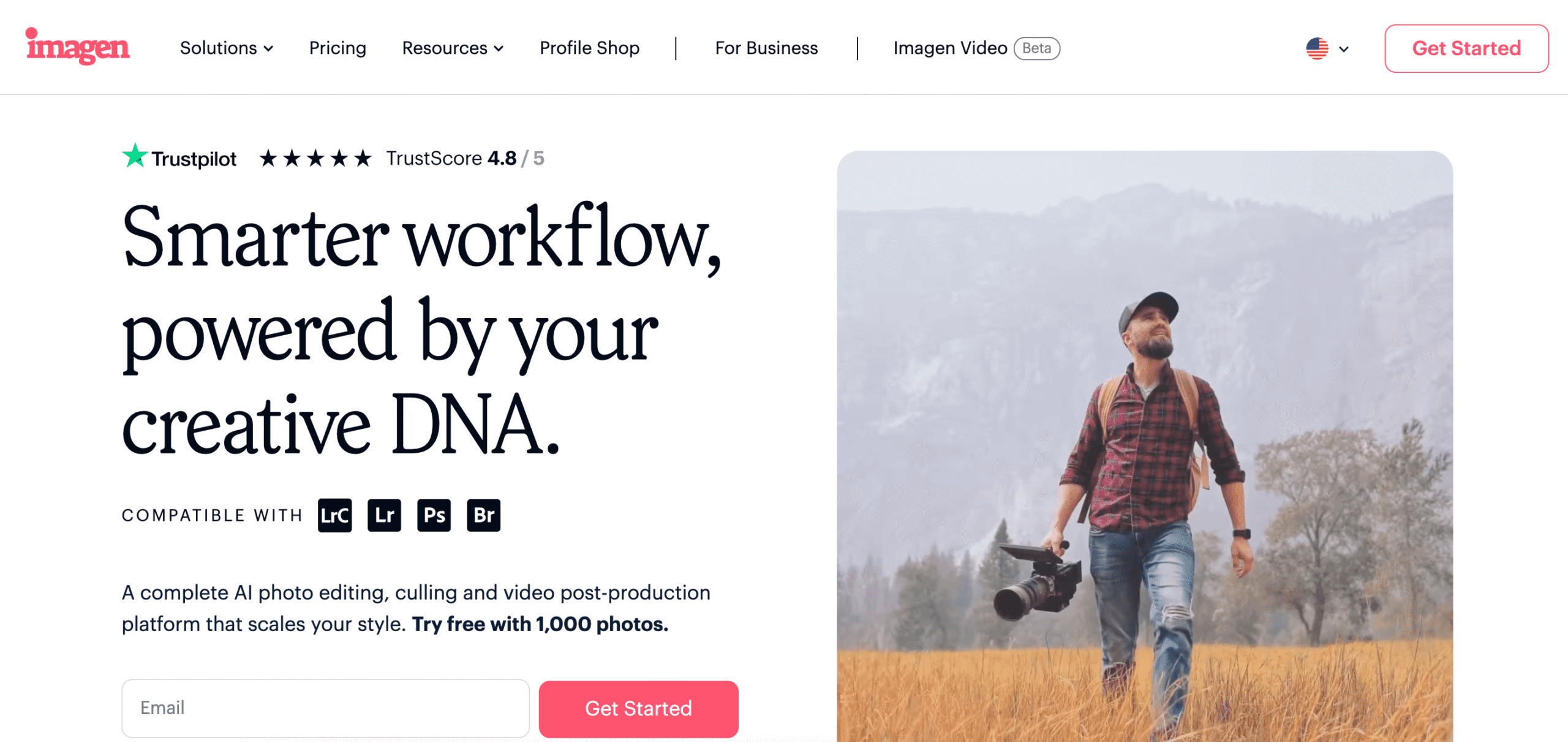
Imagen AI was built around a simple but painful truth: a wedding photographer can lose hours to repetitive adjustments on one event alone. The founders turned that frustration into a platform that studies a photographer’s past edits and builds a personal AI Profile. Instead of forcing one preset on everyone, Imagen AI learns how a specific editor handles exposure, tone, and color.
That personal-style model is what makes the product stand out. It works inside Adobe Lightroom, so photographers do not have to rebuild their process from scratch. The system also keeps learning as more edits are uploaded, which makes each AI-powered pass feel closer to the user’s own hand.
Imagen AI also stays flexible. Users can lean on personal profiles, try Talent AI looks from established photographers, or review each suggestion and change what they want. For busy studios comparing the best AI tools for photo editing in 2026, that balance of speed and control is hard to ignore.
Aftershoot started with culling, not color, and that origin still gives it a practical edge. Photographer Justin Benson and developer Harshit Dwivedi built it after facing the problem of how long it takes to edit photos after a large wedding or event. The result is a platform that handles culling, edits, and retouching in one subscription.
Its workflow is broad rather than narrow. Aftershoot integrates with Lightroom, Capture One, Adobe Bridge, and Photoshop, and its models sort frames using composition and facial-expression cues. The company has steadily expanded the suite, and that layered rollout shows a product that is adding advanced AI features in response to real user habits.
The flat-fee model also helps. Photographers are not pushed into counting every image, which makes high-volume jobs easier to price and manage. That is one reason Aftershoot keeps showing up in conversations about the top AI image editors for photographers in 2026.
Neurapix takes a Lightroom-first route and focuses on teaching the software a photographer’s own visual habits. Its SmartPresets are trained from previous edits, which makes the platform a useful example of artificial intelligence in photo editing that still respects personal taste. That local Lightroom plug-in structure also keeps the workflow simple.
The company has continued to build on that core idea rather than chase too many side features at once. Newer tools like AI consistency and AI cropping aim to make whole catalogs feel coherent, not just individual frames. That matters when photographers need the best AI photo editing software for professional photographers in 2026 to keep an entire shoot visually steady.
Neurapix also keeps flexibility front and center. Subscription pricing scales with photo volume, and the emphasis on privacy gives users confidence that they remain in charge of their image library. It is a strong fit for photographers who want fast batch work without turning their catalog into one generic AI picture look.
FilterPixel tackles one of the most time-draining parts of the job right after a shoot — sorting the keepers from everything else. It scans RAW and JPEG files, spots things like blur, closed eyes, and weaker framing, then adjusts as the photographer changes its picks. Over time, each AI edit starts to reflect real working preferences instead of generic logic.
A big part of FilterPixel’s appeal is how little it asks you to change. It works with Lightroom and PhotoMechanic, so you are not rebuilding your workflow just to save time on the first pass. For a solo photographer or a lean studio, that kind of fit usually matters a lot more than a packed feature list.
FilterPixel also feels focused in a good way. The product is built around weddings, portraits, and events, where fast culling can save entire evenings from turning into screen time. It works well for photographers who need clean, client-ready selections — not just quick exports for social media.
Retouch4me approaches the problem from the retouching side, with specialized modules instead of one giant editor trying to do everything. Its suite covers skin cleanup, eye enhancement, makeup, portrait relighting, and more, all trained in-house on proprietary datasets. That focus on controlled training is part of what makes the results feel naturally AI-powered rather than plastic.
There is also a workflow advantage here. Users can run the modules as standalone apps or as plug-ins inside Photoshop and Lightroom, which keeps them from bouncing between unrelated tools. The company’s privacy stance is also clear, since customer images are not used to train the models.
Retouch4me is especially useful for portrait-heavy studios that want targeted help, not a full editing overhaul. It is one of the top AI image editors for photographers in 2026 because it handles detail work that still eats time even after culling and color are done. For many professionals, that narrow focus is exactly the point.
Evoto aims at scale, and its product line reflects that. Desktop, mobile, iPad, and instant workflows all point to a company trying to cover more than one editing environment without losing speed. For photographers sorting large jobs, that makes Evoto one of the top AI photo editing tools for professional photographers in 2026 when volume is the pressure point.
Its desktop product covers AI-assisted culling, batch color grading, and retouching, while newer updates have added cloud spaces and video retouching. That broadens the appeal beyond still photographers alone. The team clearly wants the software to support collaborative jobs as well, especially where cloud storage and shared access matter.
The product still leaves room for manual decisions. Evoto’s messaging keeps returning to user control, which matters when automation is doing more of the heavy lifting. It is a practical choice for studios that want one system to handle large batches, teams, and on-site edits without feeling locked into one narrow workflow.
Skylum brings a longer history than many newer AI-focused tools. The company’s Luminar line is already familiar to a wide range of photographers, and that older software foundation gives its newer AI features a bit more maturity. It is not built as casually as Google Photos, and it is not trying to be.
Luminar Neo handles sky replacement, relighting, denoising, and portrait enhancement with a strong emphasis on approachable controls. That makes it attractive to professionals who want power without a steep technical wall. For editors weighing the best AI tools for photo editing in 2026, Skylum stands out as a product family rather than a one-feature utility.
It also has range. The company has expanded into mobile and into more specialized portrait tooling, which shows a willingness to support different kinds of creators. For photographers balancing client work, personal projects, and content for social media, that spread can be useful.
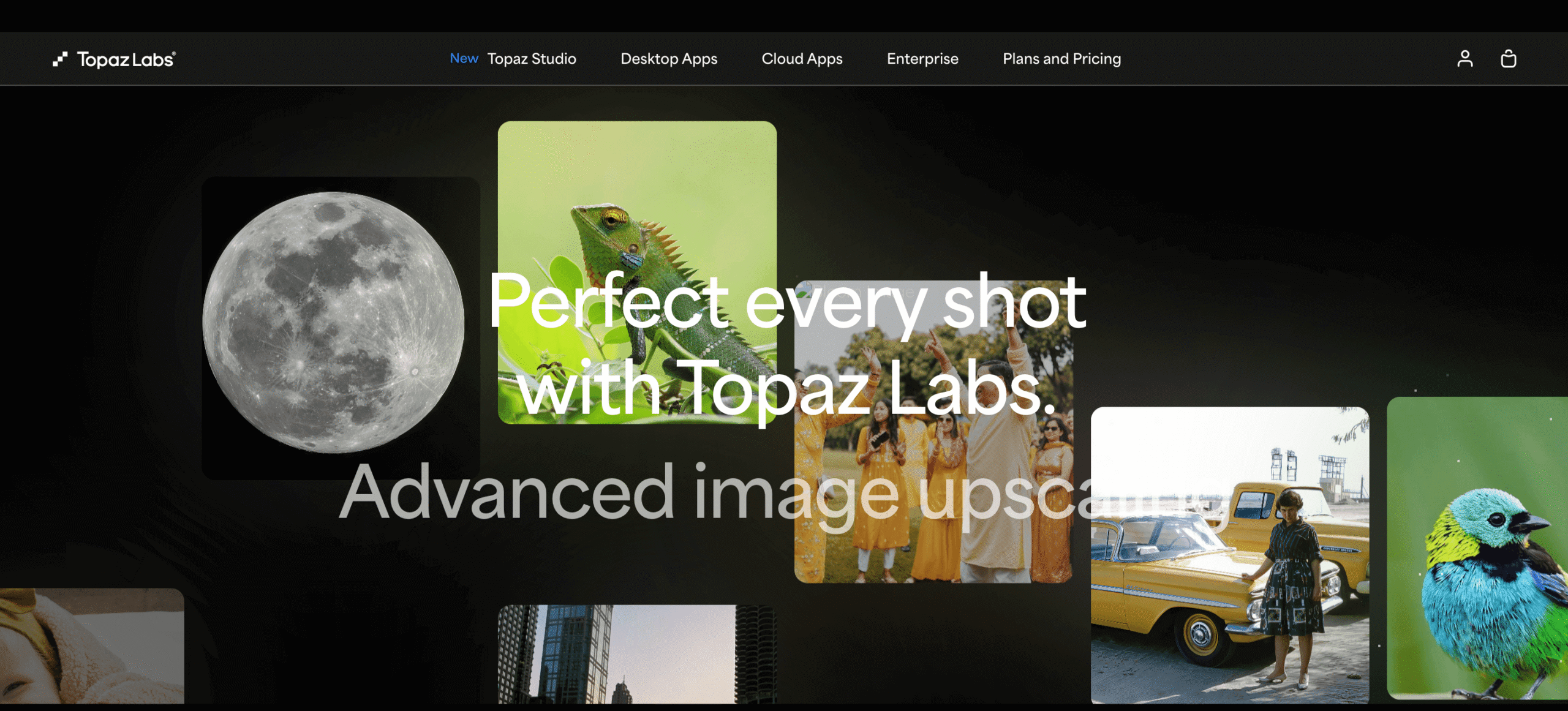
Topaz Labs made its reputation by cleaning up files, not by giving them a signature look. The software is strongest when a photo has noise, softness, low resolution, or video quality issues that need fixing before anything creative happens. That is why many photographers still put it among the best AI photo editing software for professional photographers in 2026.
The company also makes a strong point about realism. Its models are trained to improve what is already there, not replace it with synthetic-looking output, and the move toward local processing helps protect privacy. The NeuroStream engine is part of that story, since it brings heavier tools to regular hardware without forcing everything into the cloud.
Topaz stays flexible in another way too. A photographer can bring it in as a specialist layer inside an existing workflow rather than switching platforms completely. When files need rescue work more than they need a background remover, Topaz is often the stronger bet.
Impossible Things takes a Lightroom-native route and avoids one of the biggest sticking points in AI editing: long custom model training. Instead, it adapts preset behavior using a large DNG-based dataset and works directly with the photographer’s existing look. That makes it appealing to anyone who wants the leading AI editing tools for working photographers without spending days teaching the software from scratch.
Its feature set is clearly shaped by real-world shooting conditions. Shot similarity recognition, adaptive noise reduction, lens correction, masking, and the Intelligence slider all aim at consistency across mixed light and difficult scenes. The system also supports artist-tuned presets from known photographers, which adds another layer of refinement.
The subscription is positioned as premium, but the value case is time and continuity. Images are processed through secure servers and deleted immediately after processing, which helps address privacy concerns. For photographers who want smart batch behavior with a Lightroom feel, Impossible Things is one of the top AI image editors for photographers in 2026.
Aperty narrows its focus to portrait retouching, and that focus is its advantage. Skylum built it around the idea that hours of skin work, blemish cleanup, and under-eye correction can be compressed dramatically without making faces look fake. For any portrait studio or wedding photographer, that promise lands immediately.
The software runs as a standalone app and as a plug-in for Photoshop, Lightroom, and macOS Photos, which makes adoption easier. Newer updates have pushed harder into Lightroom integration and batch processing, and that matters for full-session consistency. It is not trying to be a general editor first — it is trying to solve one expensive bottleneck well.
Aperty also keeps its privacy language clear. Processing happens on device, user photos are not used for training, and the system is framed as an assistant rather than a replacement. For photographers who need the professional AI editing platforms but care most about faces, it is a sharp specialist.
Choosing The Right Fit For Your Workflow
The best choice usually comes down to the part of the job that keeps eating your hours. If the real drag is sorting thousands of near-duplicates, Aftershoot or FilterPixel may do more for your business than another retouching app. If your workflow depends on fast Lightroom batches and a steady look across full galleries, Imagen AI, Neurapix, and Impossible Things are worth a close look as the top AI photo editing tools for professional photographers in 2026.
Not every photographer needs one big editing app. A lot of the time, the better setup is a mix: one tool to sort the shoot, one to handle the bulk edits, and one for skin or portrait work. The best AI photo editing tools for professional photographers in 2026 are the ones that slide into your routine easily and take the boring, repetitive part of the job off your hands.
If you want to feature your AI photo editing tool on this list, email us or submit a form in the Top Choices section. After a thorough assessment, we’ll decide whether it’s a valuable addition.