How To Cancel Crunchyroll Membership And Stop The Charges In 2026
Josh Walker
Freelance writer
21.09.2026
To cancel Crunchyroll on the web, sign in at crunchyroll.com, click your profile picture, open Settings, then Membership Info, then Cancel Subscription, and keep clicking through until you reach the final confirmation.
That last screen is the one that matters. Crunchyroll puts several retention offers in front of it, and closing the tab before the final confirmation leaves the membership running. You keep premium access until the end of the billing period you have already paid for.
If you subscribed inside an app or through a TV platform, none of that applies. Apple, Google, Roku, Amazon and PlayStation each hold their own billing, and nothing you click inside Crunchyroll will stop a charge one of them is making.
Two changes in 2026 are why a lot of people are cancelling right now. Crunchyroll discontinued its free ad-supported tier in early 2026, so there is no longer a free option to fall back to. Then in February it raised every plan, with the new prices taking effect on each subscriber’s next billing date after 4 March 2026. The Fan tier went from $7.99 to $9.99 a month, its first US increase since 2019.
Crunchyroll is sold through more channels than most streaming services, and cancelling in the wrong one changes nothing. Your most recent receipt settles it in seconds.
Who is billing you
How to tell
Where to cancel
Crunchyroll directly
Receipt from Crunchyroll, and Membership Info in Settings shows a renewal date and a cancel option
crunchyroll.com, Settings, Membership Info
Apple
Receipt from apple.com, statement shows APPLE.COM/BILL. You subscribed in the iOS app
iPhone or iPad Settings, your name, Subscriptions
Google Play
Receipt from Google Play. You subscribed in the Android app
Play Store app, profile icon, Payments and subscriptions
Amazon
Crunchyroll appears as a Prime Video channel on your Amazon account
Amazon account, Your Subscriptions, unsubscribe from the Crunchyroll add-on
Roku
The charge appears on your Roku account rather than a card statement from Crunchyroll
Highlight Crunchyroll on the Roku home screen, press the Star button, Manage subscription
PlayStation
Charge from PlayStation Network
PlayStation account settings, Subscriptions
Xbox Game Pass perk
You redeemed a Mega Fan trial through the Game Pass Perks gallery
Microsoft account services and subscriptions, or it simply expires
If Membership Info on the website shows your plan but offers no cancel button, that is the tell: someone else is billing you, and the page is read-only.
How To Cancel Crunchyroll On The Website
Sign in at crunchyroll.com in a browser. Use the account the receipts go to. The mobile apps cannot cancel a web subscription, so a browser is the route even on a phone.
Click your profile picture in the top right and choose Settings.
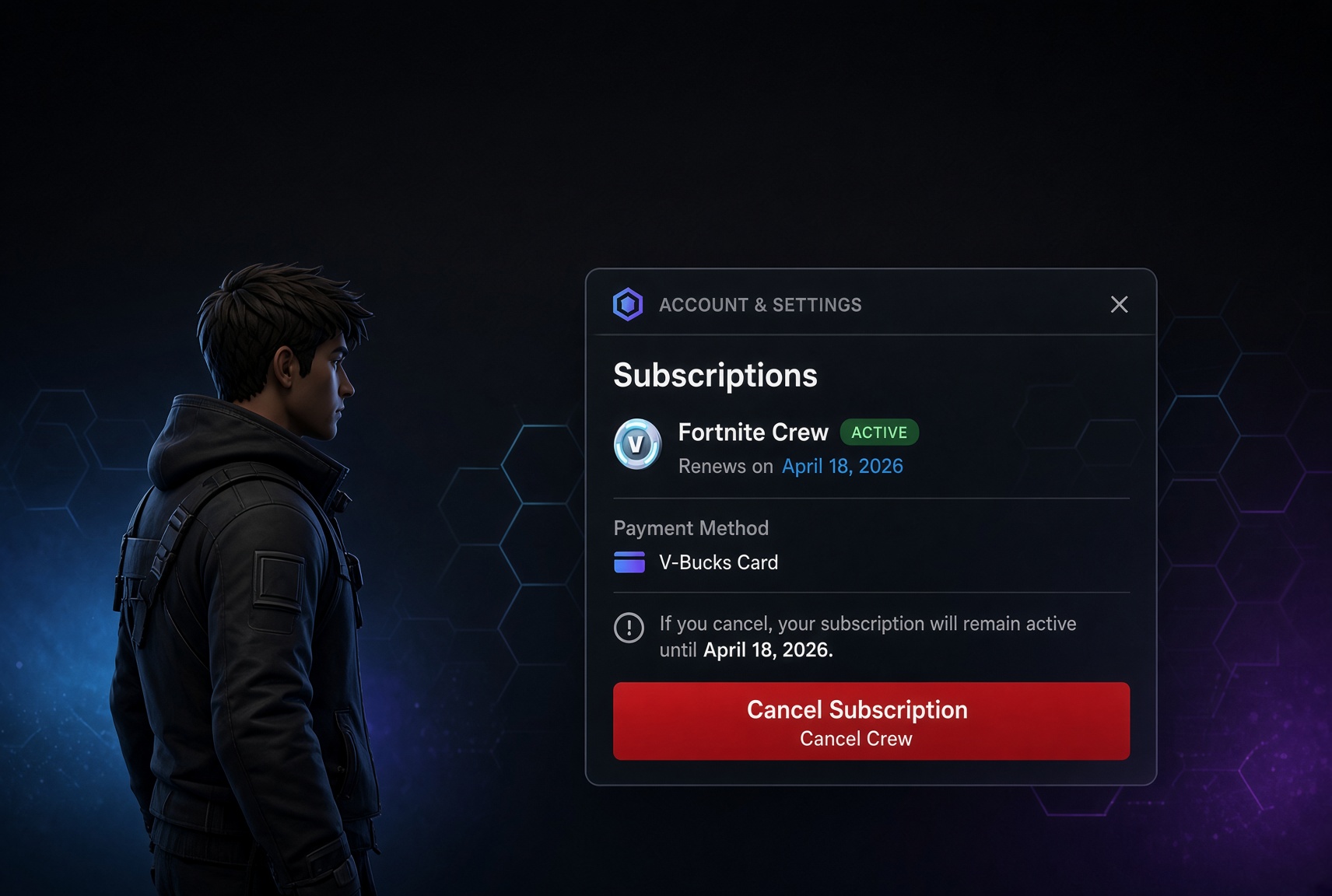
Open Membership Info. You will see your current plan, the renewal date and the payment method.
Click Cancel Subscription.
Work through the retention screens. Crunchyroll will offer reasons to stay, and may offer a discount or a pause. None of those is a cancellation.
Click the final confirmation, usually worded along the lines of “No thanks, Finish Cancellation”. Until you click this, nothing has changed.
Check Membership Info again. It should now show an end date rather than a renewal date. Screenshot it and keep the confirmation email.
Cancel the day you decide rather than waiting for the renewal date. Your access runs to the end of the paid period either way, so there is nothing to gain by leaving it and a real risk of forgetting.
Cancelling Through Apple, Google, Roku, Amazon Or PlayStation
Each of these platforms holds the subscription itself. Crunchyroll support cannot cancel it for you and cannot refund it either.
Apple. Open the Settings app on your iPhone or iPad, tap your name, tap Subscriptions, select Crunchyroll and choose Cancel Subscription. The screen should then show an expiry date.
Google Play. Open the Play Store app, tap your profile icon, then Payments and subscriptions, then Subscriptions. Select Crunchyroll and cancel.
Amazon. Crunchyroll sold through Amazon is a Prime Video channel. Go to your Amazon account, open Your Subscriptions, and unsubscribe from the Crunchyroll add-on.
Roku. Highlight the Crunchyroll channel on your Roku home screen, press the Star button on the remote, and choose to manage or cancel the subscription.
PlayStation. Open your account settings on the console or the web, find Subscriptions, and cancel from there.
Refunds for any of these go through that platform under its own policy, not through Crunchyroll. Apple handles its through reportaproblem.apple.com, and Google through the Play Store.
The Confirmation Screen People Miss
This is the single most common reason someone cancels Crunchyroll and gets charged anyway. The flow is several screens long and the wording of the final button is deliberately unappealing, because it is phrased as declining an offer rather than confirming a cancellation.
What you click
What it actually does
Cancel Subscription
Starts the flow. Nothing is cancelled yet
A reason from the survey
Moves you along. Still not cancelled
A discount or pause offer, accepted
Keeps the membership on a different footing. Not a cancellation
Keep my membership
Exits with nothing changed
No thanks, Finish Cancellation
This is the cancellation. The page should then show an end date
The test is simple. If Membership Info still shows a renewal date, you are still subscribed, whatever you clicked on the way through.
What Happens After You Cancel
Premium features run to the end of the billing period you have already paid for, then stop. Your account itself stays, along with your watchlist, watch history, queue and preferences, so resubscribing later picks up where you left off.
What you lose at the end date: ad-free viewing, simulcasts an hour after they air in Japan, offline downloads, extra concurrent streams, the Game Vault on Mega Fan and above, and Crunchyroll Manga plus 4K on Ultimate Fan. Offline downloads stop playing once the membership lapses, so anything you saved for a flight is not usable afterwards.
The important change in 2026 is what you fall back to. There is no longer a free ad-supported tier to drop into, so lapsing means losing access to the catalogue rather than downgrading to a lesser version of it.
The 2026 Price Rise And The End Of The Free Tier
Crunchyroll made two changes in quick succession in early 2026. First it discontinued the free ad-supported plan. Then, in February, it announced a price increase across every paid tier, applied to each subscriber from their next billing date after 4 March 2026.
Tier
Was
Now
Annual
Fan
$7.99 a month
$9.99 a month
$99.99 a year
Mega Fan
$11.99 a month
$13.99 a month
$139.99 a year
Ultimate Fan
$15.99 a month
$17.99 a month
$179.99 a year
That is the first increase to the US Fan tier since 2019, and roughly a 25 per cent rise on the entry plan. Crunchyroll also ran a limited-time annual Fan offer at $66.99 for the year, which works out at about $5.58 a month, so it is worth checking whether a promotional annual price is available before you cancel outright.
Downgrading Instead Of Cancelling
If the price rise rather than the service is the problem, moving down a tier keeps the catalogue and cuts the bill. The difference between tiers is mostly about how many people watch at once and what extras come attached, not what you can watch.
Tier
Monthly
Streams
What it adds
Fan
$9.99
1
Ad-free, full library, simulcasts, offline viewing on one device, 5% store discount
Mega Fan
$13.99
4
Game Vault, offline on multiple devices, 10% store discount, priority event access
Ultimate Fan
$17.99
6
4K on select titles, Crunchyroll Manga, annual swag bag, 15% store discount
Annual billing saves roughly 16 per cent against monthly on every tier. It also locks you in for a year, which is the wrong trade if you are reading a cancellation guide.
Crunchyroll Refunds
Crunchyroll does not publish a self-serve refund button. Cancelling stops the next charge; it does not return the one already taken, and by default you simply keep access until the period ends.
Where a refund is worth asking for is a charge you did not intend: an annual renewal you meant to cancel, a trial that converted while you were away, or a duplicate subscription. Contact Crunchyroll support through the help centre, state the charge date and amount, say you have not used the service since that charge, and ask directly. Move quickly, because the case weakens the longer the period runs and the more you watch.
If Apple, Google, Roku, Amazon or PlayStation took the money, they own the refund decision and Crunchyroll cannot help. Apple’s window is generally narrow and handled at reportaproblem.apple.com.
Cancelling, Lapsing And Deleting Are Not The Same Thing
Action
What it does
What it does not do
Cancel the membership
Stops the next charge, keeps access to the end of the paid period
Does not refund the current period or remove your account
Let it lapse
Premium features stop at the end date, account and watchlist stay
Does not stop a membership that is still active
Delete the app
Frees space on your phone
Does nothing at all to the billing
Delete the account
Permanently removes the account and everything on it
Requires the subscription to be cancelled first, and cannot be undone
If you want the account gone as well, cancel first and then follow our guide to deleting a Crunchyroll account. Deletion will not proceed while a membership is active.
You stopped before the final confirmation, or a second subscription exists on another billing channel
Reopen Membership Info and check for an end date, then check your App Store, Play Store, Roku and Amazon subscriptions
No Cancel Subscription button
The membership is billed by Apple, Google, Roku, Amazon or PlayStation
Cancel at whichever platform sent the receipt. The Crunchyroll page is read-only for those
Cannot cancel in the mobile app
The apps do not manage web billing
Open crunchyroll.com in a browser, including on a phone
Cancelled but still have premium
Working as intended until the end of the paid period
Check the end date on Membership Info. Only escalate if a charge lands after it
Cannot sign in to cancel
Account under a different email, often an old one used for a trial
Search your inboxes for the Crunchyroll receipt to find the right address, then reset the password
Cancellation page will not load
Browser extension blocking scripts
Retry in a clean browser window with extensions disabled, then contact support in writing
Frequently Asked Questions
How Do I Cancel My Crunchyroll Membership?
Sign in at crunchyroll.com, click your profile picture, open Settings, then Membership Info, then Cancel Subscription, and click through every screen until you reach the final confirmation. Membership Info should then show an end date rather than a renewal date.
Why Can’t I Find The Cancel Button On Crunchyroll?
Because someone else is billing you. Memberships bought through Apple, Google Play, Roku, Amazon or PlayStation are managed at that platform, and the Crunchyroll page shows the plan without a cancel option.
Do I Lose Access Immediately When I Cancel Crunchyroll?
No. Premium features run until the end of the billing period you have already paid for. Your account, watchlist and history stay afterwards even though the premium features stop.
Can I Still Watch Crunchyroll For Free After Cancelling?
Not as before. Crunchyroll discontinued its free ad-supported tier in early 2026, so lapsing no longer drops you onto a free version of the catalogue.
Can I Get A Refund From Crunchyroll?
There is no self-serve refund. Cancelling stops future charges only. For a charge you did not intend, such as an annual renewal or a converted trial, contact support quickly with the date and amount and ask. If Apple, Google, Roku or Amazon billed you, they decide, not Crunchyroll.
How Much Is Crunchyroll In 2026?
Fan is $9.99 a month or $99.99 a year, Mega Fan is $13.99 a month or $139.99 a year, and Ultimate Fan is $17.99 a month or $179.99 a year. Prices rose across all tiers from each subscriber’s first billing date after 4 March 2026.
Will Cancelling Delete My Watchlist And History?
No. Cancelling only ends the paid membership. Your account, watchlist, queue and watch history remain, and resubscribing restores premium access to all of it.
Can I Downgrade Instead Of Cancelling?
Yes. Moving from Ultimate Fan or Mega Fan down to Fan keeps the full catalogue ad-free and cuts the bill. The higher tiers mainly add concurrent streams, the Game Vault, manga and 4K rather than more anime.
What Happens To My Offline Downloads?
They stop playing when the membership ends. Downloads are licensed to an active premium account, so anything saved to your device is unusable once the paid period runs out.
Does Deleting The App Cancel My Subscription?
No. Removing the app, signing out or simply not watching has no effect on billing. Only a cancellation at whichever platform charges you stops the payments.
The Short Version
Check the receipt first. If Crunchyroll billed you, sign in at crunchyroll.com, go to Settings, then Membership Info, then Cancel Subscription, and keep going until you hit the final confirmation, because the retention screens in between do not cancel anything. Confirm that Membership Info now shows an end date.
If Apple, Google, Roku, Amazon or PlayStation billed you, cancel there instead. Access runs to the end of the period you paid for, your watchlist survives, and there is no longer a free tier to fall back to. If it is only the 2026 price rise that is bothering you, dropping to the Fan tier or taking an annual offer keeps the catalogue for less.