Most businesses no longer need convincing that AI tools are worth using.
The harder question is which ones, for what, and whether the thing they speed up was ever the bottleneck. A tool that writes marketing copy twice as fast is worth nothing to a company whose real constraint is that nobody can find last quarter’s contract.
This is a list of the best AI tools for business in 2026, organised by the job each one actually does. There is no single winner here, because the categories do not compete: an image generator and a CRM agent are not alternatives to each other. Find the job you need done, then read the entry.
Every tool below is in active development and in real commercial use. Where two products do roughly the same thing, we have picked one rather than listing both, and said who each suits.
AI Tools For Business At A Glance
Tool
Best for
Good to know
ChatGPT
General assistant
The default; widest plugin and integration ecosystem
Claude
Long documents and analysis
Handles large context; strong on careful reasoning
Google Gemini
Google Workspace teams
Sits inside Docs, Sheets and Gmail
Microsoft Copilot
Microsoft 365 teams
Sits inside Word, Excel, Outlook and Teams
Perplexity
Research with sources
Cites as it answers; useful for market intelligence
Otter.ai
Meeting transcription
Joins calls automatically and summarises
Grammarly
Writing and editing
Works across browser and desktop apps
DeepL
Translation
Document translation with formatting preserved
Canva Magic Studio
Design without designers
Brand kits keep non-designers on-brand
Midjourney
Image generation
Highest quality ceiling; steeper learning curve
Synthesia
Training and comms video
Avatar presenters; no filming required
ElevenLabs
Voice and audio
Voice cloning and multilingual narration
Gamma
Presentations
Generates full decks from a prompt
n8n
Workflow automation
Self-hostable; increasingly used to run AI agents
Glean
Search across your own tools
Respects existing file permissions
Salesforce Agentforce
CRM-embedded agents
Acts on Salesforce data directly
HubSpot Breeze
Marketing and sales
Built into the HubSpot CRM
Cursor
Software development
An editor, not a plugin; works across a codebase
Best AI Tools For Business In 2026
1. ChatGPT — The Default Everyone Already Knows How To Use
ChatGPT remains the tool most people mean when they say they are using AI at work. That ubiquity is itself the argument for it: onboarding cost is close to zero, because a good proportion of your team has already used it at home.
For business use the value sits in the breadth rather than any single feature — drafting, summarising, analysing a spreadsheet, working through a problem out loud. The business and enterprise tiers add administrative controls and keep your prompts out of model training, which is usually the detail that decides whether IT will approve it.
2. Claude — Built For Long Documents And Careful Analysis
Claude’s distinguishing characteristic is how much material it will hold in mind at once. Paste in a full contract, a quarter of board papers or a long research report and ask questions across the whole thing, rather than feeding it in sections and hoping the thread survives.
It tends to suit work where being wrong is expensive — legal review, policy drafting, financial analysis — because it is comparatively willing to say what it is uncertain about. Teams often end up running it alongside ChatGPT rather than instead of it, using each for different classes of task.
If your company runs on Google Workspace, Gemini is the AI tool with the shortest distance between capability and use. It appears inside the documents people already have open, which matters more than raw capability for teams that will not adopt a separate destination.
The practical wins are unglamorous and add up: summarising a thread before you reply, generating a first draft in the doc rather than pasting one in, pulling a table out of unstructured notes. Choose it on the basis of where your files live, not on benchmark scores.
Copilot is the same argument as Gemini, pointed at the other half of the market. For organisations standardised on Microsoft 365 it reaches the places work actually happens — a meeting recap in Teams, a formula explained in Excel, a document redrafted in Word.
Its strongest case is in Excel and Teams rather than in writing, where standalone assistants remain competitive. If you are weighing Copilot against Gemini, the honest deciding factor is which suite your data is already sitting in.
Perplexity is built around a constraint the general assistants treat as optional: every claim comes with a citation you can open. For competitive research, market sizing or checking a supplier, that turns an answer into something you can verify before repeating it to a client.
It is the right tool when the cost of being confidently wrong is high and the material is recent enough that a model’s training data would not cover it. Treat the citations as the product; the summary above them is the convenience.
Otter joins your calls, transcribes them, and produces a summary with action items attached to names. The benefit is not the transcript so much as the removal of the role — nobody has to sit in the meeting half-listening in order to write it up afterwards.
The thing to settle before rolling it out is consent and retention. Recording every internal conversation creates a searchable archive of things people said casually, and that is a policy decision rather than a software one.
7. Grammarly — One Writing Standard Across The Whole Company
Grammarly’s value to a business is consistency rather than correction. It runs everywhere people type — email, CRM notes, support replies, LinkedIn — which means the standard applies to the writing customers actually see, not just the writing that goes through marketing.
Business plans add a shared style guide and brand tones, so a support agent and a salesperson sound like the same company. That is a modest promise, delivered reliably, which is more than most AI tools for business manage.
DeepL has held its reputation among people who translate for a living, which is a harder audience than the general market. For businesses operating across languages it handles whole documents with formatting intact, rather than returning a wall of text you have to rebuild.
It is not a replacement for a human translator on anything contractual or regulated. It is a very good replacement for the internal step where somebody bilingual gets asked to “just have a quick look” at a forty-page deck.
Canva’s AI features matter because of where they sit. The people making a social post or a one-pager in most companies are not designers, and Magic Studio gives them generation, background removal and resizing inside the tool they were already going to use.
Brand kits are the part worth setting up properly. Locking fonts, colours and logos centrally is what stops the output looking like eleven different companies, and it is the difference between Canva helping and Canva creating cleanup work.
10. Midjourney — The Highest Ceiling For Image Quality
When the image itself is the deliverable — a campaign visual, a launch asset, something going on a billboard — Midjourney still produces the most striking results of the mainstream generators. It rewards people willing to learn how to direct it.
The trade-off is that it is a craft tool rather than a convenience one. If you need a serviceable illustration in ninety seconds inside an existing workflow, Canva will serve you better. If you need something genuinely good, this is where to go.
11. Synthesia — Training Video Without A Camera Crew
Synthesia turns a script into a presenter-led video using an AI avatar, in a long list of languages. Its clearest business case is internal: onboarding, compliance training, product updates — the videos that need to exist, need updating constantly, and never justified a production budget.
Because the video is generated from text, correcting a policy change means editing a sentence rather than rebooking a studio. That maintenance economics argument is stronger than anything about the avatars themselves.
12. ElevenLabs — Voice That Does Not Sound Synthetic
ElevenLabs is the reference point for AI speech, and the gap between it and traditional text-to-speech is large enough that listeners generally stop noticing. Businesses use it for narration, e-learning audio, IVR prompts and localised versions of existing recordings.
Voice cloning is the feature that needs a policy attached. Cloning a real person’s voice — an executive, a customer, a public figure — requires their explicit consent, and treating that as a formality is how a useful tool becomes a legal problem.
13. Gamma — Decks Built From A Prompt, Not A Template
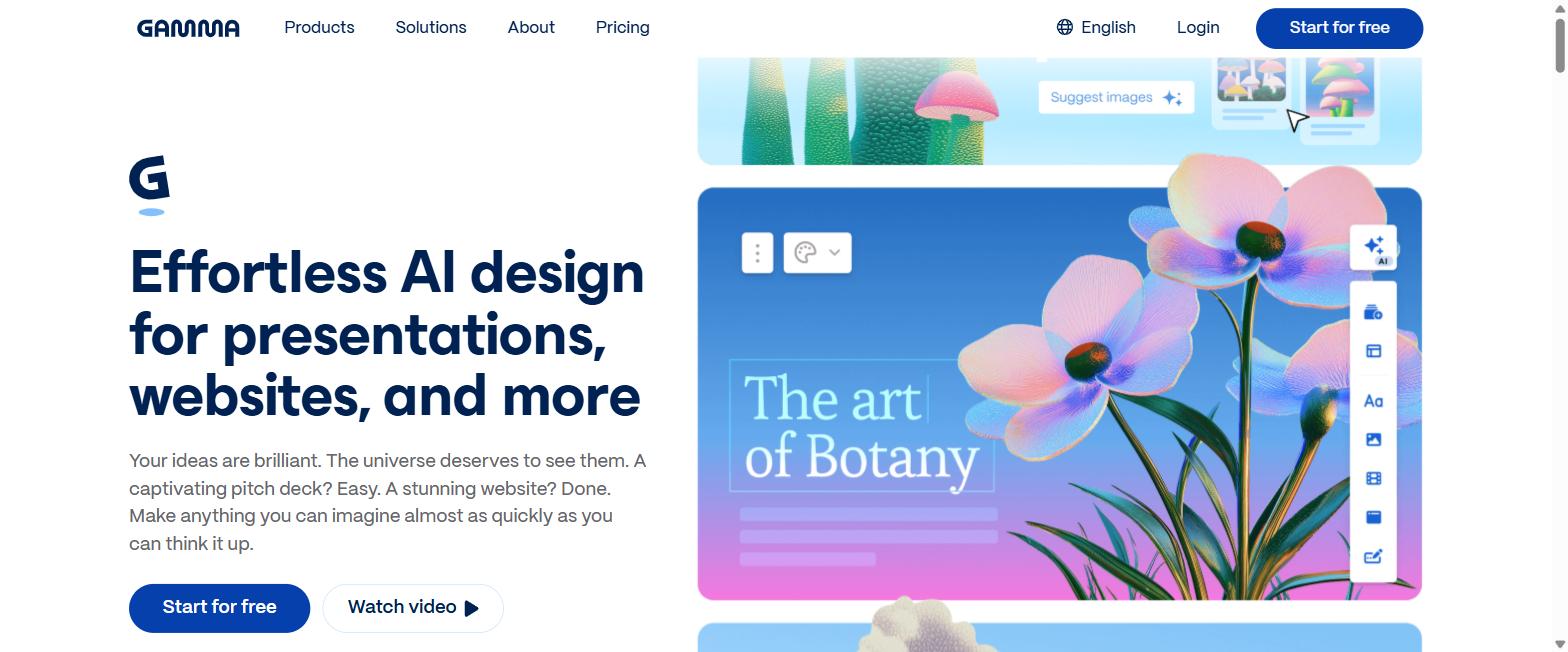
Gamma generates a complete presentation from a description or a pasted document, then lets you edit it as a living page rather than a grid of slides. For anyone who has spent an afternoon dragging text boxes into alignment, the time saved is immediately obvious.
It suits internal updates, pitches and workshop material. It is less suited to the deck that has to match a rigid corporate template to the millimetre, where you will fight it rather than use it.
n8n connects your systems to each other and, increasingly, runs the AI agents sitting between them. It has become the default choice for teams who want automation without their data passing through somebody else’s cloud, because it can run on your own infrastructure.
It asks more of you than a fully managed alternative — someone has to own the workflows — but it repays that with far more control over what happens to the data moving through them. For regulated industries that distinction is often decisive.
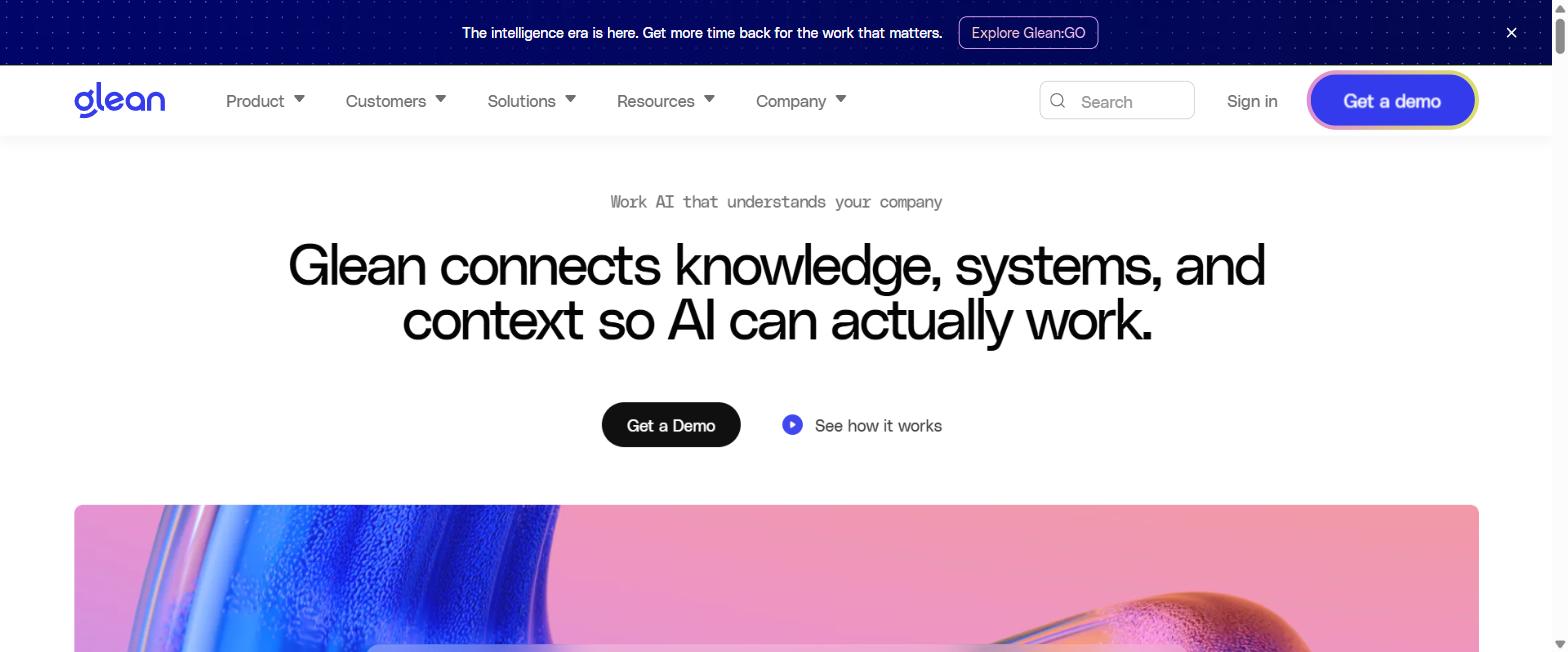
Glean indexes the tools your company already runs — email, chat, documents, tickets, wikis — and answers questions across all of them at once. It addresses the bottleneck most AI tools for business ignore entirely: not producing new material, but finding the material you already have.
Crucially it honours existing permissions, so people only see what they were already entitled to see. That is what makes it deployable across a whole organisation rather than one department.
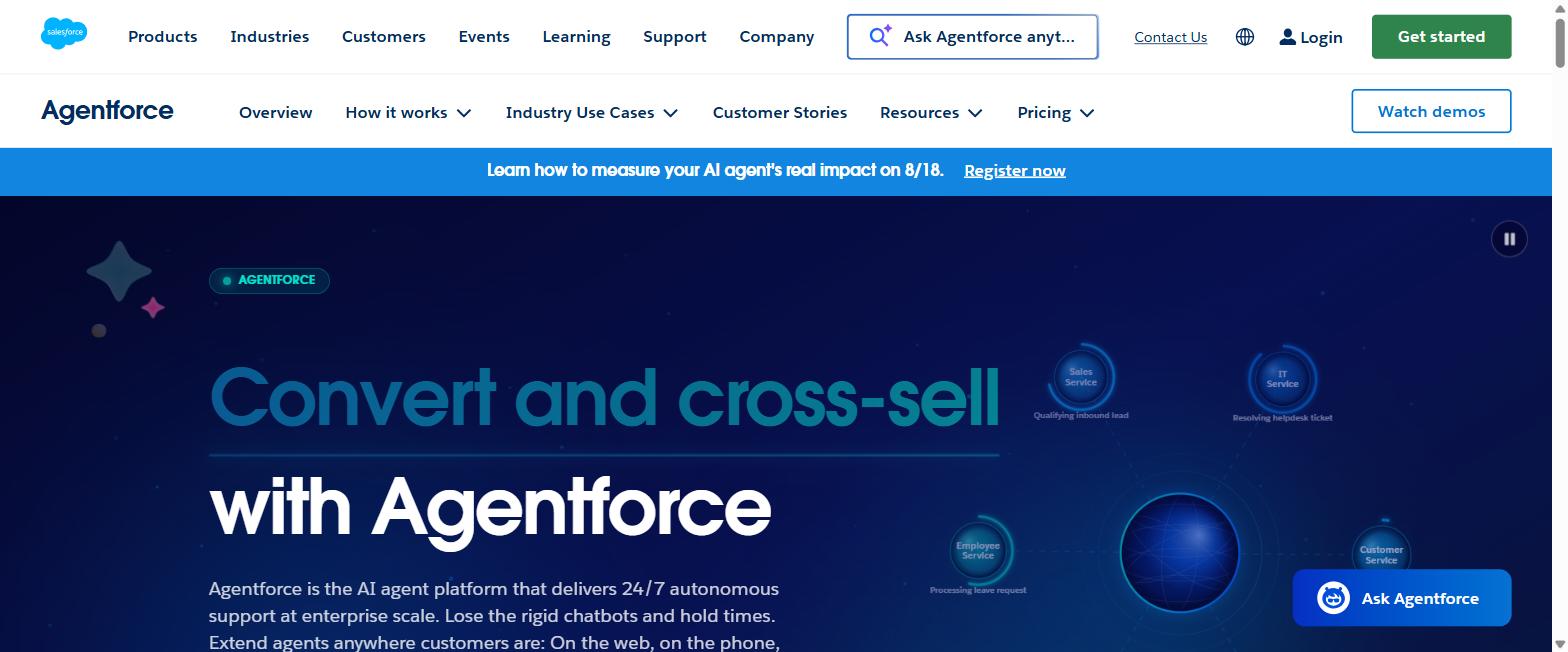
Agentforce puts autonomous agents directly against your Salesforce data, where they can qualify leads, answer service cases and take actions rather than just suggesting them. For companies already committed to Salesforce, that proximity to the record is the whole point.
The work is in the guardrails, not the setup. Deciding what an agent may do unsupervised, and where it must hand to a human, is the project — and it is a business design question long before it is a technical one.
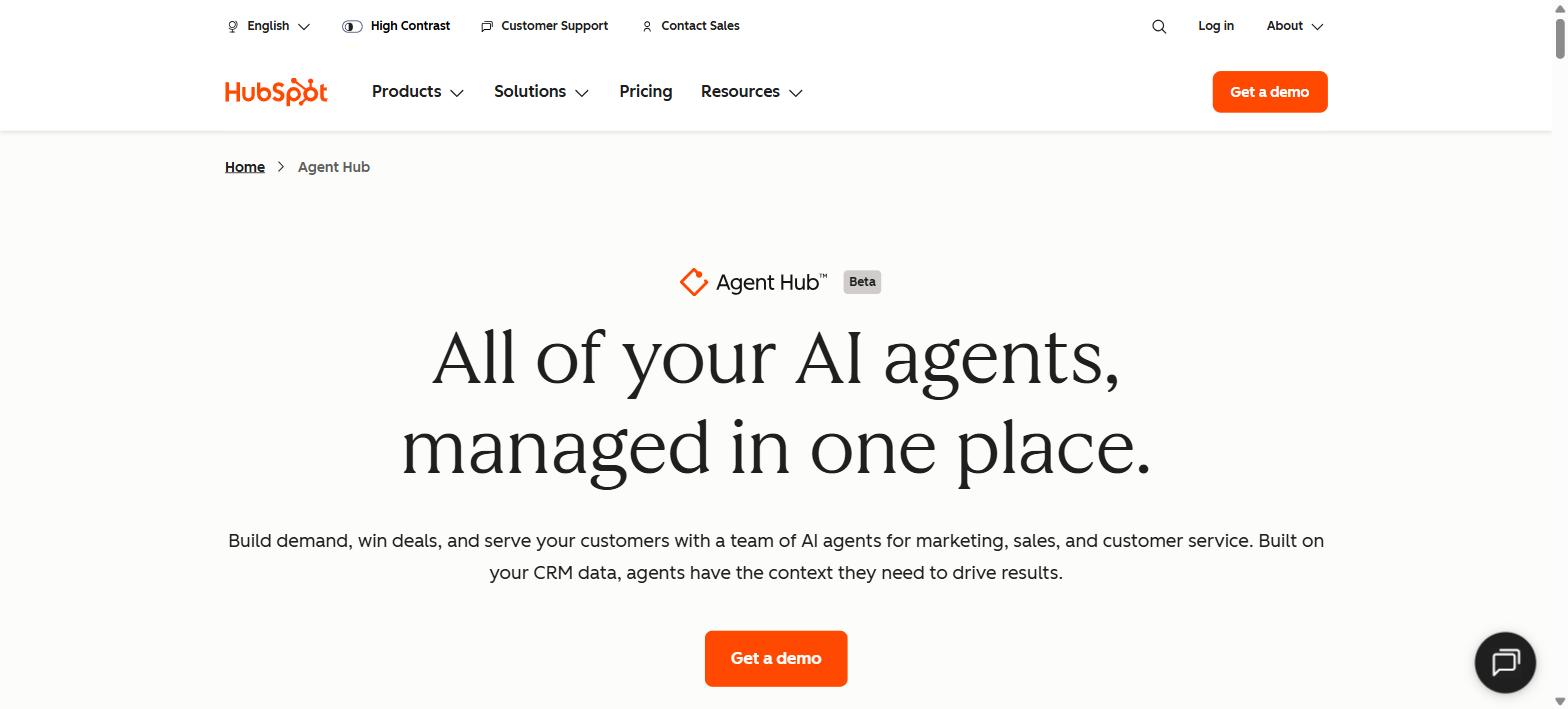
17. HubSpot Breeze — AI Where The Marketing Team Already Works
Breeze is HubSpot’s AI layer across marketing, sales and service — drafting outreach, scoring and enriching records, and handling routine customer questions without leaving the CRM. For mid-market teams already on HubSpot it removes the integration project entirely.
Its advantage over a general assistant is context: it can see the contact history, so a suggested email is informed by what that person has actually done. Its limitation is the same one — outside HubSpot, it does not apply.
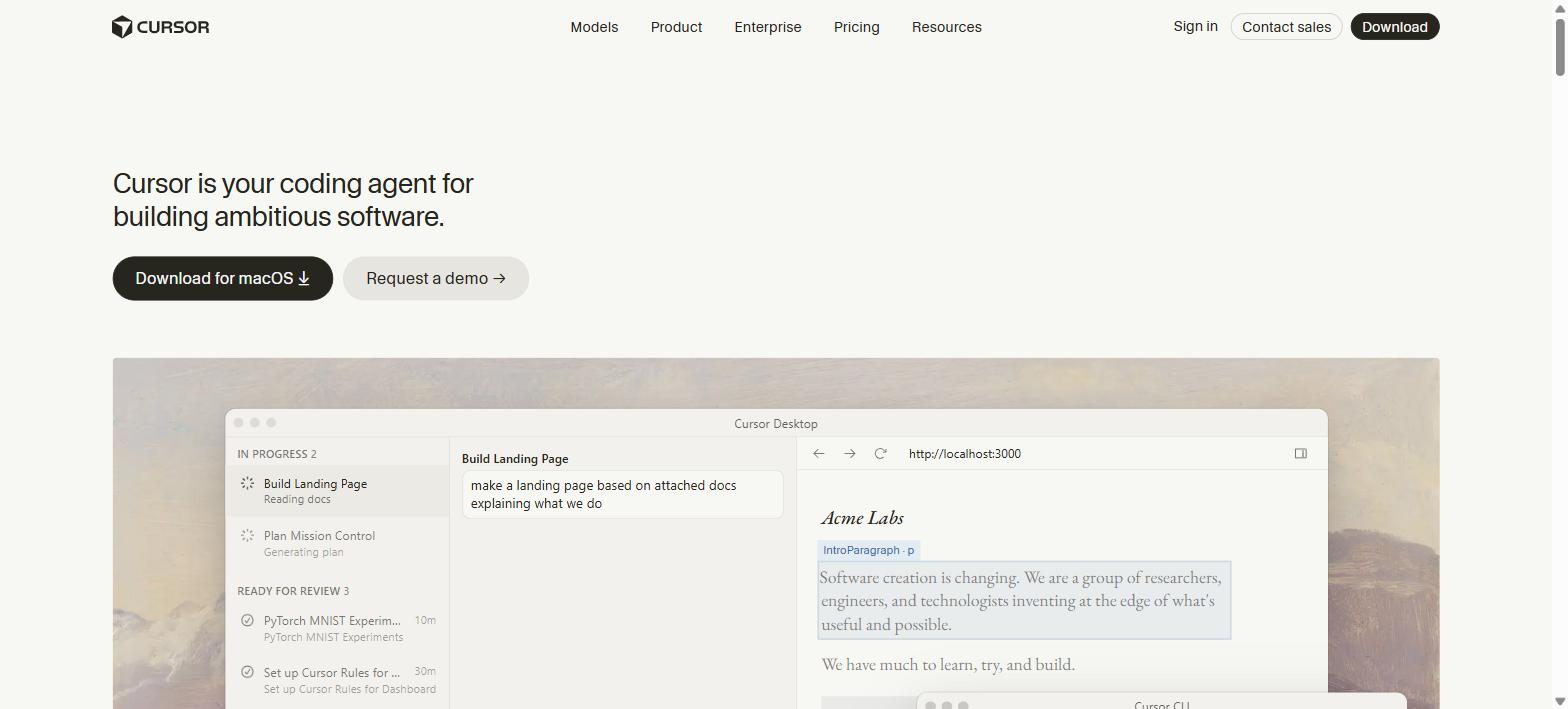
18. Cursor — The Editor Developers Actually Switched To
Cursor is a code editor with AI built into its foundations rather than bolted on, and it reasons across a whole codebase rather than the file in front of it. Adoption among professional developers has been unusually fast for a tool that asks people to change editors.
If your business builds software, this is the category where measurable time savings arrive soonest. If it does not, this is the one entry on the list you can safely skip.
How To Choose AI Tools For Business
Is The Job It Speeds Up Actually Your Bottleneck?
This is the question that decides whether any of this pays back. Making a fast process faster changes nothing downstream. Before buying, name the step where work actually queues — approvals, finding information, waiting on one person — and check the tool touches it.
Does It Work Where Your Team Already Works?
Adoption follows proximity. A capable tool that requires opening a new tab loses to a slightly worse one that appears inside the document, inbox or CRM people already have open. This is why the Workspace and Microsoft 365 answers usually beat the theoretically stronger standalone.
What Happens To Your Data?
Establish whether your inputs are used for training, where they are stored, and how long they are kept — and get it from the terms rather than the marketing page. Business and enterprise tiers usually differ sharply from consumer ones here, and that difference is often the entire reason to pay.
Who Owns It After The Pilot?
Most AI tools fail quietly rather than dramatically: the person who championed it moves on and nobody maintains the prompts, workflows or integrations. Name an owner before you start, and treat anything without one as a trial rather than a rollout.
Can You Tell Whether It Worked?
Decide the measure in advance — hours returned, tickets deflected, cycle time, error rate — and take a reading before you switch it on. Without a baseline, renewal conversations run on impressions, and impressions favour whichever tool is newest.
Conclusion
The best AI tools for business in 2026 are not the ones with the most capability but the ones that land closest to a real constraint and stay owned by somebody after the novelty passes. Most companies are better served by two or three tools used properly than by eighteen trialled and abandoned.
If you are starting from nothing, pick the assistant that matches your existing suite, add whichever of the specialist tools above addresses your loudest bottleneck, and measure both. Everything else on this list will still be here when you are ready for it.