How To Cancel Xbox Game Pass And Get A Refund In 2026
Max Dewod
Freelance Writer
17.09.2026
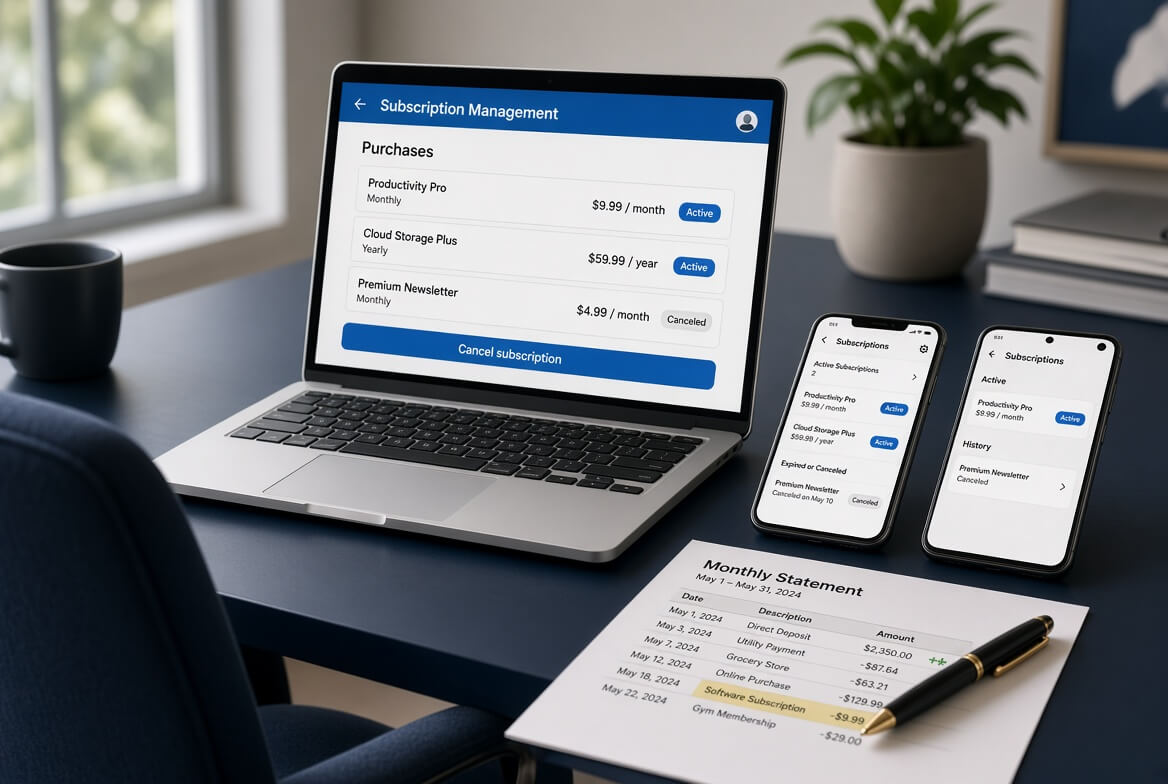
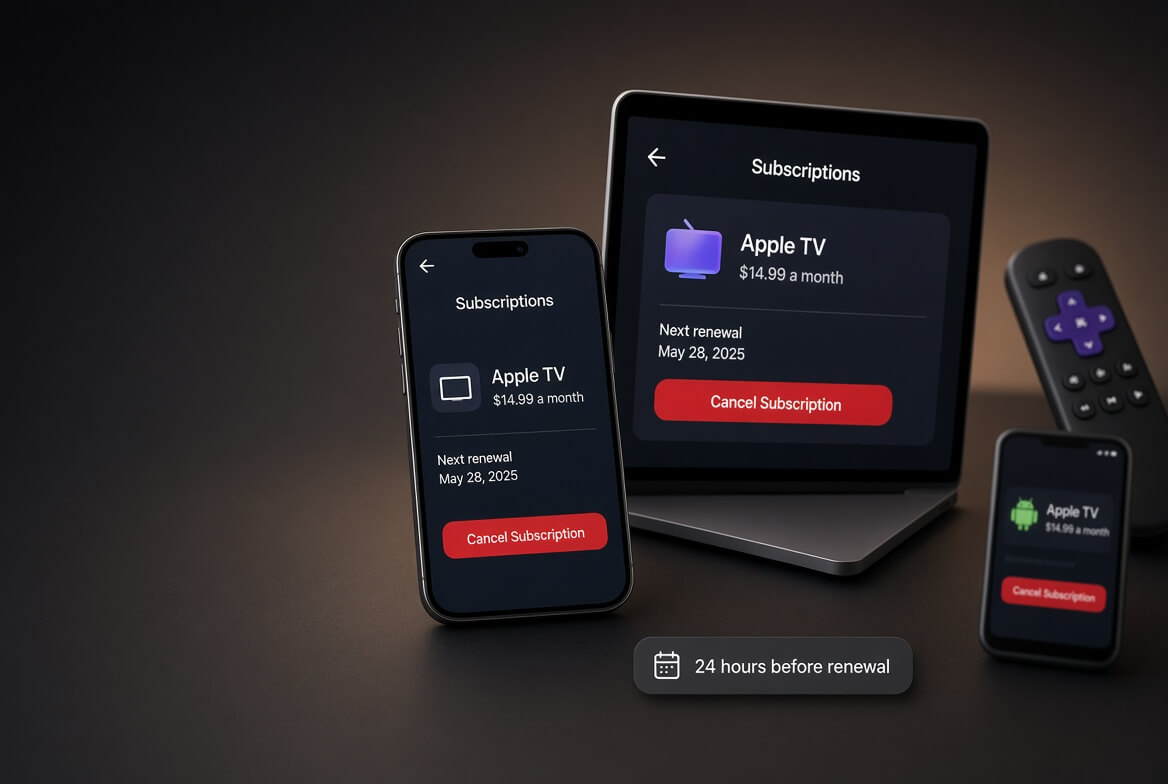
Go to account.microsoft.com/services, sign in, find Game Pass, click Manage, then Turn off recurring billing.
That is the option most people actually want. Microsoft treats it as different from Cancel, and the difference matters: turning off recurring billing lets the subscription run to its expiry date with full access, while Cancel ends the service before the current billing period is up. Same outcome for your card, very different outcome for the month you already paid for.
One useful shortcut. If that page shows Turn on recurring billing instead of a Manage option, you are already set to expire and there is nothing to do. You will not be charged again.
Game Pass also looks different in 2026 than it did a year ago. The late-2025 restructure renamed the tiers, Core became Essential, Standard became Premium, and Ultimate went through a price rise and a partial reversal. This guide covers the cancellation, what the tiers cost now, and what Microsoft will and will not refund.
Microsoft offers two different actions that both stop the payments, and picking the wrong one costs you the rest of the month you have paid for.
Action
What it does
When to use it
Turn off recurring billing
The subscription expires naturally at its end date. Microsoft’s own wording is that you can continue to use it as normal until then
Almost always. You keep what you paid for and no further charges happen
Cancel
Terminates the service before the current billing period ends
Only if you want it gone immediately, usually alongside a refund request
Nothing, because it shows “Turn on recurring billing”
Already set to expire
No action needed. You will not be charged again
If your only goal is to stop paying, turn off recurring billing and use the rest of the month.
How To Cancel Xbox Game Pass
Go to account.microsoft.com/services and sign in with the Microsoft account that holds the subscription, not whichever account is signed in on the console.
Find your Game Pass subscription in the Services and subscriptions list.
Click Manage. On some accounts this reads Upgrade or Cancel.
Choose Turn off recurring billing to let it run out, or Cancel to end it now.
Follow the prompts. Microsoft asks whether you want to keep your benefits until the end date or drop them immediately. Read that question rather than clicking through it.
Check the page again and confirm it now shows an expiry date, or the option to turn recurring billing back on. That is your confirmation.
You can reach the same billing system from an Xbox console under Settings, Account, Subscriptions, but the web route is the one Microsoft documents and the one that reliably shows both options. If you are troubleshooting, use the browser.
If a refund is due, Microsoft works it out automatically during this flow and offers it on screen. There is no separate claim form for subscriptions.
Prepaid Codes: Nothing To Cancel
If your subscription shows “Paid with pre-paid card” next to the expiry date, recurring billing cannot be switched on for it at all. There is no charge coming and nothing to cancel. It simply ends on the date shown, and you buy more time if you want it.
Prepaid retail codes are also outside Microsoft’s refund policy. They follow the return policy of the shop that sold them, so a code bought from a retailer is that retailer’s problem, not Microsoft’s. The same applies to gift card top-ups, which are not refundable.
What The Tiers Cost In 2026
The late-2025 restructure renamed the lineup. Core is gone, replaced by Essential at the entry level, and Standard became Premium. PC Game Pass survived as its own tier.
Tier
US monthly
Notes
Game Pass Essential
$9.99
The entry tier, formerly Core. Runs a $1 for 14 days intro offer
PC Game Pass
$13.99
PC only
Game Pass Premium
$14.99
Formerly Standard. Also runs the $1 for 14 days intro offer
Game Pass Ultimate
$22.99
No trial. Includes EA Play, Fortnite Crew and Ubisoft+ Classics
Ultimate is the tier with the eventful year. It rose sharply during the October 2025 restructure, to a level that drew enough complaint that Microsoft partially reversed it in April 2026, bringing it down to the current $22.99. If you cancelled during the higher-price period, it is worth re-checking the number before deciding you are done with it.
Worth knowing before you cancel Ultimate specifically: EA Play and Fortnite Crew come bundled with it. Cancelling Ultimate ends those too, and they are not cheaper bought separately.
Xbox Game Pass Refunds: The Real Rules
Microsoft’s subscription refund policy is narrower than people expect, and the detail that catches most is that it is largely a one-shot.
Situation
Refundable?
Condition
A new subscription you just started
Yes
Within 30 days of purchase, or before your first recurring billing date, whichever comes sooner
The renewal that just charged you
Sometimes
Cancel within 30 days of that payment. Limited to one refund per account per subscription product
Part of a month you will not use
No, in the US
Microsoft prorates only in a specific list of countries, and the US is not on it
A prepaid retail code
Not by Microsoft
The retailer’s return policy applies
Gift card or wallet top-up
No
Not refundable
The one-refund-per-product limit is the part worth remembering. If you have already had a Game Pass refund on that account once, the second request will not be granted no matter how quickly you file it.
Because eligibility is calculated inside the cancellation flow, the practical advice is simple: start the cancellation as soon as you spot an unwanted charge rather than waiting. If a refund is available, the offer appears while you are cancelling.
Refunding A Game Bought In The Microsoft Store
Separate policy, separate rules. Microsoft’s baseline position is that digital goods are not refundable unless the offer or the law says otherwise, and then it lists conditions that all have to hold at once:
Under two hours of total playtime, counted across all your devices. This is the hard limit.
The game was released more than 24 hours ago. Brand-new launches inside that window are not eligible.
It was not bought as part of a bundle.
Your diagnostic data setting is Full. This is the one nobody expects. On Basic, Microsoft cannot see your usage data, and it says plainly that this could result in the refund being denied.
You are signed in with the account that made the purchase.
The diagnostic data condition is worth checking before you file, because it is fixable. It sits in Windows privacy settings, and switching it to Full removes an easy reason for a decline.
What Happens When Game Pass Ends
Games from the catalogue stop being playable at the end date. They are licensed to the subscription, not owned, which is the whole bargain of the service.
Anything you bought outright is unaffected, including titles bought at the Game Pass member discount, which is one of the better reasons to use that discount before you cancel. Add-ons and DLC you purchased for a catalogue game also stay on your account, so if you buy the base game later the extras are still there.
Save data is not deleted when a subscription lapses, and picking a game back up after resubscribing or buying it is the normal experience. If a specific save matters to you, check how that game handles cloud saves before you let the subscription run out rather than after.
It is a prepaid subscription, or already set to expire
If it says “Paid with pre-paid card” or offers to turn recurring billing on, you are already done
Charged after cancelling
The charge was already in flight, or a second subscription exists
Check the services list for more than one Game Pass entry, then contact Microsoft support with the charge date
Refund not offered during cancellation
Outside the 30-day window, or a refund was already used on that product
The limit is one per account per subscription product.
Ask support only if you believe the dates support you
Game refund declined
Over two hours played, bundled purchase, or diagnostic data set to Basic
Check all the conditions above, fix the diagnostic setting, then reapply if you genuinely qualify
Cancelled but still have access
Working as intended if you chose to turn off recurring billing
Nothing. Access runs to the expiry date shown
Frequently Asked Questions
How Do I Cancel Xbox Game Pass?
Go to account.microsoft.com/services, sign in, find Game Pass, click Manage, and choose Turn off recurring billing to let it run to its end date, or Cancel to end it immediately. The page should then show an expiry date.
What Is The Difference Between Cancelling And Turning Off Recurring Billing?
Turning off recurring billing lets the subscription expire naturally, and you keep full access until then. Cancel terminates it before the current billing period ends. Both stop future charges, but only one lets you use the time you already paid for.
Can I Get A Refund On Xbox Game Pass?
Within 30 days of a new subscription, or before your first recurring charge, whichever is sooner. You can also request a refund on the most recent renewal if you cancel within 30 days of it, but that is limited to one refund per account per subscription product.
Does Microsoft Prorate Game Pass Refunds?
Not in the United States. Microsoft grants prorated refunds only in a specific list of countries, and the US is not among them, which is why turning off recurring billing and using the remaining time is usually the better move.
How Much Is Xbox Game Pass In 2026?
Game Pass Essential is $9.99 a month, PC Game Pass is $13.99, Game Pass Premium is $14.99 and Game Pass Ultimate is $22.99. Essential and Premium run a $1 for 14 days introductory offer.
What Happened To Xbox Game Pass Core?
It was renamed. The late-2025 restructure turned Core into Game Pass Essential and Standard into Game Pass Premium. PC Game Pass and Ultimate kept their names.
Can I Cancel A Prepaid Game Pass Code?
There is nothing to cancel. Prepaid subscriptions cannot have recurring billing enabled, so they simply expire on the date shown. Microsoft does not refund retail codes either, since those follow the selling retailer’s return policy.
Why Was My Xbox Game Refund Denied?
Most often over two hours of playtime across all devices, but also a game released less than 24 hours ago, a bundled purchase, or a diagnostic data setting of Basic rather than Full, which stops Microsoft seeing the usage data it checks.
Do I Lose My Games If I Cancel Game Pass?
Catalogue games stop working at the end date because they are licensed to the subscription. Anything you bought outright stays, including titles bought at the member discount, and DLC you purchased remains on your account.
Does Cancelling Ultimate Cancel EA Play And Fortnite Crew?
Yes. Both come bundled with Game Pass Ultimate rather than existing as separate subscriptions on your account, so they end when Ultimate does. There is nothing separate to cancel.
The Short Version
Go to account.microsoft.com/services, click Manage on Game Pass, and choose Turn off recurring billing rather than Cancel, so you keep the time you already paid for. If the page offers to turn recurring billing on, you are already set to expire and no action is needed.
Refunds run on 30 days and one per account per product, they are not prorated in the US, and prepaid codes are the retailer’s problem rather than Microsoft’s. If you are cancelling Ultimate, remember EA Play and Fortnite Crew go with it.