How To Cancel Disney Plus In 2026: Bundles, Partners, Refunds
David Roberts
Founder and CEO
04.10.2026
Short answer: sign in at disneyplus.com in a browser, select your profile icon, then Account, select your subscription under Subscriptions, and choose Cancel Subscription, then confirm. Do it before 11:59 p.m. Eastern Time on the day before your next billing date. If there is no Cancel Subscription button, Apple, Google, Roku, Amazon, Hulu, Verizon or your TV provider is billing you, and you cancel there instead.
Disney+ is simple to cancel when Disney bills you directly, and confusing almost everywhere else. The service is sold on its own, inside several Disney bundles, through app stores, through Hulu, and as a perk on phone, internet and cable plans. Each of those routes has its own cancel button, and the one inside the Disney+ app only works for the first.
This guide covers every route, explains what happens to a bundle when you drop one part of it, and sets out what you keep and lose after cancelling, including downloads, profiles and annual plan money.
First, Check Who Is Billing You
Where you cancel depends on where you pay. Find the Disney+ charge on your bank or card statement, or on your phone, internet or TV bill, before you do anything else.
What your statement or bill says
Who bills you
Where to cancel
DISNEY PLUS or DISNEYPLUS
Disney directly
disneyplus.com, then Account
HULU
Hulu (Disney+ came with your Hulu plan)
Your Hulu account page in a browser
APPLE.COM/BILL
Apple App Store
iPhone Settings, then your name, then Subscriptions
Disney raised US prices again on 23 September 2026. Disney+ Premium, the ad-free plan, went up $2.50 to $21.49 a month, and Disney+ Basic with ads went up 50 cents to $12.49. New subscribers paid the new prices straight away; existing subscribers move to them from a later billing date, after Disney sends notice by email. The price on your own Account page is the one that counts.
Plan (US)
Monthly price
Annual option
Ads
Disney+ Basic
$12.49
None
Yes
Disney+ Premium
$21.49
$214.99 a year
No
Disney+ and Hulu bundle, with ads
$12.99
None
Yes
Disney+ and Hulu Premium bundle
$21.99
None
No
Disney+, Hulu and ESPN Select, with ads
$21.99
None
Yes
Disney+, Hulu and ESPN Select, ad-free
$32.99
None
Mostly no
Disney+, Hulu and ESPN Unlimited
$35.99 or $44.99
None
Depends on tier
Disney+, Hulu and HBO Max
Check the price in your account
None
Depends on tier
Two things stand out. The Disney+ and Hulu bundle with ads costs only 50 cents more than Disney+ Basic alone, and the ad-free Hulu bundle costs 50 cents more than Disney+ Premium alone. If you are cancelling because of the September 2026 price increase, it is worth checking whether a different plan, rather than no plan, fits better. Every plan renews automatically until you cancel.
The Deadline That Decides Whether You Get Charged
Disney’s Subscriber Agreement sets a precise cutoff: you must cancel before 11:59 p.m. Eastern Time on the day before your next recurring billing date to avoid paying for the next period. Cancel on the billing date itself and you pay for another month, or another year on the annual plan.
Find your billing date first. It is on the Account page next to your subscription, and in your Disney+ receipt emails.
Convert the time zone. 11:59 p.m. Eastern is 8:59 p.m. Pacific, so West Coast subscribers have less of the evening than they think.
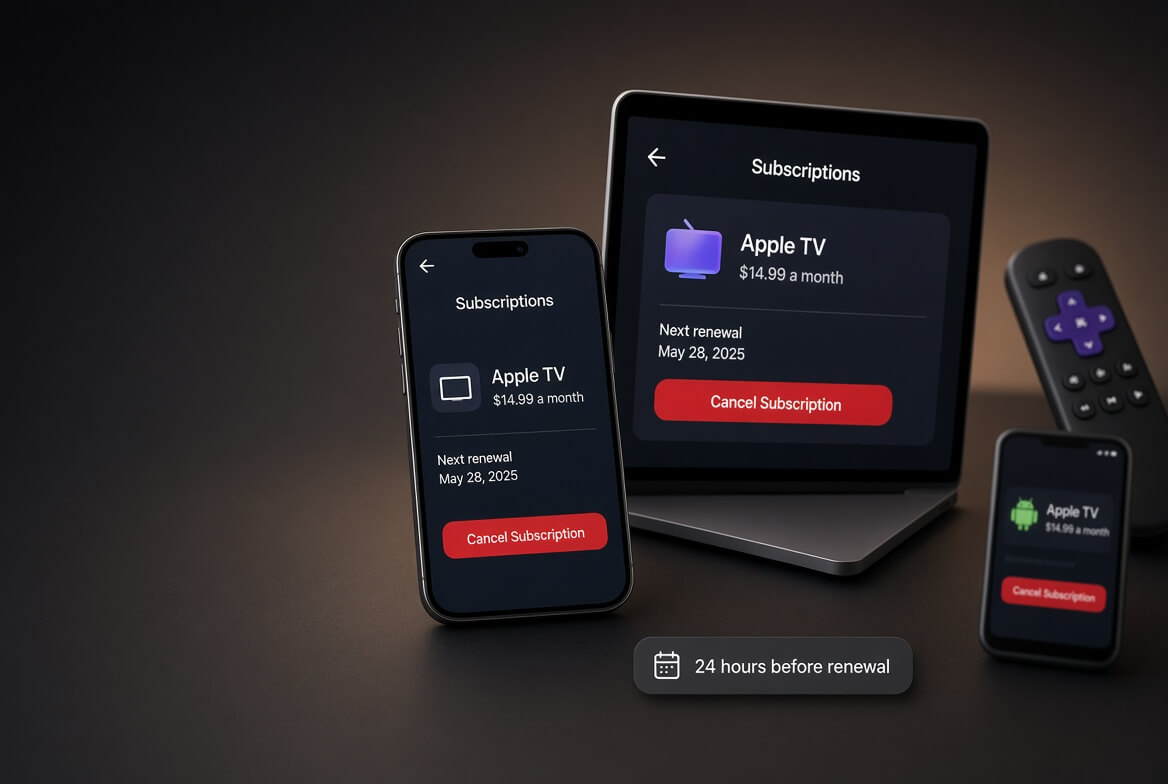
Partner billing follows partner rules. If Apple, Google, Roku, Amazon or a TV provider bills you, their deadline applies, not Disney’s. App stores generally ask for at least 24 hours before renewal.
Cancelling early costs you nothing. Access continues to the end of the period you have already paid for, so there is no reason to wait until the last day.
How To Cancel Disney Plus On The Website
This is the most reliable route when Disney bills you directly. It works in any desktop or mobile browser.
Sign in at disneyplus.com. Use the email address the subscription is under. Households often have more than one Disney account.
Select your profile icon at the top right, then Account.
Find the Subscriptions section and select your Disney+ plan or bundle. Note the next billing date shown here.
Select Cancel Subscription. If you only see a message about a partner, skip to the partner sections below.
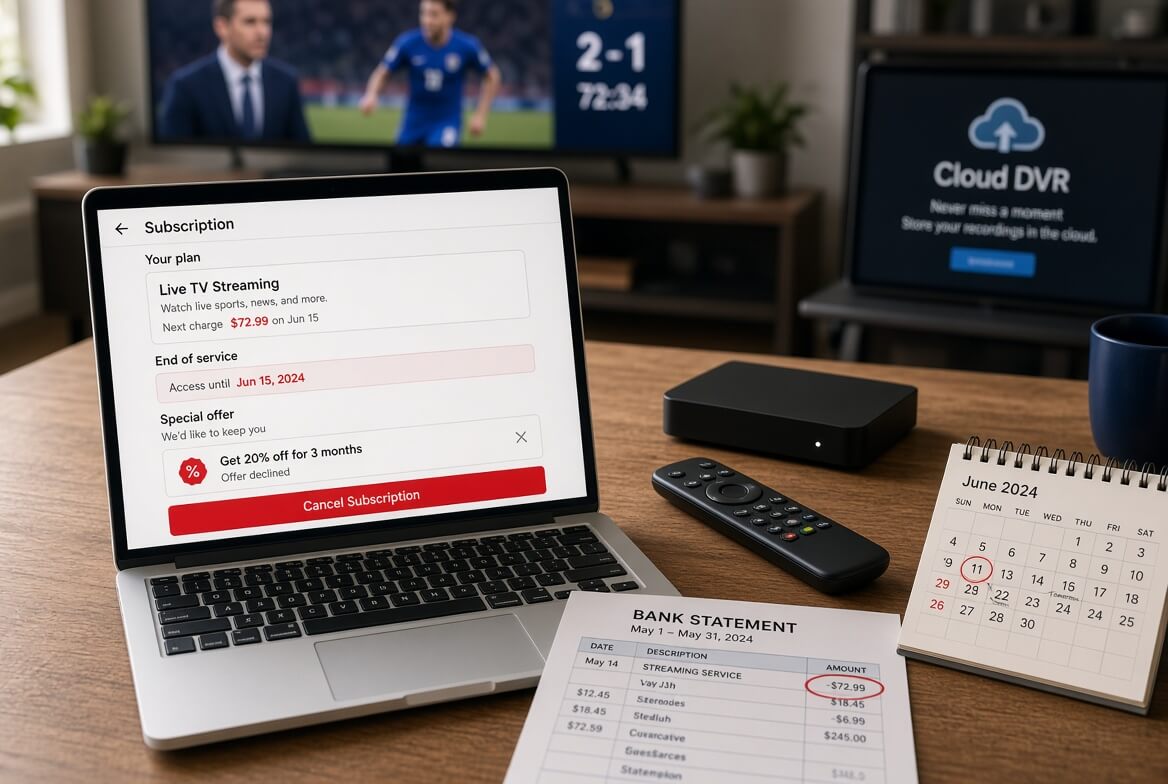
Work through the retention screens. Disney may offer a cheaper plan or a discount before you leave. Declining them does not cost you anything.
Choose a reason and confirm. Stopping on the reason screen leaves you subscribed.
Check for the confirmation email, and reload the Account page. It should show the date your access ends rather than a renewal date.
How To Cancel Disney Plus In The App
On a phone or tablet, open the Disney+ app, tap your profile icon in the bottom navigation bar, then Account, and select your subscription. If Disney bills you, the app usually hands you to the same cancellation flow as the website.
You cannot cancel from the Disney+ app on a smart TV, games console or streaming stick. Those apps only show account information. Use a phone or computer browser instead, or the device platform’s own subscription menu if the platform bills you.
How To Cancel Disney Plus On iPhone When Apple Bills You
If you subscribed inside the Disney+ app on an iPhone, iPad or Apple TV, Apple holds the subscription and Disney cannot end it for you. The tell is a charge reading APPLE.COM/BILL.
Open Settings on your iPhone or iPad.
Tap your name at the top, then Subscriptions.
Tap Disney+ in the Active list.
Tap Cancel Subscription and confirm.
Access runs to the end of the period Apple has charged for. Refund requests for Apple-billed subscriptions go to Apple, not Disney. If Disney+ does not appear in your list, check whether another Apple Account in the household paid for it.
How To Cancel Disney Plus On Android Through Google Play
Open the Google Play Store app, or play.google.com in a browser.
Tap your profile icon, then Payments and subscriptions, then Subscriptions.
Select Disney+.
Tap Cancel subscription and follow the prompts.
Uninstalling the app does not cancel anything. If Disney+ is not in your Play subscriptions, Disney or another partner bills you, so go back to the table at the top.
How To Cancel Disney Plus On Roku
Roku only bills you if you signed up through the Roku device itself. If you simply signed in to an existing Disney account on your Roku, cancel on the Disney+ website instead.
On the web: sign in at my.roku.com, open Manage your subscriptions, find Disney+ and choose Cancel subscription.
On the device: highlight the Disney+ channel on the home screen, press the star button on the remote, choose Manage subscription, then Cancel subscription.
Confirm, and look for the confirmation email from Roku.
How To Cancel Disney Plus On Amazon
If you subscribed through a Fire TV, Fire tablet or Amazon, the subscription lives in your Amazon account.
Sign in to amazon.com in a browser.
Open Account, then Memberships and Subscriptions (the Appstore subscriptions page lists app purchases).
Find Disney+ and choose Cancel subscription or turn off auto-renewal.
Confirm on the next screen.
How To Cancel A Disney Plus Bundle (Hulu, ESPN, HBO Max)
This is where most people get stuck. A Disney bundle is one subscription with one price, not three subscriptions sitting side by side. That has two consequences:
Cancelling the bundle ends every service in it. Cancel your Disney+, Hulu and ESPN bundle and Hulu and ESPN stop on the same date as Disney+.
You cannot cancel only one part. To drop Hulu, ESPN or HBO Max and keep Disney+, you change plan rather than cancel. On the Account page, select the bundle and look for the option to change or switch your plan, then choose standalone Disney+ Basic or Premium.
The reverse also applies. If you want to keep Hulu but drop Disney+, check the price first: the Disney+ and Hulu bundle costs only 50 cents a month more than either service alone, so leaving the bundle rarely saves much. In 2026 Disney is folding Hulu into the Disney+ app and retiring the separate Hulu app, which makes Disney+ the anchor of most bundles going forward.
HBO Max bundles add a twist. If you bought the Disney+, Hulu and HBO Max bundle from Disney, manage it from your Disney+ Account page. If you bought it from HBO Max, manage it from your HBO Max account. Look at who charges you, using the table at the top, before you start.
If Hulu Bills You For Disney Plus
Some older Hulu plans include Disney+, and the charge shows as HULU. In that case the Disney+ Account page will point you to Hulu.
Sign in to your Hulu account page in a browser.
To keep Hulu but lose Disney+, choose Manage Plan and switch to a plan without Disney+, if one is still offered. Disney has been retiring Hulu-led plans and add-ons through 2025 and 2026, so this choice may not appear.
To end everything, choose Cancel Your Subscription and confirm.
For more detail on Hulu-only plans, see our guide on how to cancel Hulu.
Verizon, Spectrum, Xfinity And Other Partners
When Disney+ arrives through a phone, internet or TV provider, that provider holds the billing. The Disney+ Account page will usually show a note naming the partner instead of a Cancel button.
Verizon. The Disney+, Hulu and ESPN perk on myPlan, myHome and some Verizon and Frontier internet plans rose from $10 to $12 a month in September 2026. Remove it in your Verizon account or through Verizon support. Verizon notes that if the perk replaced an older Verizon Disney subscription, removing the perk can restart the old one, so check your next bill.
Spectrum. Some Spectrum TV packages include Disney+ Basic at no separate charge. You cannot cancel that piece on its own; changing your TV package is the only way it goes.
Xfinity and other cable or fiber providers. Manage the add-on in the provider’s account portal or call them. Some Xfinity customers can also see the subscription on the Disney+ Account page.
One trap to avoid: activating a partner perk does not automatically cancel a Disney+ subscription you already pay for directly. Verizon says so on its own perk page. If you switch to a perk, cancel the direct subscription yourself or you will pay twice.
Cancelling An Annual Plan
Only Disney+ Premium has an annual option in the US, now $214.99 a year. You can cancel it at any time with the same steps as a monthly plan, but cancelling only stops the next renewal. You keep access until the end of the year you have paid for, and Disney does not refund the unused months.
That makes the timing simple: if you know you will not renew, cancel now and keep watching until the end date. The risk with annual plans is the reverse, forgetting the renewal date eleven months later. Cancelling early removes that risk entirely.
Is There A Disney Plus Free Trial To Cancel?
Not from Disney directly. Disney+ ended its standard free trial in the US years ago. Free periods now come from partners, such as phone plan promotions, and they convert to paid billing through that partner when they end.
Disney’s agreement says cancelling during a free trial or promotion can end access straight away, unless the offer says otherwise. If you want to use the whole free period, set a reminder for a few days before it ends rather than cancelling on day one.
What Happens After You Cancel Disney Plus
What you have
What happens after you cancel
Streaming access
Continues until the end of the paid billing period, then stops
Downloaded titles
Stop playing once the subscription ends, because downloads need an active plan
Profiles, watchlist and Continue Watching
Kept with your account, ready if you resubscribe
Hulu and ESPN in a bundle
End on the same date as Disney+
Extra Member add-on
Ends with the main subscription
Your Disney account
Stays open; it is also used for other Disney services
Finish what you have downloaded. Titles saved for a flight or a trip will not play after the end date.
Tell anyone on an Extra Member slot. Their access ends when yours does.
Resubscribing is instant. Sign in, pick a plan, and your profiles come back as they were, at whatever the current price is.
Cancel Disney Plus Or Delete Your Account?
Cancelling stops the payments. Deleting removes the account itself. Most people only need the first.
Cancel Disney+
Delete Disney account
Stops the Disney+ charge
Yes
Cancel first; deletion is not a substitute
Keeps profiles and watchlist
Yes
No
Affects other Disney services
No
Yes, the same login is used across Disney services
Partner billing (Apple, Roku, Verizon)
Must be cancelled with the partner
Still must be cancelled with the partner
Reversible
Yes, resubscribe any time
No
Where to do it
Account, then your subscription, then Cancel Subscription
Account, then Delete Account, confirmed with a code sent by email
If you do want to delete your Disney Plus account, cancel every subscription first, including any billed by Apple, Google, Roku, Amazon or a provider, and wait for each confirmation. Deleting the account does not reach into those partner billing systems.
Can You Get A Disney Plus Refund?
Usually not. Disney’s Subscriber Agreement says it does not refund or credit partially used billing periods, although it may make exceptions case by case at its own discretion. That applies to monthly and annual plans alike. Situations where asking is worthwhile:
You were charged just after cancelling. Contact Disney+ support through its help centre with your confirmation email. Disney can reverse charges at its discretion.
You were charged twice. A perk plus a direct subscription, or two Disney accounts, is a common cause. Cancel the duplicate first, then ask for a refund of the overlap.
You never authorised the charge. Report it to Disney+ support, and to your bank if the charge is not yours at all.
Apple, Google, Roku or Amazon billed you. Request the refund from that platform, which applies its own rules.
You live outside the US. Local consumer law can give rights the US terms do not, so check the rules where you live.
A chargeback with your bank should be the last step, not the first. Keep a screenshot of your cancellation confirmation; it is what support asks for.
Charged After Cancelling? Troubleshooting
Symptom
Likely cause
Fix
No Cancel Subscription button
A partner bills you, or you are on a TV app
Use a browser, then check the billing table at the top
Charged on the day you cancelled
You missed the 11:59 p.m. ET cutoff the day before billing
Contact support and ask for a discretionary refund; access runs to the new end date
Still charged months later
A second Disney account under another email
Sign in with every household email and check each Account page
Charged by Disney and Verizon
The perk did not replace your direct subscription
Cancel the direct subscription on disneyplus.com
Hulu and ESPN disappeared
You cancelled the bundle instead of changing plan
Resubscribe to the plan you want, or switch plans next time
Downloads will not play
The subscription has ended
Resubscribe, or stream elsewhere
Price went up and you did not change plan
The September 2026 price increase
Switch plan or cancel before the next billing date
Frequently Asked Questions
How do I cancel Disney Plus?
Sign in at disneyplus.com, select your profile icon, then Account, select your subscription and choose Cancel Subscription. Confirm on every screen until you see an end date.
Can you cancel Disney Plus at any time?
Yes. There is no contract or cancellation fee. To avoid the next charge, cancel before 11:59 p.m. Eastern Time on the day before your billing date.
How much is Disney Plus a month in 2026?
In the US, $12.49 a month for Basic with ads and $21.49 a month for Premium, or $214.99 a year for Premium, after the September 2026 price increase.
How do I cancel the Disney Plus bundle but keep Hulu?
Do not cancel; change plan instead from the Account page. Cancelling the bundle ends every service in it on the same date.
Can I cancel Disney Plus on my TV?
No. TV and console apps cannot cancel. Use a browser, or the Roku or Amazon account page if one of them bills you.
Will I get a refund if I cancel my annual plan?
Generally no. You keep access until the year ends, and Disney does not refund unused months except at its discretion.
Does cancelling Disney Plus delete my profiles?
No. Profiles and watchlists stay with your account. Only deleting the account removes them.
How do I delete my Disney Plus account?
Cancel every subscription first, then open Account in a browser, choose Delete Account and enter the code Disney emails you.
Why is Verizon still charging me for Disney Plus?
The perk sits on your Verizon account, so it has to be removed there. Cancelling on disneyplus.com does not affect it.
More Cancellation Guides
For a wider subscription clean-up, start with our guide on how to cancel subscriptions online, then work through the streaming services people most often double up on: