How To Cancel Subscriptions Online In 2026: iPhone, Android, PayPal And 65+ Service Guides
How to cancel subscriptions online in 2026 on iPhone, Android, PayPal or your bank, plus how-to guides for 45+ top brands.
Step-by-step guides to cancelling streaming services, software, memberships, meal kits, gaming and dating subscriptions, with the refund rules and billing traps for each. New guides appear here as soon as they are published.
How to cancel subscriptions online in 2026 on iPhone, Android, PayPal or your bank, plus how-to guides for 45+ top brands.

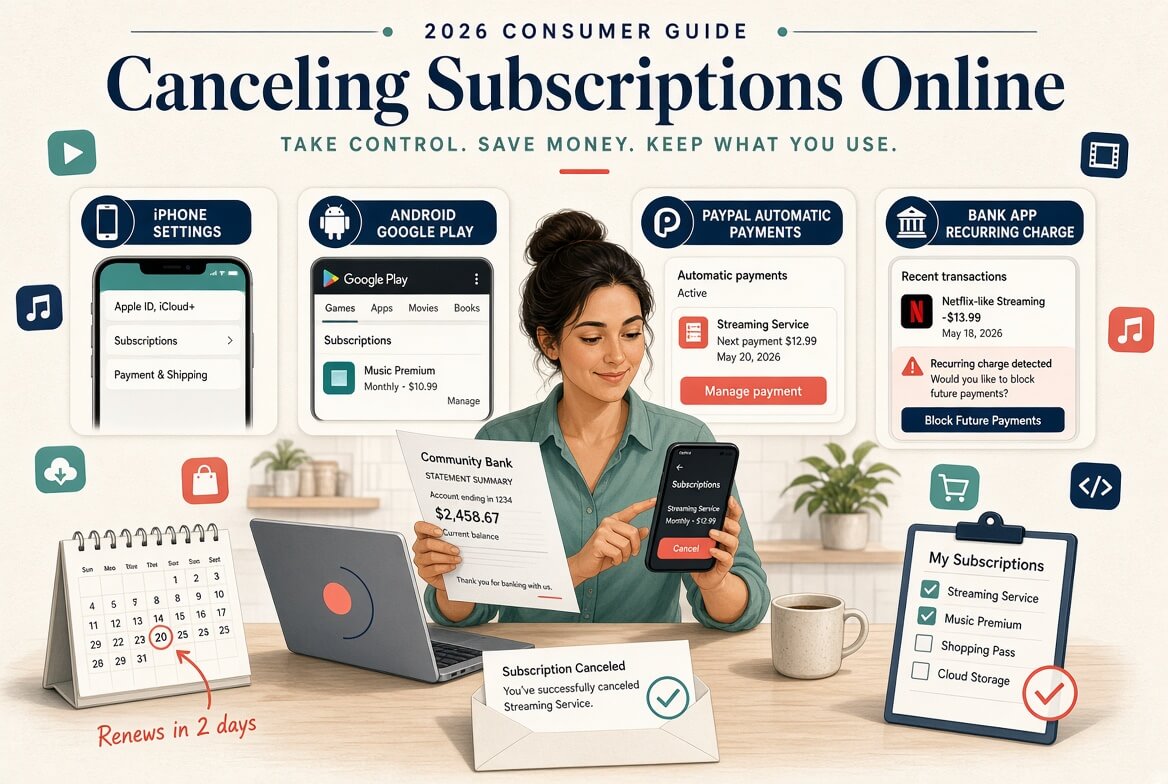
Check the subscriptions page in your Apple ID or Google Play account, your PayPal automatic payments list, and your card and bank statements for recurring charges. Our master guide to cancelling subscriptions online walks through each of these in order.
No. Removing an app from your phone does not stop billing. You have to cancel through whoever bills you, which may be the service itself, the App Store, Google Play, Amazon, your TV provider or a bundle partner.
It depends on the service and how you were billed. Many services let you keep access until the end of the paid period without a refund, while some offer prorated or full refunds within a set window. Each guide covers that service’s refund rules and how to ask.
Keep a record of every attempt, cancel through the original billing route, and turn off auto-renew where you can. If charges continue, contact your card issuer or the app store about the recurring payment.
Get your company considered for ReVerb’s lists, reviews and company showcase.