Top Team Project Management Tools For Extreme Productivity
Mary Plahonina
Head of Marketing - ReVerb
01.30.2023
This list compares project management tools for teams, with the key features of each tool and the kind of team it suits best.
According to the State of Project Management report by Wellingtone, only 23% of organizations use project management software.
Project management is not easy, especially when a bunch of team members is involved, from designers to engineers and marketers. Also, as the remote and work-from-home culture is increasing, managing teams effectively becomes even more challenging. Well, that’s where project management tools come in handy.
Project management tools help teams communicate and collaborate more effectively. They enable employees to stay on the same wavelength and achieve extreme productivity by offering features like managing workload, tracking project progress, scheduling meetings, etc., to complete projects on time.
Good project management software should be user-friendly, scalable, customizable, and collaborative. Today, with thousands of solutions available on the market, finding a best-bit workflow automation and project progress-tracking tool for your team might be exhausting.
Therefore, to facilitate your choice, we have compiled a list of some of the top team project management tools, keeping all the above aspects in mind. The list comprehensively covers their crucial features, use cases, and pricing to help you make a better decision.
So, without further ado, let’s look at the project management software market leaders.
Proving its highest level of quality and standards daily, Trello is among the top project management tools with over 4.75 million users. It is a Kanban-based collaboration software developed by Trello enterprises, a subsidiary of Atlassian. The program is well-suited for all types of projects and teams serving content, marketing, sales tracking, and agile management purposes. To complement project management tools like Trello, using a time card app can be invaluable. It not only tracks project progress but also records the hours each team member contributes, ensuring accurate billing and productivity analysis.
Key features and use cases:
Boards: Keep tasks organized and in sight of all the members.
Lists: Create lists for every kind of task using a user-friendly list-making style.
Cards: Create cards like Members, Due dates, Attachments, and Checklists.
Integrations: Integrate with different apps and services like Slack, Outlook, Gmail, Jira, and much more.
Pricing:
Free: For individuals and teams looking to organize a small project.
Standard: $5 per user/month if billed annually ($6 monthly). Well-suited for small teams.
Premium: $10 per user/month if billed annually ($12.5 monthly). For teams that need to track multiple projects.
Enterprise: Designed for big teams with extensive requirements. Contact their sales to know more.
Asana is an all-in-one solution for all your project management needs. It allows you to check progress, automate workflows, review plans, and perform numerous other tasks to provide seamless and productive team collaboration. Asana is Kanban-style software, thus best-suited for agile software development.
Key features and use cases:
Workflow Builder: Create an automated process to coordinate your teams.
Integrations: Integrate with hundreds of third-party apps and services.
Timeline: Build a beautiful Gantt Chart in minutes.
Multiple project views: Track various projects with the help of Kanban boards, lists, calendars, portfolios, workloads, etc.
Pricing:
Basic: Getting started? Try out Asana for free. Perfect for managing personal to-dos.
Premium: $10.99 per month/per user if billed annually (US$ 13.49 monthly). Get access to the Workflow Builder, unlimited dashboards, advanced search, templates, and many more.
Business: S$24.99 per user/month if billed annually (US$ 30.49 monthly). Benefit from Premium features and manage work across numerous initiatives.
Enterprise: Contact their sales team for a custom quote if you are a big organization with greater demands.
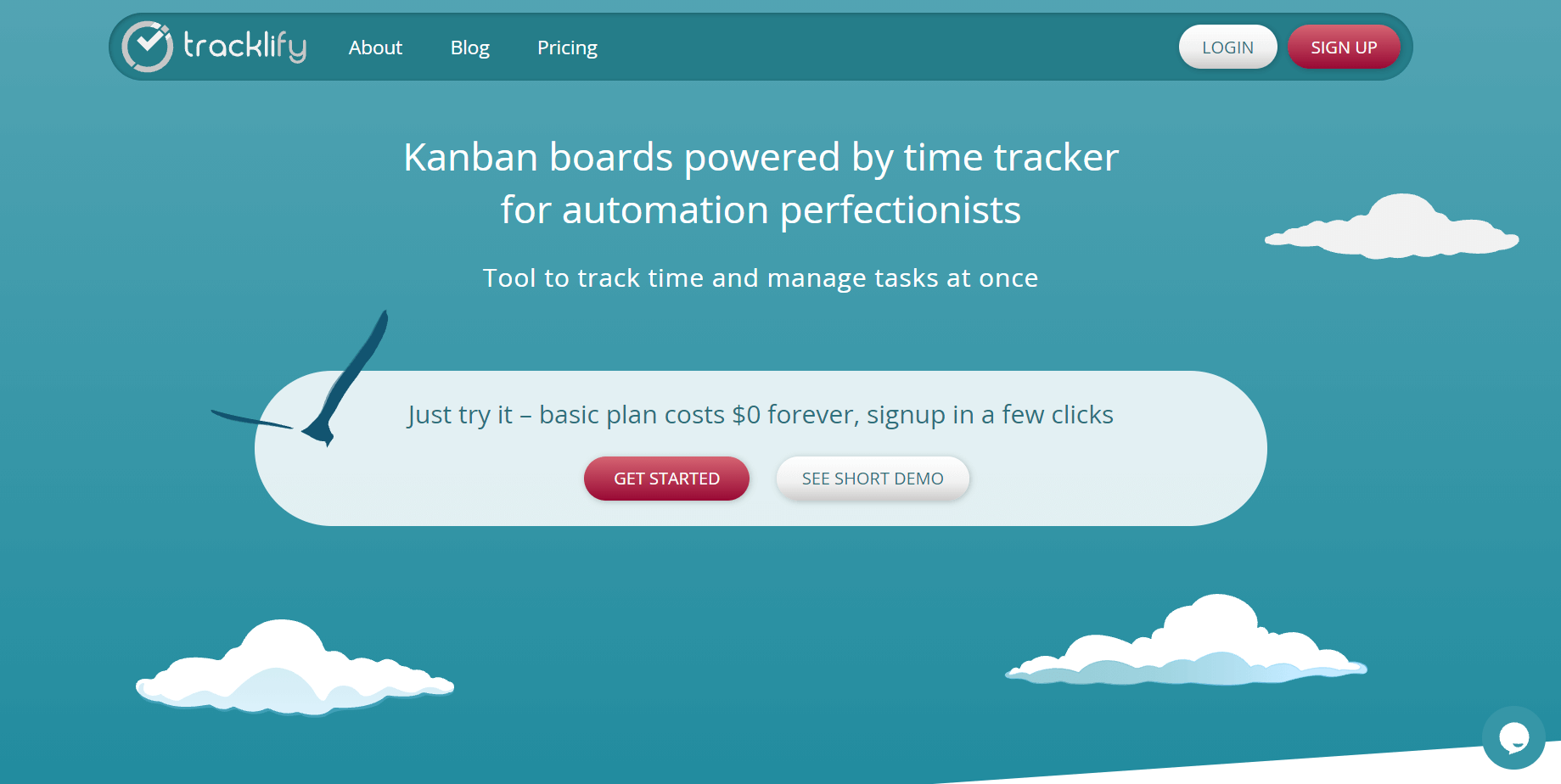
Tracklify is an advanced project management tool with an in-built Kanban board. Compared to other office management tools, Tracklify saves users’ time by making a lot of typical project progress-tracking actions for them. Particularly, the program drags cards on board, measures spent time, highlights priority tasks, and so on.
Due to its minimalistic and simple UI, users can start using the tool without learning. You have to click on just a few buttons, and everything else is done for you under the hood.
Key features and use cases:
Time tracker app
Progress tracker
Task prioritization
Powerful Kandan boards
Invoicing system
Pricing:
The best part of using Tracklify – it offers a rich unlimited free plan. You can also upgrade to its more advanced yearly plan just for $5/ month per user.
Whether you are a remote worker or an in-office team, ProofHub helps you better collaborate with your team and lets you do real-time task management in one centralized location. ProofHub helps you easily assign projects, manage team roles, prioritize tasks, centralize all project discussions, share files, and ultimately improve your team’s productivity.
Key features and use cases:
Multiple Views: Organize and streamline all team members’ tasks and accountability, check dependencies, and effectively plan the resources.
Real-Time Team Collaboration: You can do seamless project discussions, and one-to-one chats, grab specific employees’ attention and even share, review & proof the files using ProofHub.
Customized Roles: Get ultimate control over who gets to access what in your team as per the project’s needs and organizational workflow.
Insightful Reporting: Get a detailed view to evaluate how much work you and your team have done and identify what works to boost your team’s productivity.
Pricing:
Demo: Want to know about ProofHub in more detail? Book a free demo.
Free Trial: Try ProofHub for 14 days at zero cost.
Essential: Get 40 projects, 15 GB of storage, unlimited users, and core features at a flat price of $45 per month, billed annually.
Ultimate Control: Get unlimited projects, 100GB of storage, unlimited users, core features, and advanced features at a flat price of $89/month, billed annually.
Hive is one of the best project monitoring tools, which provides extensive project management solutions for hybrid work. Their action cards are the building blocks that let you upload files, provide feedback with proofing and approvals, tag each other, and leave comments with @mentions.
Key features and use cases:
In addition to task management, time-tracking, and resource allocation, Hive provides additional features like:
Integrations: Get more than 1000 integrations with apps, including Slack, Dropbox, Salesforce, Zoom, and more.
Hive Automate: Automate your workflow and tasks.
Flexible project layouts: Use six different project layouts – Kanban, Gantt, Calendar, Portfolio, Table, and Label View.
Pricing:
Hive offers various pricing models starting from a 14-day free trial to $12 per user/month. They also offer customizable pricing options for enterprises with sophisticated needs.
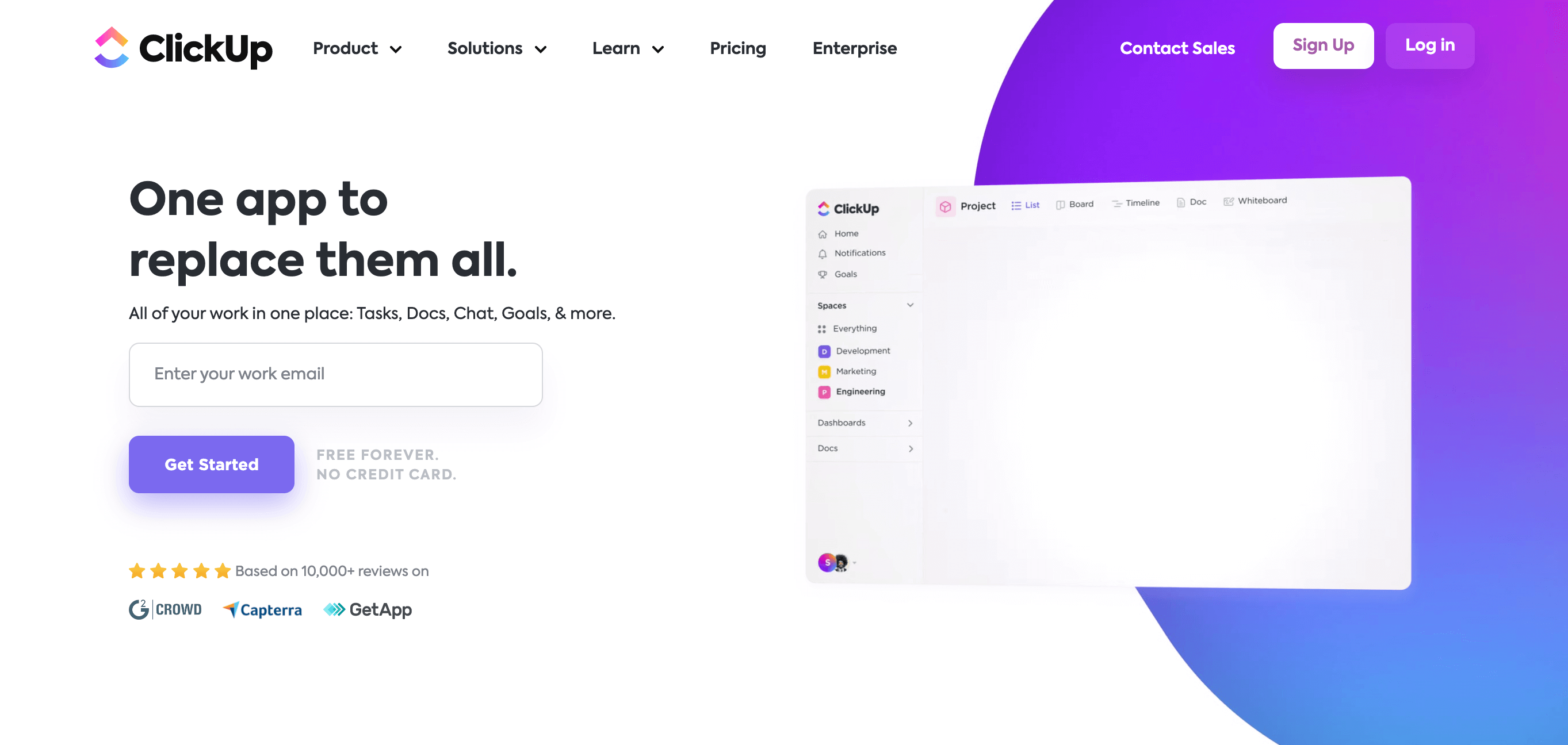
ClickUp is one of the top-rated project management tools that assists you with work planning, organizing, and collaborating. It provides solutions for every type of team – Engineering, Product, Design, HR, Marketing, and Operations.
Key features and use cases:
Custom views: Use custom views for different teams like Board View, List View, Box View, and much more.
Assigned comments: Assign comments to teammates so they don’t miss out on details.
Agile team metrics: With features like Velocity chart, Burndown chart, and Burnup chart, manage your agile team more effectively.
Reminders: Set reminders never to miss deadlines.
Pricing:
Along with the free plan, ClickUp offers various pricing modes for different team sizes.
Unlimited: It is best for small teams and costs $5 per user per month.
Business: It is best for mid-sized teams and costs $12 per user per month.
Business Plus: It is best for multiple teams and costs $19 per user per month.
Enterprise: Contact their sales to get pricing details.
If you are looking for the best tool to track the project progress of your software development team, Jira by Atlassian is the top choice. Leading companies like eBay, Spotify, and Cisco prefer Jira for project management.
Key features and use cases:
Roadmap: Create and manage tasks effectively with roadmaps.
Backlog: Break down and prioritize your team’s work.
Sprint: Complete work in fixed units of time. Requires a backlog.
Reports: Analyze your team’s productivity with intuitive Reports.
Pricing:
Free: Use Jira for free for up to 10 users.
Standard: Costs $7.75 per user/month and is suitable for growing teams with a single project.
Premium: Costs $15.25 per user/month and is suitable for companies that need to scale collaboration and track multiple projects.
Enterprise: Contact their sale for the Enterprise package that is suitable for companies with global scale, security, and governance needs.
Teamly is a dynamic project management tool engineered to enhance productivity for remote teams. It presents an extensive array of features that simplify task management, time tracking, and team communication.
With its user-friendly interface and potent capabilities, Teamly is an ideal choice for teams of all sizes, ranging from startups to large enterprises.
Key features and use cases:
Task management: Assign tasks, set deadlines, and track progress in real-time.
Time tracking: Monitor the time spent on tasks for better productivity analysis.
Team communication: Facilitate seamless communication within the team through in-app messaging.
Screen recording: Explain complex ideas or tasks through screen-recording videos.
Payroll management: Streamline payroll by calculating team payments for any given time period.
Integrations: Connect with popular apps like Google Drive, Slack, and more for a unified workflow.
Pricing:
Free: Ideal for small teams or startups just beginning their project management journey.
Starter: At $37 per user/month, it offers additional features for growing teams.
Business: At $67 per user/month, it’s perfect for established teams with more complex project management needs.
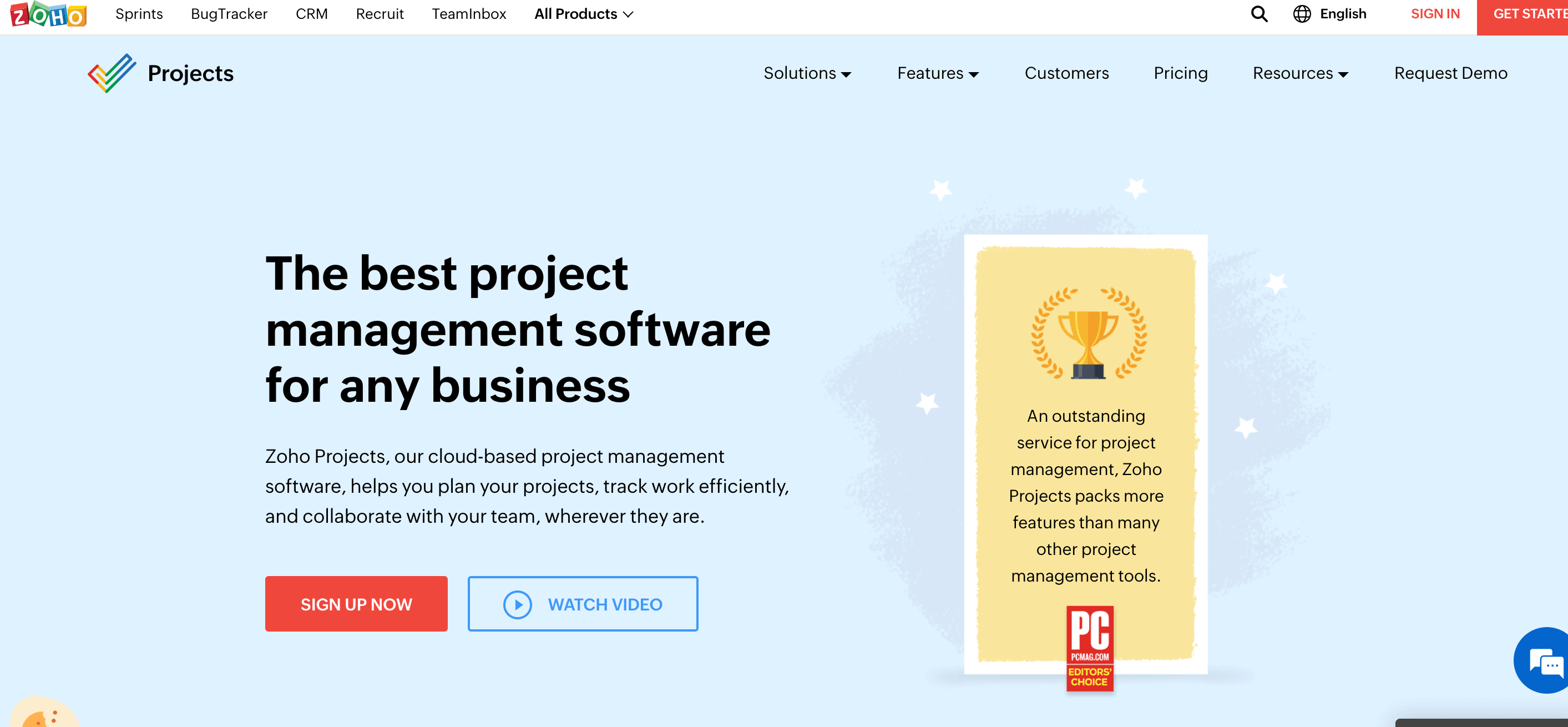
Zoho Projects is a renowned name among the tools for tracking projects which helps you plan your tasks, organize the work, and collaborate with your team efficiently, wherever they are. Many big names like TATA Chemicals, DELL, HDFC Securities, and Stanford University use Zoho for their project tracking purposes.
Key features and use cases:
Tasks: Assign user tasks, set work hours, and track them.
Milestones: Give your important projects a start and end date.
Dependencies: Set up priority between related tasks.
Kanban boards: Organize tasks as cards in different columns.
Pricing:
Zoho Projects offer a freemium model for up to 3 users. Other plans are:
Premium: It costs $5 per user/month and allows you to manage unlimited projects with up to 100GB of storage.
Enterprise: It costs $5 per user/month and allows you to manage unlimited projects with up to 120GB of storage.
Notion is an evolving project planning tool with an intuitive interface and appealing management features. Its easy-to-understand interface lets you take notes and collaborate with a single tick. Tables, Checklists, and Calendars are what make Notion one of the best project tracker systems.
Key features and use cases:
Integrations: Integrate Notion with Slack, Jira, Figma, GitHub, and more to bring all your work together.
Templates: Use interactive templates to keep your work structured and organized, avoiding extra actions.
Roadmap: Create an order for tasks to be performed.
Pricing:
Free: It offers unlimited access to individuals and limited access to teams.
Plus: It costs $8 per user/month if billed annually ($10 monthly) and gives you unlimited blocks for teams and unlimited file upload.
Business: It costs $15 per user/month if billed annually ($18 monthly) and is a well-suited plan for teams requiring advanced tools.
Enterprise: Get security coverage and more in this plan, along with all advanced features. Contact them for pricing.
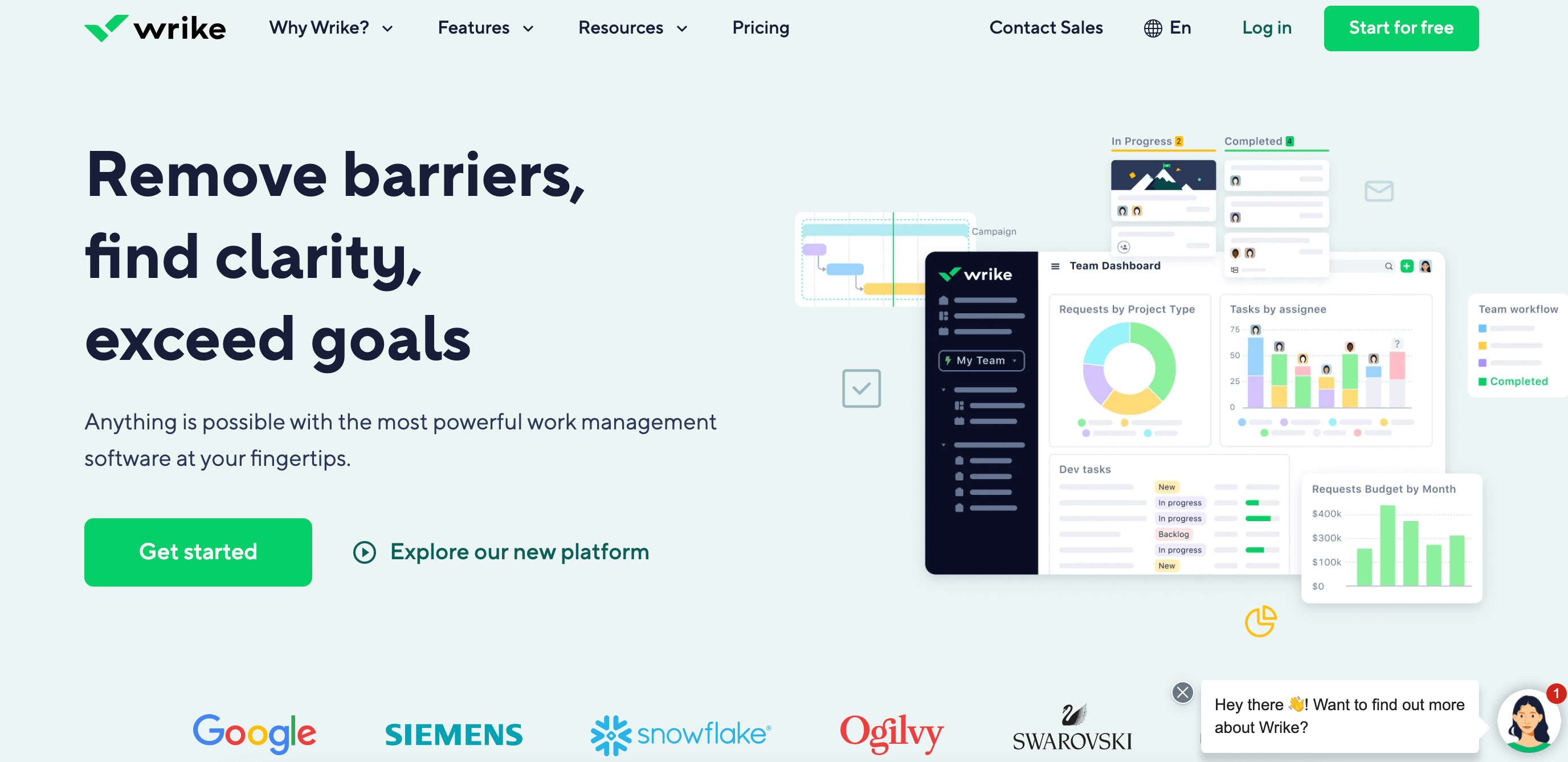
Wrike is one of the best project management software widely used by companies of all sizes, from startups to giants like Google and Simens. In addition to agile project management and workflow automation, Wrike offers tons of other exciting features to help you remove barriers and exceed goals.
Key features and use cases:
Dashboards: Keep your tasks organized in one place with the help of Kanban boards, lists, calendars, etc.
Analytics: Track the real-time progress with features like Gantt Chart and Performance chart.
Forms and Requests: Create requests and custom forms powered by conditional logic.
Pricing:
Free: If you are just getting started and need a basic task management dashboard, try Wrike for free.
Team: If you manage a team of 2-25 people, try their Team plan for effective collaboration and task delegation.
Business: If your team size is 5-200 people, try their Business plan, which gives you access to a customized platform for any use case.
Enterprise: Have a team of over 200 people and need comprehensive security features? Contact sales for custom Enterprise pricing.
Pinnacle: Get advanced security and analytics tool in this plan. Contact sales to know more.
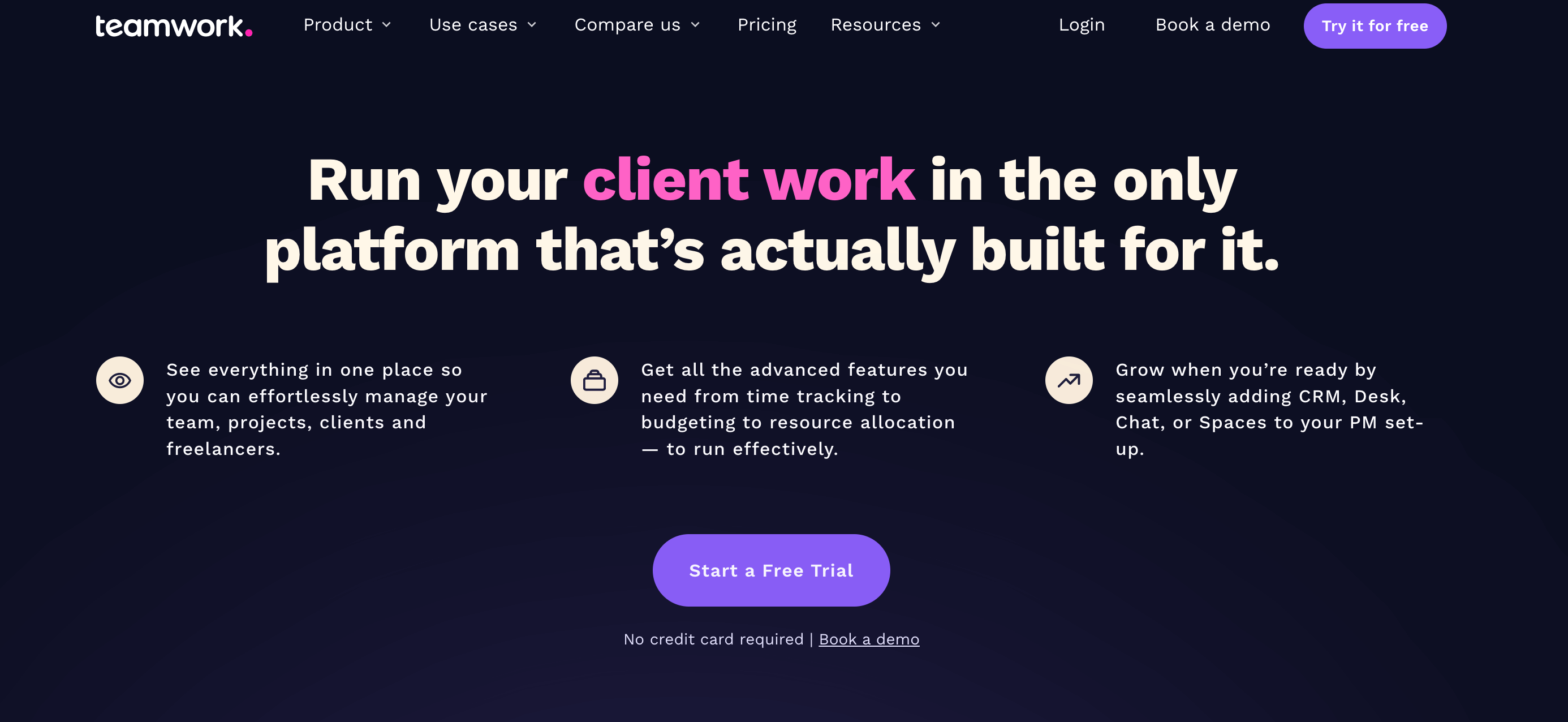
Teamwork is a user-friendly, flexible, and feature-rich project planning tool that grows with you. One of its key features, which makes it stand out from other tools, is the Invoicing feature.
Key features and use cases:
Customization: Adjust various ready-made themes and layouts depending on your team’s requirements.
Real-time collaboration: Keep clients, teammates, and company leaders on the same page.
Invoicing: Generate bills accurately and on time.
Pricing:
Free forever: The software is free to use for a team of up to 5 members.
Deliver: It costs $9.99 per user/month and is well-suited for mid-sized teams.
Grow: It’s their most popular plan, which costs $17.99 and is best suited for expanding teams.
Scale: If you are an enterprise with a large team size and advanced requirements, contact Teamwork for custom pricing.
Nifty is a comprehensive free project management software that simplifies team collaboration and task management. With a user-friendly interface and powerful features, Nifty helps teams stay organized and focused on their goals.
Key Features and use cases:
Task Management: Easily create, assign, and track tasks within your projects. With customizable workflows and task dependencies, Nifty ensures seamless task management.
Milestone Tracking: Set milestones to mark key project achievements and track progress over time. Visualize your project timeline and stay on top of important deadlines.
Team Collaboration: Foster collaboration among team members with built-in communication tools. Discuss tasks, share files, and keep everyone in the loop.
Time Tracking: Monitor project hours and billable time with Nifty’s time tracking feature. Gain insights into resource allocation and project costs.
Pricing:
Free: Nifty offers a free plan with basic project management features for small teams or individuals looking to get started.
Starter: The Starter plan is priced at $39 per month when billed annually, offering essential project management features for small teams and freelancers.
Pro: The Pro plan is priced at $79 per month when billed annually, providing advanced project management capabilities for growing teams.
Business: The Business plan is priced at $124 per month when billed annually, offering comprehensive project management features for large teams and businesses with additional customization options.
Nifty also offers a 7-day free trial for any of its paid plans, allowing users to experience the full range of features before making a commitment.
Unrubble is a comprehensive time management and productivity tool designed to streamline team collaboration and project tracking. It features an intuitive interface for time tracking, project management, and task assignment, making it ideal for both small and large teams.
Key Features and Use Cases:
Time Tracking: Detailed tracking of work hours and project time allocation.
Task Management: Easy creation, assignment, and monitoring of tasks.
Integrations: Connects seamlessly with various apps and tools for enhanced workflow.
Reports and Analytics: Provides insightful reports on team performance and project progress.
Pricing:
Free: Basic features for small teams and individuals.
Standard: $10 per user/month, includes advanced project management tools.
Enterprise: Custom pricing for large organizations with specific needs.
Breeze is a project management solution designed to help teams stay organized, track project progress, and improve productivity. This tool is perfect for remote and in-office teams looking for an efficient way to manage tasks, assign roles, and monitor timelines, all within a simple interface. With features like Kanban boards, Gantt charts, and built-in time tracking, Breeze allows teams to maintain clear oversight and ensure projects are completed on time.
Key features and use cases:
Task Management: Organize tasks easily with drag-and-drop Kanban boards and list views, keeping everyone on the same page.
Gantt Charts: Visualize timelines and deadlines, helping teams stay on track.
Time Tracking: Record time spent on tasks to monitor productivity and manage project costs.
Project Templates: Quickly initiate new projects with customizable templates, making setup easy for any team.
Budget and Cost Management: Set project budgets, assign hourly rates, and receive alerts when approaching budget limits.
Public Project Views: Share project views with non-account users to keep stakeholders informed without needing access.
File Storage: Breeze includes unlimited storage for files, making document sharing and storage easy and organized.
Integrations: Breeze integrates with popular apps like Slack, Google Drive, and Zapier to streamline workflows and improve productivity.
Export Options: Easily export project data in HTML or JSON formats for greater flexibility and analysis.
Pricing:
Free Trial: Breeze offers a free trial for new users to explore its capabilities.
Standard Plan: $9 per user/month includes all features with unlimited free client users
Breeze is ideal for teams of all sizes who need a project management tool that combines ease of use with robust functionality to support effective collaboration and productivity.
Quickbase is a powerful no-code platform that enables teams to build custom applications and automate workflows without extensive coding knowledge. It offers a versatile solution for project management, workflow automation, and data analysis.
Key features and use cases:
Custom application development without coding
Real-time data analytics and reporting
Workflow automation
Integration with popular business tools
Mobile-ready applications
Robust security features
Quickbase is suitable for various industries and use cases, including project management, CRM, inventory tracking, and more. Its flexibility allows teams to create tailored solutions that fit their specific needs.
Pricing:
Quickbase offers three main pricing tiers:
Team: $35 per user per month (minimum 20 users), billed annually
Business: $55 per user per month (minimum 40 users), billed annually
Enterprise: Custom pricing, contact Quickbase for a quote
ProjectManager is an award-winning project and portfolio management software that helps teams stay productive with task tracking, collaboration and reporting tools all in one platform. This cloud-based software is easy to implement and intuitive, requiring minimal to no training to get started. Its real-time collaborative platform allows teams to share files, comment at the task level and stay up to date with changes and impending deadlines with email and in-app notifications.
Multiple project views allow for greater task management, including linking all four types of task dependencies. Resource management features show resource allocation, balance workloads and track time. While real-time dashboards and customizable reports monitor progress and performance.
Key features and use cases:
Gantt charts: Schedule tasks, resources and costs, link dependencies, filter for the critical path and set baselines to track progress in real time.
Kanban boards: Visualize workflow, allow teams to manage backlog and give managers visibility into production to catch and resolve bottlenecks.
Task Lists: Create and manage tasks and subtasks, set due dates, priority and assign team members.
Workload Chart: Color-coded overview of resource allocation and can balance workload to keep team working at capacity without risking burnout.
Dashboards and Reports: Real-time data displayed on easy-to-read graphs and charts, while reports can be filtered and shared to keep stakeholders informed.
TaskFord is a comprehensive project management and resource planning platform designed to help teams of all sizes plan smarter, collaborate seamlessly, and deliver work with confidence. Built for speed and simplicity, TaskFord requires little to no onboarding; teams can get started instantly with intuitive tools that streamline task tracking, communication, and reporting. Its workspace keeps everyone aligned with real-time updates, shared visibility and smart notifications that ensure deadlines never slip.
With multiple project views, advanced resource planning, and powerful analytics, TaskFord supports teams of all sizes across a wide range of workflows. From coordinating daily tasks to managing complex, multi-phase initiatives, TaskFord provides the structure and flexibility needed to keep projects moving forward.
Key features and use cases:
Gantt Charts: Plan projects with interactive timelines, assign owners, set budgets, and link all dependency types. Track progress against baselines and quickly identify delays or scope risks.
Kanban Boards:
Visualize team workflows to manage backlogs, prioritize tasks, and maintain consistent throughput. Managers gain instant visibility into bottlenecks and can redistribute work with ease.
Task Lists:
Break work into actionable tasks and subtasks, set deadlines, define priorities, and assign responsibilities. Perfect for both individual task management and team coordination.
Resource Planning:
A dynamic, color-coded view of team capacity. Monitor workloads, reassign tasks, and prevent burnout by balancing assignments across individuals and departments.
Dashboards and Insights:
Real-time statistics and analytics offer a clear view of project progress, budget usage, and team performance. Export or share professional reports to keep stakeholders informed and aligned.
ProProfs Project is a delightfully simple project management tool that helps teams plan work, collaborate, and deliver on time without clutter. It brings your tasks, timelines, discussions, files, and reporting into one place, and lets you switch between views like List, Gantt, Kanban, and Calendar depending on how you like to track progress.
Key features and use cases:
Gantt Charts: Visualize timelines, track dependencies, and monitor progress at a glance.
Kanban Boards: Manage workflows with drag-and-drop cards for quick status updates.
Task Dependencies: Set a logical task flow and allocate team capacity better.
Time Tracking & Timesheets: Track billable and non-billable time for better estimates and accountability.
Pricing:
Free: $0, up to 3 users, free forever (includes premium features).
Business (Unlimited Users): $39.97/month on annual billing ($479.64 billed annually).
Free trial: 14 days, no credit card required.
How To Choose A Project Management Tool For Your Team
The best project management tool is the one your team will actually use every day. Narrow the list with these questions:
How does your team work? Kanban-style teams often prefer Trello, while software teams running sprints tend to choose Jira.
Which views do you need? Check for lists, boards, Gantt charts, calendars and timelines.
Do you need time tracking or invoicing? Tools such as Tracklify, Teamly and Teamwork include them.
What must it integrate with? Check your chat, file storage, calendar and development tools.
How will it scale? Compare permissions, reporting and how pricing changes as the team grows.
What is the best project management tool for small teams?
Small teams usually do best with a tool that is quick to learn, such as Trello, Asana, ClickUp or Nifty. Choose based on how your team works: boards for simple workflows, timelines for deadlines, or time tracking if you bill clients. Starting on a free plan lets you test the fit before paying.
Which project management software has a free plan?
According to the pricing on this list, Trello, Asana, ClickUp, Jira, Teamly, Notion, Wrike, Teamwork, Nifty, Unrubble and ProProfs Project offer free plans, and Zoho Projects uses a freemium model. Free plans usually limit users, storage or advanced features. ProofHub and Breeze offer free trials instead.
What is the difference between Trello, Asana and ClickUp?
Trello is built around simple Kanban boards, lists and cards, which makes it easy to start. Asana adds workflow builders, timelines and multiple project views for more structured work. ClickUp offers highly customizable views plus features such as agile metrics and reminders, which suits teams that want one tool for many workflows.
As a team leader or a company founder, it is essential to keep track of all the internal workflows and the progress of your projects. But, due to limited time and more critical tasks on the table, project management often becomes a real headache. Therefore, it is vital to select the ultimate project management tool that is collaborative, easy to use, and scalable.
Hopefully, this list comprising some of the best IT project management tools helps you choose the most suitable software which aligns with your company’s work process.
If you want us to feature your project management tool in this list, contact us with your request. After a thorough assessment, we’ll decide whether it’s a valuable addition.



 Asana is an all-in-one solution for all your project management needs. It allows you to check progress, automate workflows, review plans, and perform numerous other tasks to provide seamless and productive team collaboration. Asana is Kanban-style software, thus best-suited for agile software development.