This guide compares the best tools for digital marketers by category, including SEO, social media, CRM, email, design and analytics tools, to help marketing teams choose the right stack.
Are you a digital marketer looking for the best tools to use for your daily work?
Look no further!
The online marketing tools listed in this article, from social media management to analytics and email marketing, will help you streamline your processes, increase productivity, and drive better business results.
Digital Marketing Tools At A Glance
Tool
Category
Best for
1. Omnisend
Omnichannel marketing
Ecommerce email, SMS and push campaigns
2. Asana
Project management
Planning and tracking team work
3. Slack
Team communication
Channel-based collaboration
4. Passwork.pro
Password management
Sharing logins securely across teams
5. Keyhole
Social media analytics
Tracking hashtags, keywords and accounts
6. Buffer
Social media management
Scheduling posts across platforms
7. Sprout Social
Social media management
Scheduling, analytics and engagement in one tool
8. SEMrush
SEO
Keyword research and competitor analysis
9. Google Search Console
SEO
Monitoring your site in Google Search
10. Ahrefs
SEO
Backlink and keyword research
11. Privyr
CRM
Mobile-first lead management for small businesses
12. HubSpot CRM
CRM
Managing contacts and sales pipelines
13. Pepper Cloud
CRM
AI-powered sales CRM for SMEs
14. Mailchimp
Email marketing
Newsletters and automated email campaigns
15. Venngage
Design
Infographics and professional visuals
16. Kit
Email marketing
Creators and online businesses
17. Predis AI
Content creation
AI-generated social media posts
18. SlideModel AI
Content creation
AI-generated PowerPoint presentations
19. Canva
Design
Quick graphics and marketing visuals
20. VistaCreate
Design
AI-powered visual content
21. ChatGPT
Content creation
Drafting and brainstorming content
22. Google Analytics
Analytics
Website traffic and conversion data
23. Google Trends
Analytics
Search interest over time
24. Plus AI
Presentations
AI slides in Google Slides
25. Clariti
Communication and campaign management
Organizing marketing conversations and campaigns
26. Planable
Social media collaboration
Content approval for marketing teams
27. CookieYes Agency Partner Program
Privacy and cookie consent
Agencies managing client consent
28. Reteno
AI messaging
Subscription app engagement
29. PostEverywhere
Social media scheduling
Posting across many networks
Omnichannel Marketing Tools
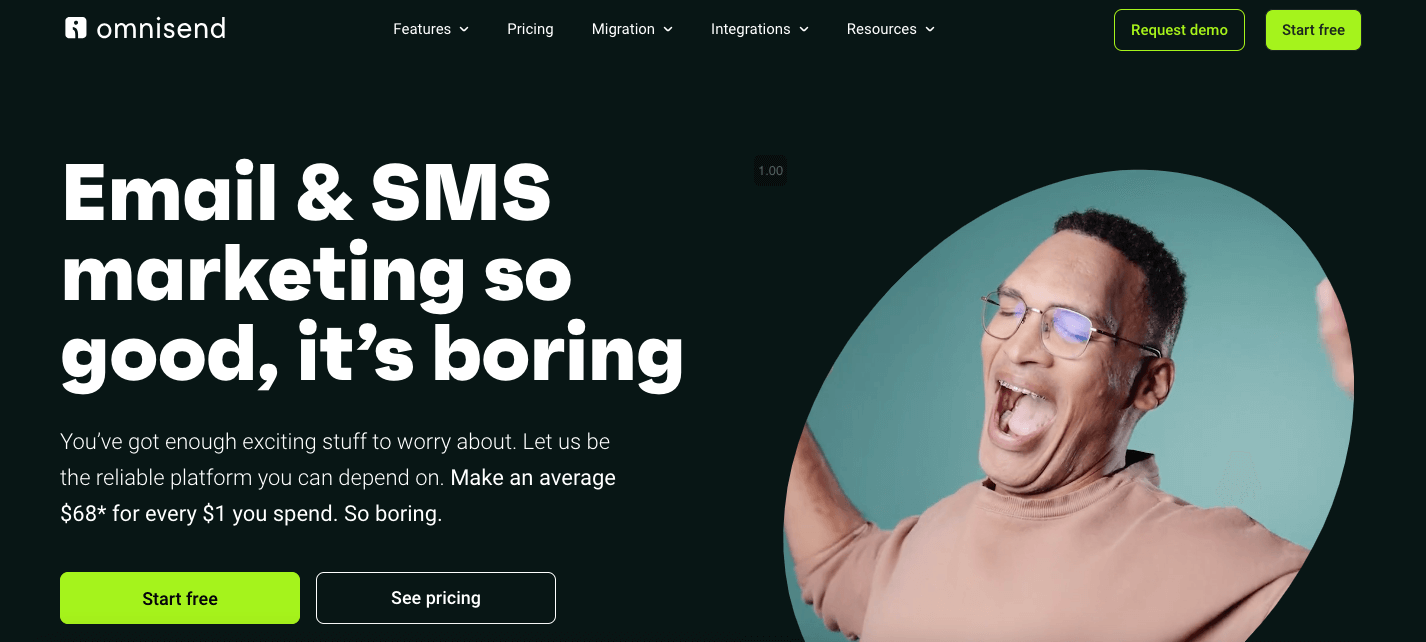
Engaging customers on their preferred channel (email, SMS, web push, social ads) is the new baseline for digital growth. This tool lets you orchestrate it all from one dashboard.
Purpose-built for e-commerce, Omnisend rolls email marketing, SMS, web-push notifications, and paid-ads retargeting into a single, intuitive platform. More than 125,000 online stores already rely on itsfeature-rich toolset, including a drag-and-drop builder, pre-made automation flows, and an AI copy assistant, to convert browsers into buyers and one-time purchasers into loyal fans.
Best features:
Pre-built automation templates (cart recovery, welcome series, post-purchase upsell) you can launch in minutes
Unified campaign composer for email + SMS + web push, ensuring consistent cross-channel branding
AI tools that draft subject lines, body copy, and product recommendations on the fly
Visual customer-journey builder with conditional splits for granular personalization
160+ native integrations with Shopify, Woo, BigCommerce, and the rest of your stack
Real-time revenue attribution dashboards that tell you exactly how much each flow earns
What I like:
Omnisend gives small teams enterprise-grade omnichannel muscle without the complexity (or price tag) of stitching half a dozen apps together. I can design a shoppable email, add an SMS fallback, and trigger a Facebook retargeting audience—all inside one workflow—and then watch a single report track the sales roll in.
2. Asana
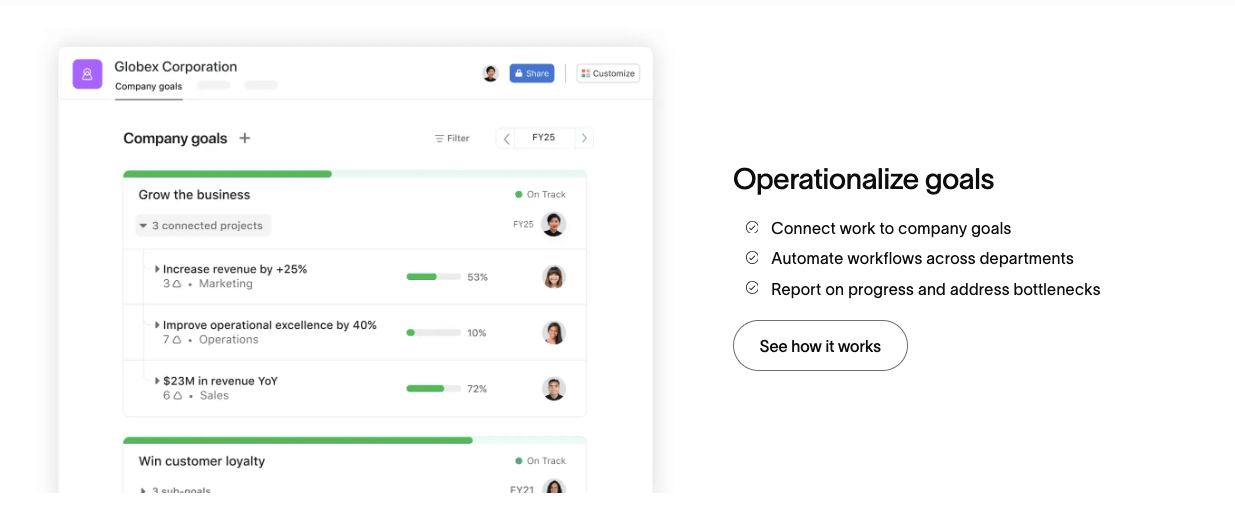
Asana is a popular project management tool, ideal for teams of all sizes. Its user-friendly interface and variety of features make it a go-to choice for many digital marketers.
You can create tasks, assign them to team members, set deadlines, and track progress through different stages of completion.
Best features:
Project templates for common tasks
Customizable dashboards and project views
Integration with other tools like Google Drive, Slack, and Trello
What I like:
As a freelancer, I appreciate being able to create and track my tasks while also collaborating with clients on shared projects.
3. Slack
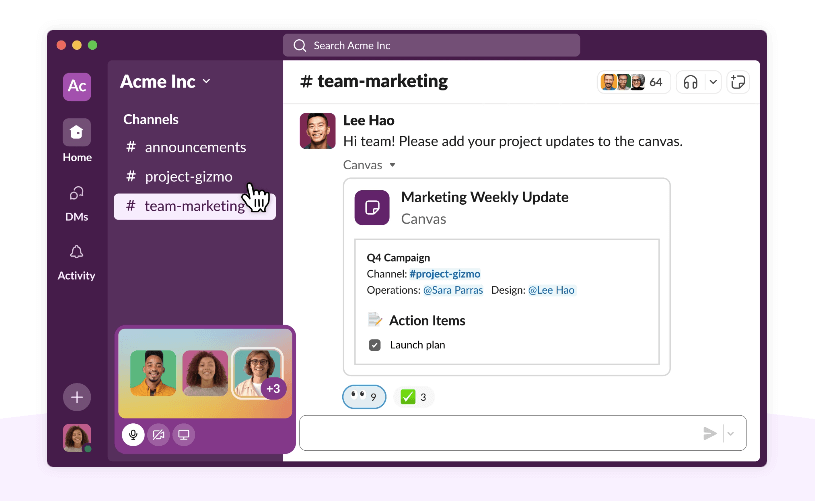
Slack is a popular communication and collaboration platform used by many businesses.
It allows you to create different channels for team discussions, direct message team members, and share files.
Best features:
Integration with other tools like Google Drive, Trello, and Asana
Customizable notification settings
Voice and video calls within the app
What I like:
Slack keeps all my project discussions organized in one place instead of having them scattered across various email threads. And I can join groups related to my business, making new interesting contacts.
4. Passwork.pro
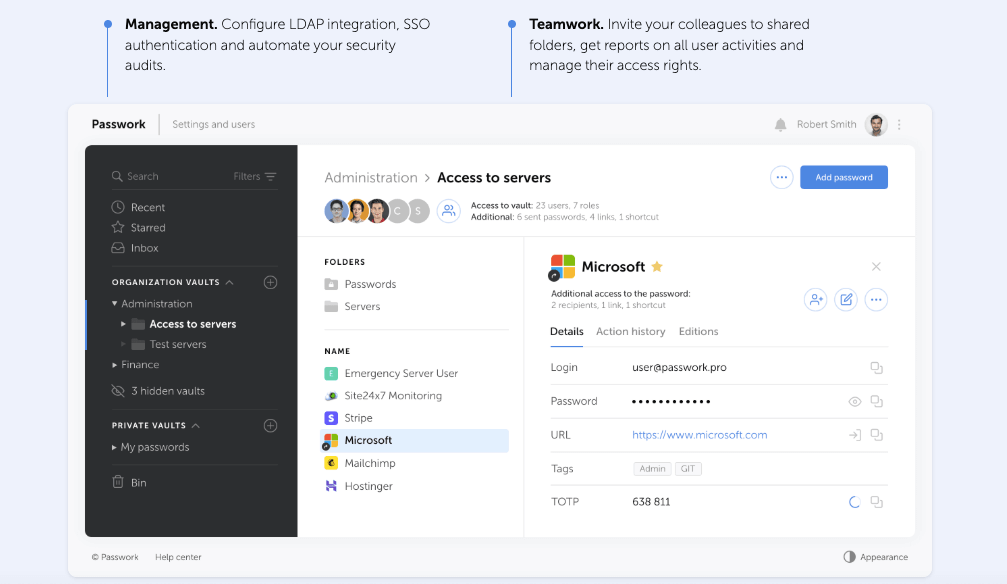
Passwork.pro is asecure password manager, ideal for teams working on multiple projects and platforms.
It allows you to store and share login credentials with team members, making it easy to access different accounts without compromising security.
Best features:
Optimal security for businesses: the system ensures protection with AES-256 encryption and the ability to deploy on your servers for complete data control.
Security like everyone else, usability better than anyone else: Passwork combines high security with an intuitive interface, 2FA, and a convenient browser extension. Even the most secure system is useless if employees don’t use it.
Self-hosted password manager for business: With Passwork, you get a secure and user-friendly password manager with flexible role management and integration with AD/LDAP/SSO—ideal for administrators.
Enterprise-grade quality at a fair price: they offer top-tier security and scalability with seamless integration into your infrastructure—at a justified cost. The total cost of ownership is 30% lower than the market average.
What I like: I can easily manage the passwords of all my accounts, including tool logins, without having to remember multiple credentials. And with access control, I can ensure that sensitive login information is only shared with authorized partners. In short, Passwork is the optimal solution for businesses, offering a high level of security at a fair price.
Social Media Management Tools
Social media plays a crucial role in digital marketing. These tools help you create and schedule posts, analyze performance, and engage with your audience.
5. Keyhole
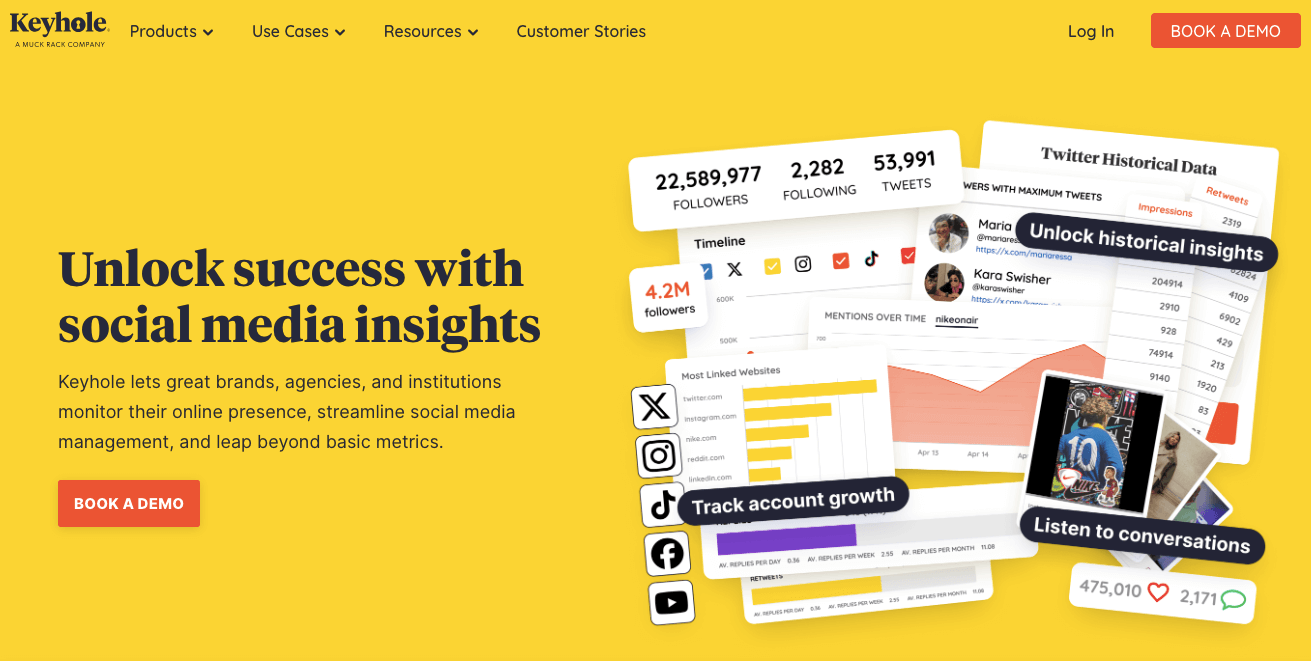
Keyhole is a social media analytics tool that helps you track hashtags, keywords, and accounts on various platforms.
You can use it to monitor engagement, track brand mentions, and gather insights for your marketing strategy.
Best features:
Real-time performance tracking
In-depth hashtag analytics and optimization suggestions
Influencer identification and tracking
What I like:
With Keyhole’s real-time tracking, I can quickly adjust my strategy based on audience response. And the hashtag analysis feature has helped me optimize my posts for better reach and engagement.
6. Buffer
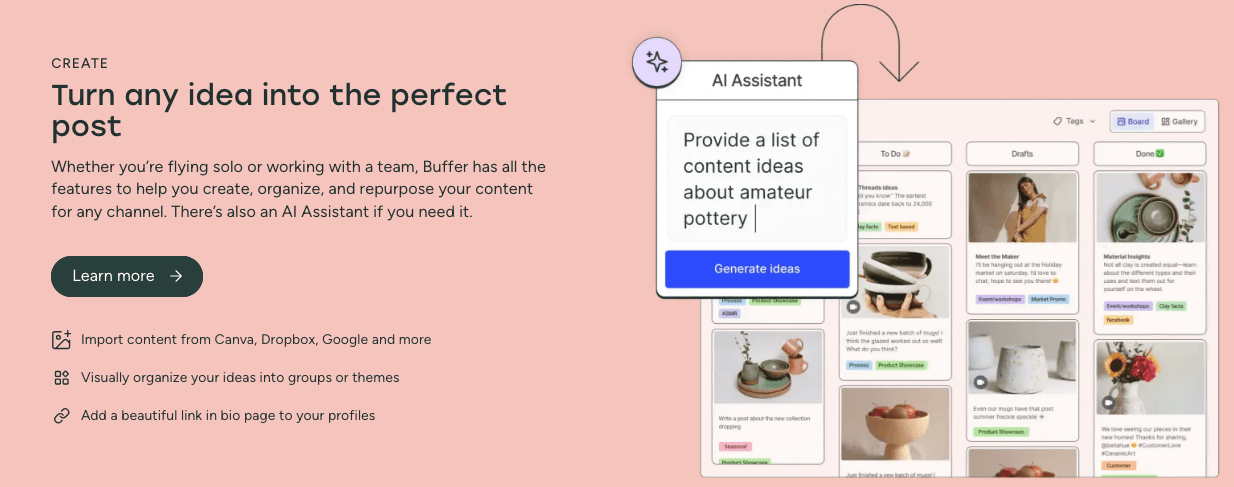
Buffer is a social media management tool that allows you to schedule posts across different platforms, including Facebook, Twitter, Instagram, and LinkedIn.
Best features:
User-friendly interface for easy scheduling
Multi-platform support
Analytics to track post-performance
What I like:
I can save time by scheduling posts in advance and analyzing their performance all in one place. Plus, Buffer’s integration with Canva makes it easy to create visually appealing content.
7. Sprout Social
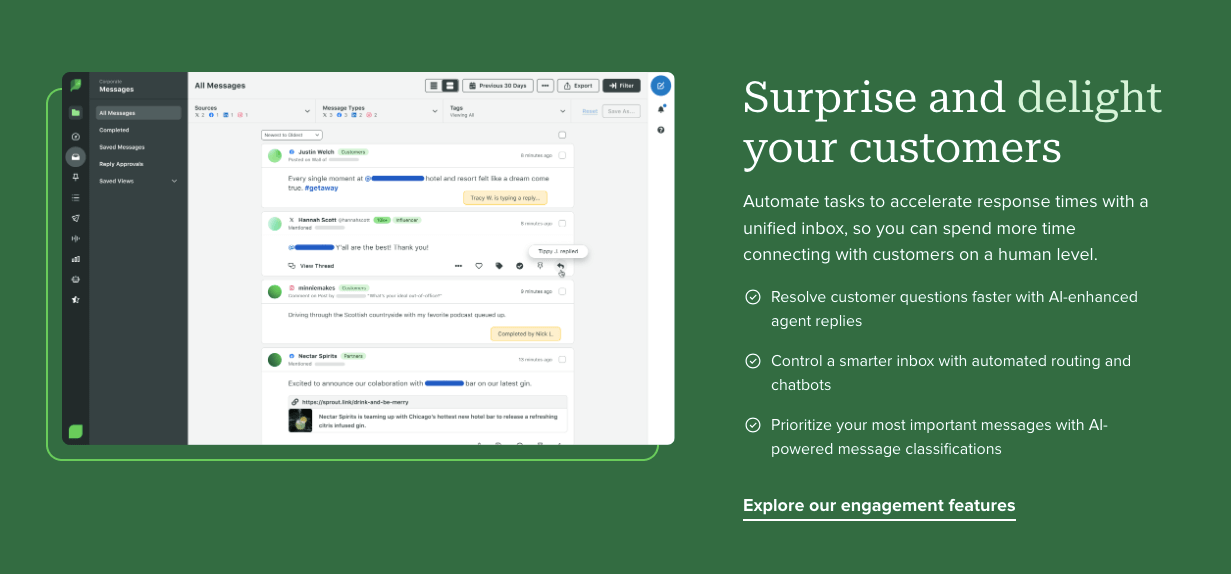
Sprout Social is a comprehensive social media management tool that offers features like scheduling, analytics, and social listening.
Best features:
Advanced analytics for in-depth performance tracking
Social listening to monitor brand mentions and industry trends
Team collaboration tools for efficient workflow management
What I like:
Sprout Social’s advanced analytics help me understand my audience better and make data-driven decisions. And its team collaboration tools make it easy to work with other team members on social media tasks.
Search Engine Optimization Tools
Search engine optimization is essential for driving organic traffic to your website. These tools help you optimize your website and track performance.
8. SEMrush
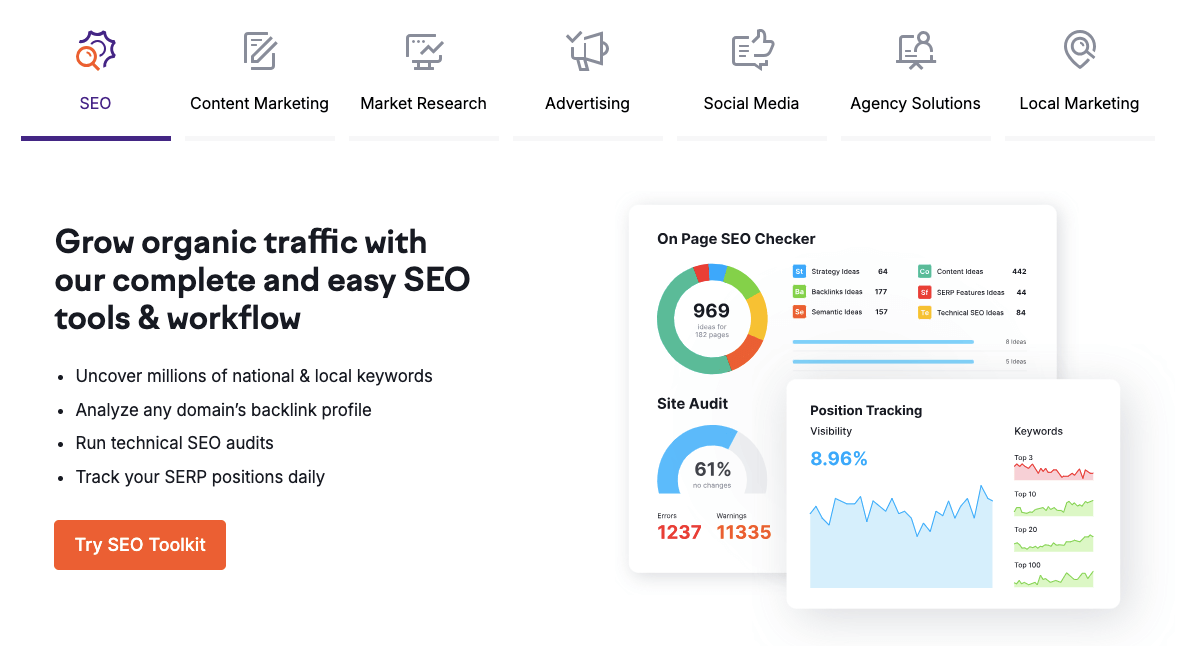
SEMrush is a popular SEO tool used by many marketers for keyword research, content optimization, and competitor analysis.
Best features:
Keyword tracking and suggestions
Site audit and backlink analysis
Competitor research and comparison
What I like:
The comprehensive features of SEMrush have helped me improve my website’s visibility and outrank competitors in search engine results pages, especially when it comes to advanced keyword research.
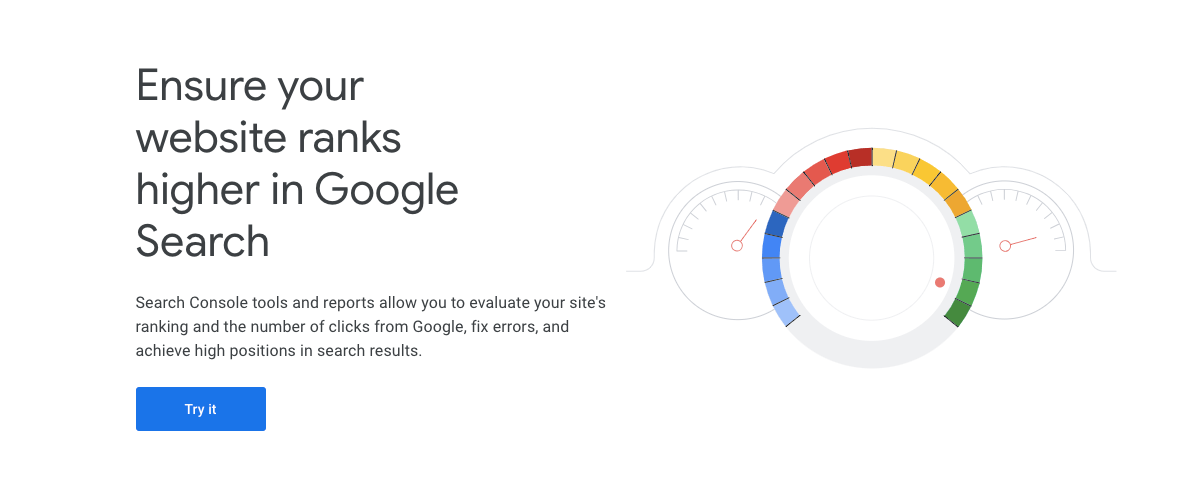
9. Google Search Console
Google Search Console is a free tool from Google that helps you monitor and maintain your website’s presence in Google search results.
Best features:
Indexing and crawling reports
Performance tracking for search queries, clicks, and impressions
Mobile usability testing and suggestions
What I like:
As a blogger, I appreciate the insights provided by Google Search Console to improve my website’s performance. And since it’s a free tool from Google, I know the data is reliable.
10. Ahrefs
Ahrefs is an all-in-one SEO tool that offers features like site audits, keyword research, and backlink analysis.
Best features:
Extensive keyword database and suggestions
Backlink explorer to analyze competitor backlinks
SEO toolbar for quick website analysis while browsing
What I like:
Ahrefs’ vast database of keywords helps me find profitable opportunities for my content. Its backlink analysis feature has allowed me to build a strong link profile for my website (checking also competitors).
CRM Tools
Customer Relationship Management (CRM) tools help you manage and analyze customer interactions, sales, data, and digital customer service.
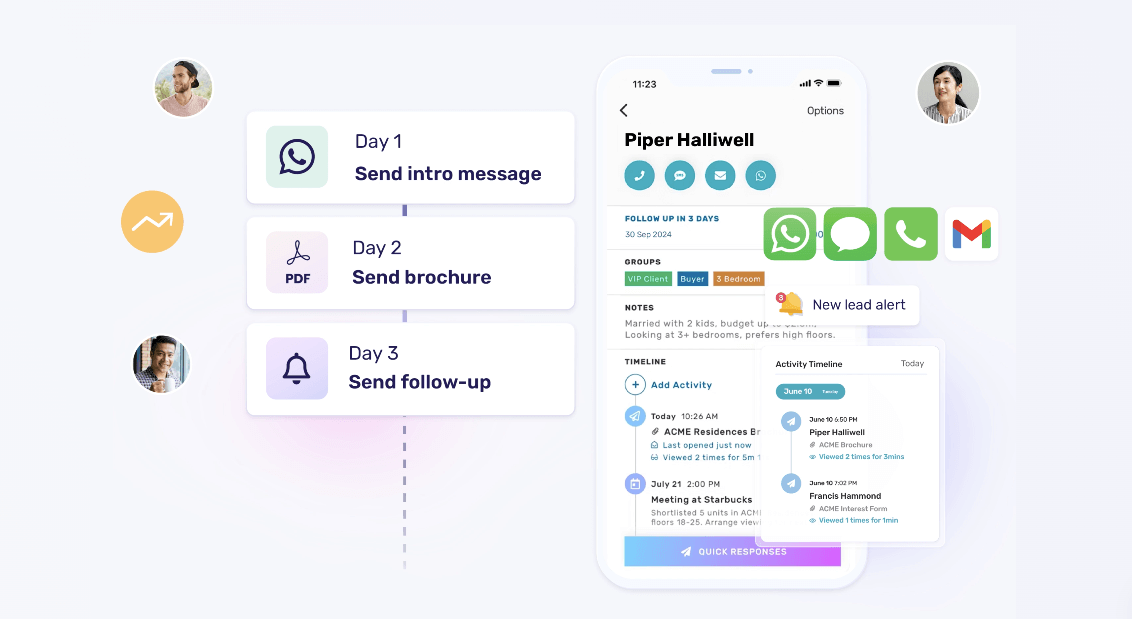
11. Privyr
Privyr is a mobile-first CRM tool designed specifically for small businesses and solopreneurs to manage customer relationships and sales on the go.
Best features:
Lead capture and management
Automated follow-up scheduling and reminders
Real-time performance tracking
Seamless lead distribution
What I like:
I appreciate how Privyr helps me stay organized with lead management and automated follow-ups from the comfort of my smartphone. It’s real-time tracking also lets me see my sales performance at a glance, making adjusting my strategies as needed easier.
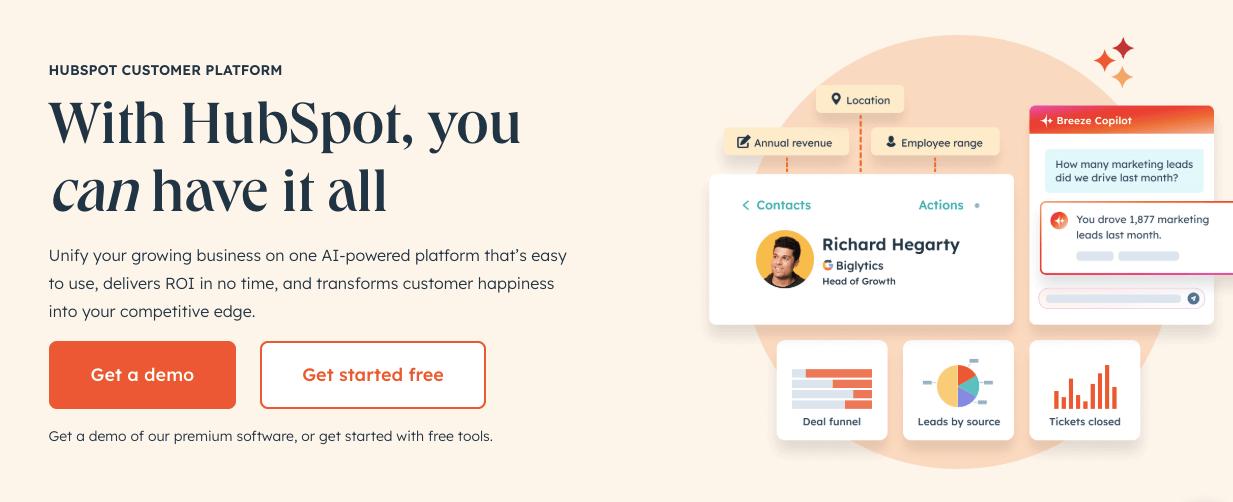
12. HubSpot CRM
HubSpot is a popular CRM platform that offers features like contact management, lead tracking, and marketing automation.
Best features:
Centralized database for customer information
Lead scoring and tracking
Automated email marketing
What I like:
I appreciate how HubSpot’s CRM organizes all my customer data in one place. Its lead-scoring feature has also helped me identify potential high-value customers to focus on.
13. Pepper Cloud
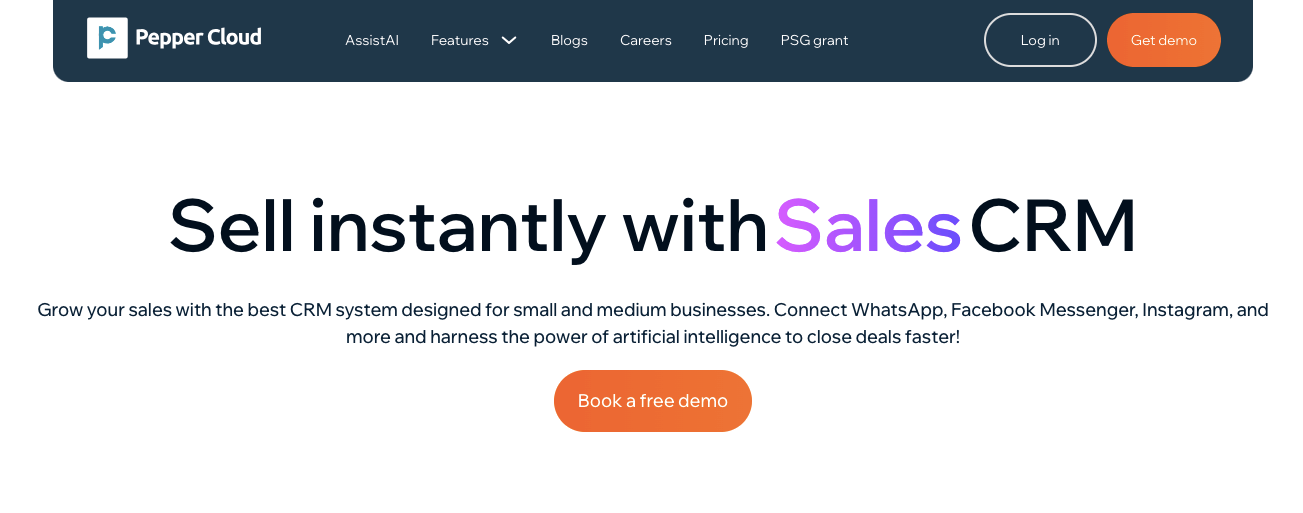
Pepper Cloud is an AI-powered sales CRM designed for small and medium businesses (SMEs). It helps businesses manage leads, track customer interactions, and automate sales and marketing processes efficiently. With omnichannel communication, workflow automation, and real-time analytics, Pepper Cloud is ideal for industries such as real estate, finance, travel, interior design, IT, and manufacturing.
Best features:
Omnichannel communication across WhatsApp, Facebook Messenger, Instagram, and emails
Sales pipeline management with visual tracking and automation
Lead nurturing and marketing automation for follow-ups
WhatsApp CRM with group management for better engagement
AI-powered insights with real-time sales reports and forecasts
Integrations with Xero, Mailchimp, Zoom, and more
What I like:
Pepper Cloud makes lead management effortless with its intuitive interface and automation. The WhatsApp CRM feature is a game-changer, especially for businesses that rely on direct customer engagement. Plus, its AI-powered analytics helps marketers refine their strategies and close deals faster.
Email Marketing Tools
Email marketing is still an effective way to reach and engage with your audience. These tools help you design, automate, and track email campaigns.
14. Mailchimp
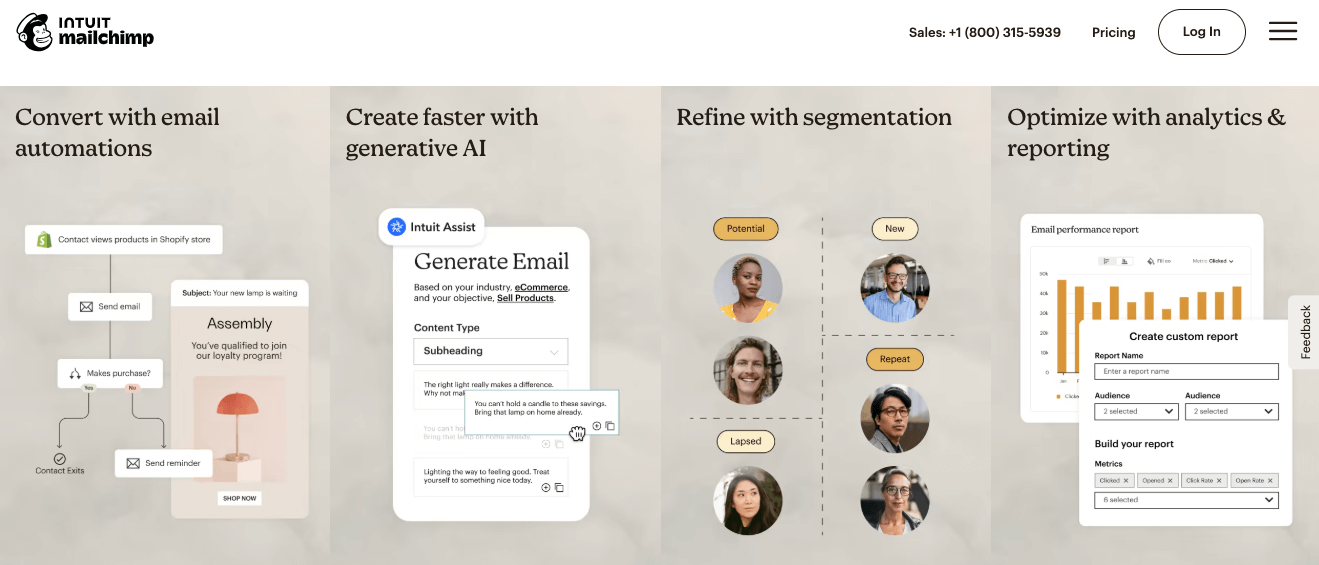
Mailchimp is a popular email marketing tool that allows you to design and send customized emails to your subscribers.
Best features:
Drag-and-drop email builder
Automated email sequences
A/B testing for subject lines and content
What I like:
I love how easy it is to create visually appealing emails with Mailchimp’s drag-and-drop editor. And its automation feature has helped me save time by setting up automated welcome emails and drip campaigns.
15. Venngage
Venngage is one of the best AI-powered design tools for digital marketers who need to create professional visuals quickly, without hiring a designer. Whether you’re building infographics for reports, marketing flyers, pitch decks, or branded social posts, Venngage uses generative AI to help you turn ideas and data into polished, scroll-stopping designs.
Best features:
Extensive collection of customizable templates for any use case
AI design generator that instantly creates polished layouts and offers smart design suggestions
Smart Accessibility AI that optimizes color contrast, font pairing, and readability for inclusive designs
Text-to-design capabilities marketers love
What I like: I love how incredibly efficient Venngage is for creating professional-looking visuals without the usual design struggle. The AI features are fantastic for quickly generating ideas and ensuring my content is accessible. It truly lets me focus on the message, knowing the design will be sharp and engaging.
16. Kit
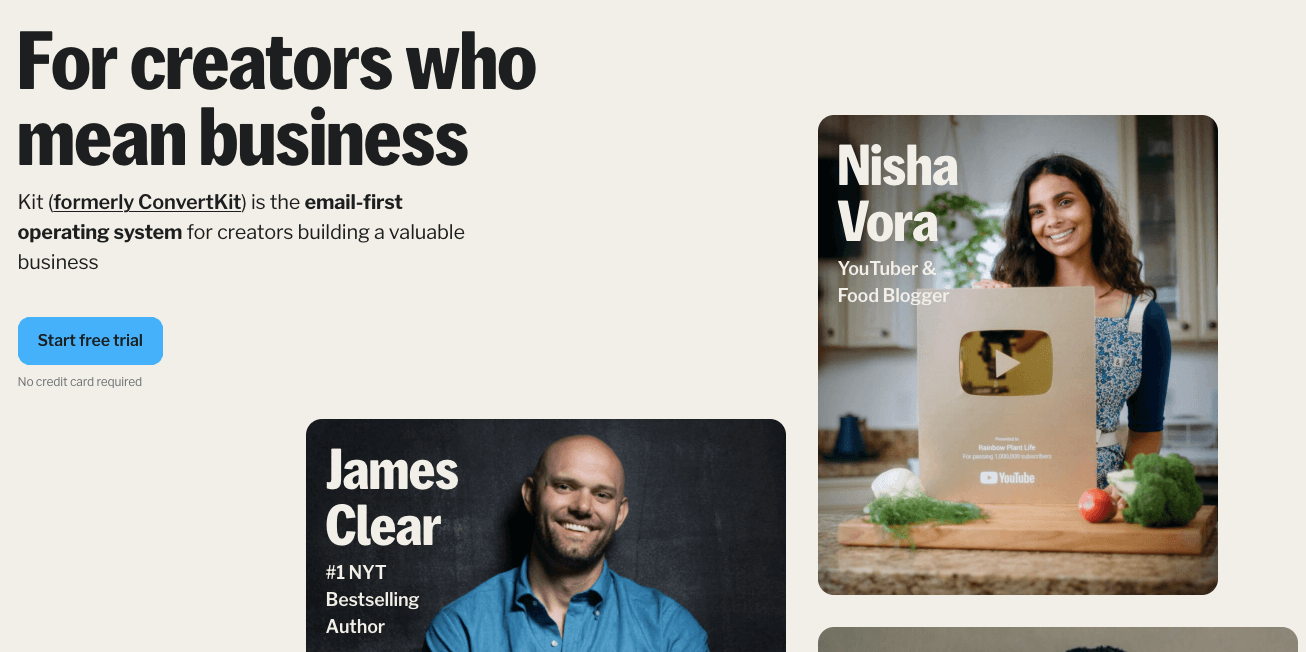
Kit (formerly Convertkit) is an email marketing tool designed for creators and online businesses.
It offers features like customizable landing pages, automated email sequences, and audience segmentation.
Best features:
Tagging and segmentation for targeted emails
Automated email sequences with visual automation builder
Landing pages for lead generation
What I like:
As a content creator, I appreciate ConvertKit’s tagging and segmentation feature to send personalized emails to my subscribers. Its visual automation builder has also made it easy for me to set up complex email sequences without any coding knowledge.
Content Creation And Design Tools
Creating high-quality and visually appealing content is crucial for engaging with your audience. These tools can help you design and edit graphics, videos, and more.
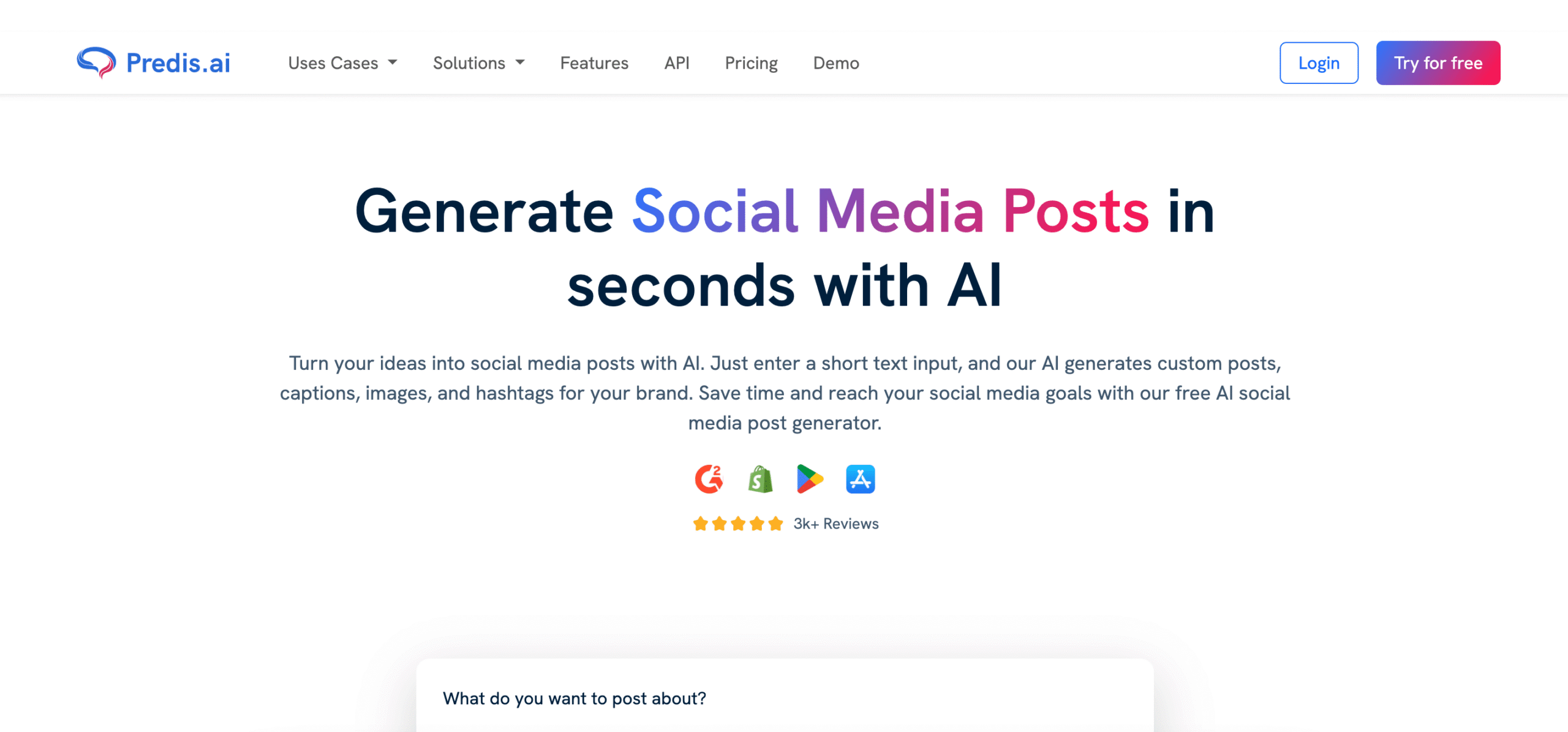
Predis.ai is an AI-powered social media post generator that helps businesses create content quickly and efficiently. It can generate posts, ad creatives, reels, and videos based on your brand tone and audience preferences. The tool supports multiple platforms, including Instagram, Facebook, and LinkedIn. It also offers features like competitor analysis, content scheduling, and creative insights. Ideal for marketers and small business owners looking to simplify their content creation process.
Best features:
Turn simple text prompts into high-quality ad creatives, social media posts, memes, reels, and videos in seconds. Whether it’s a product launch or a holiday campaign, AI helps you create engaging content quickly and effortlessly.
You can plan, schedule, and publish content across major platforms like Instagram, Facebook, LinkedIn, and TikTok, all from one place. Organize your calendar, manage approvals, and stay consistent without switching tools.
Creating content that stays true to your brand is easy. The AI understands your brand colors, fonts, and logo, allowing you to produce on-brand visuals and layouts without needing a designer.
Content can be adapted for global audiences and multiple formats with ease. Whether you’re working in different languages or resizing for various channels, it all happens with just a click.
Stay ahead by understanding what your competitors are doing and how their content performs. Get clear, data-driven insights to refine your own strategy and stand out.
Collaboration is simple, too. Invite your team, manage roles and permissions, integrate with your workflow, and even use APIs to automate content creation at scale.
What I like:
I like Predis.ai because it makes content creation quick and easy. The AI understands my ideas and turns them into great-looking posts. It also suggests captions and visuals, which saves me time. I can schedule everything in one place, so my social media stays active and consistent without the hassle.
18. SlideModel AI
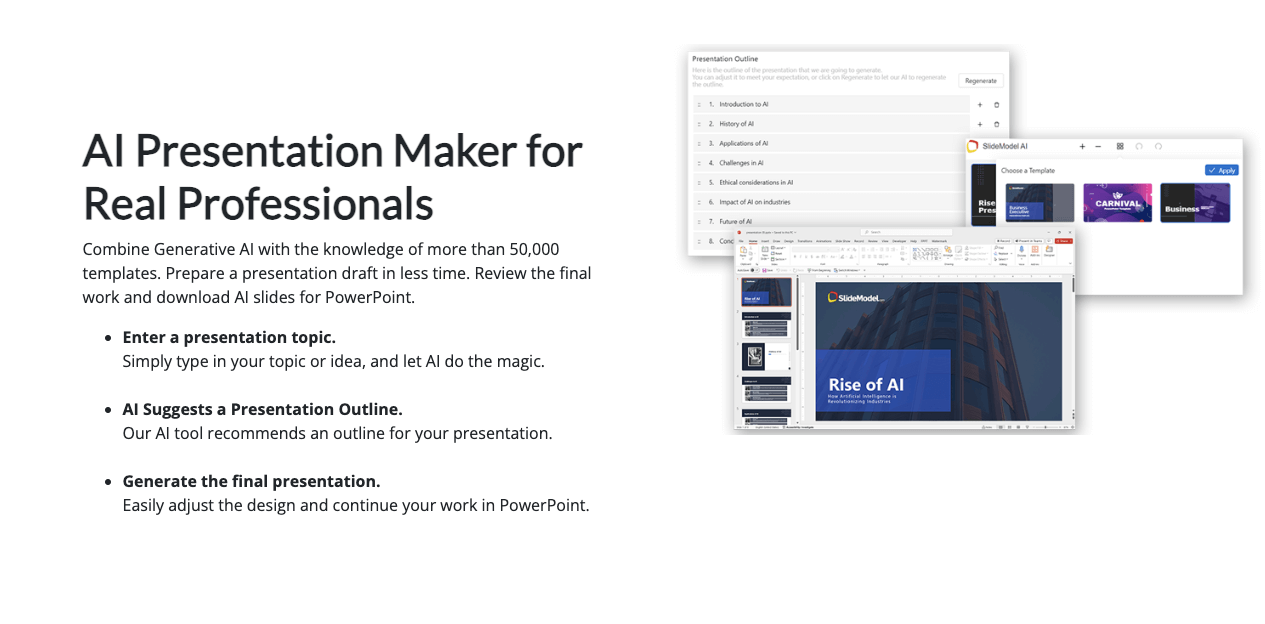
SlideModel AI is an innovative tool that allows you to create PowerPoint presentations with professional and visually appealing slides. From a starting prompt, SlideModel AI will assist you in creating the structure of your presentation and then populating the content into the slides. You can then export your work in PowerPoint for final tweaks or edits.
Best features:
AI PowerPoint generator, easy to use and with 100% editable elements
Different themes and presentation templates are available
Allows you to generate images for your presentations, with the integration with DALL-E, Stable Diffusion, and Flux.
What I like:
SlideModel AI has been a game-changer for me when it comes to creating presentations. You can easily turn documents like research papers, business reports or business proposals into compelling PowerPoint presentations. Its intelligent design feature helps me create polished and visually stunning slides without spending hours on them.
19. Canva
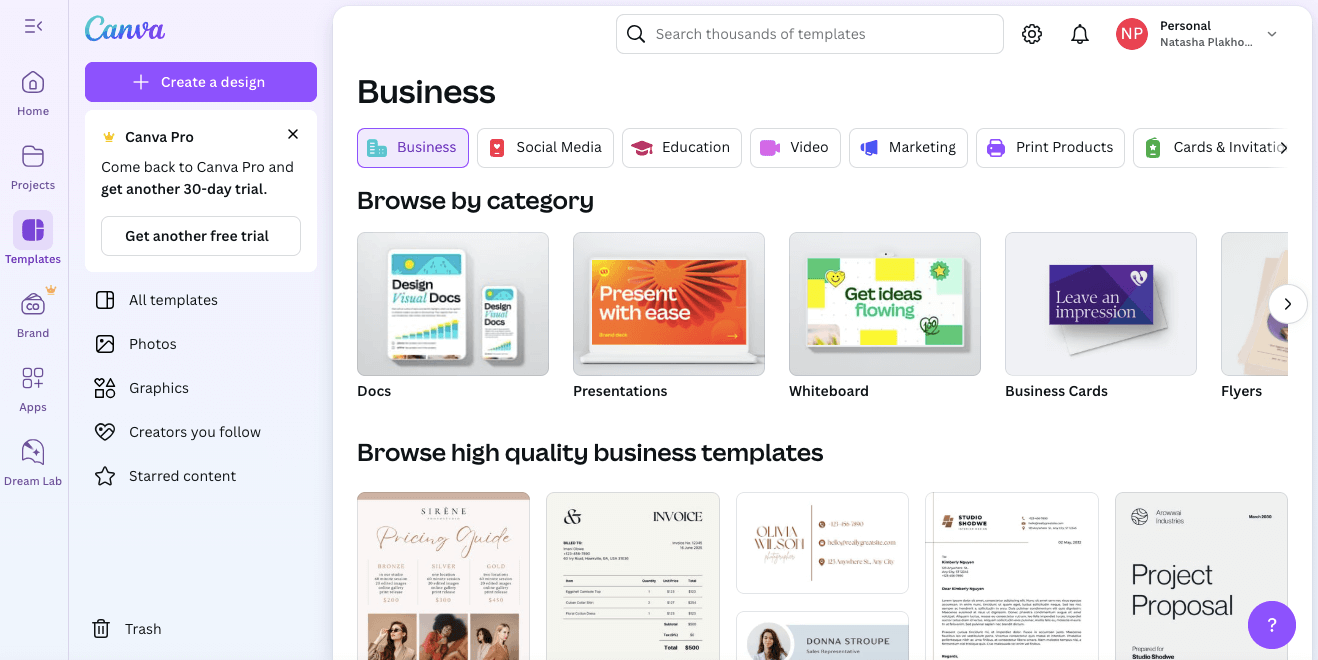
Canva is a user-friendly graphic design tool that offers templates and stock photos to create stunning visuals for social media, websites, and more.
Best features:
Extensive collection of templates for various platforms
Drag-and-drop editor for easy customization
Stock photo library with free and paid options
What I like:
I love how versatile Canva is – I can create graphics for social media, infographics, or even print materials all in one place. The drag-and-drop editor makes it easy to customize templates and the stock photo library offers plenty of options for visual assets.
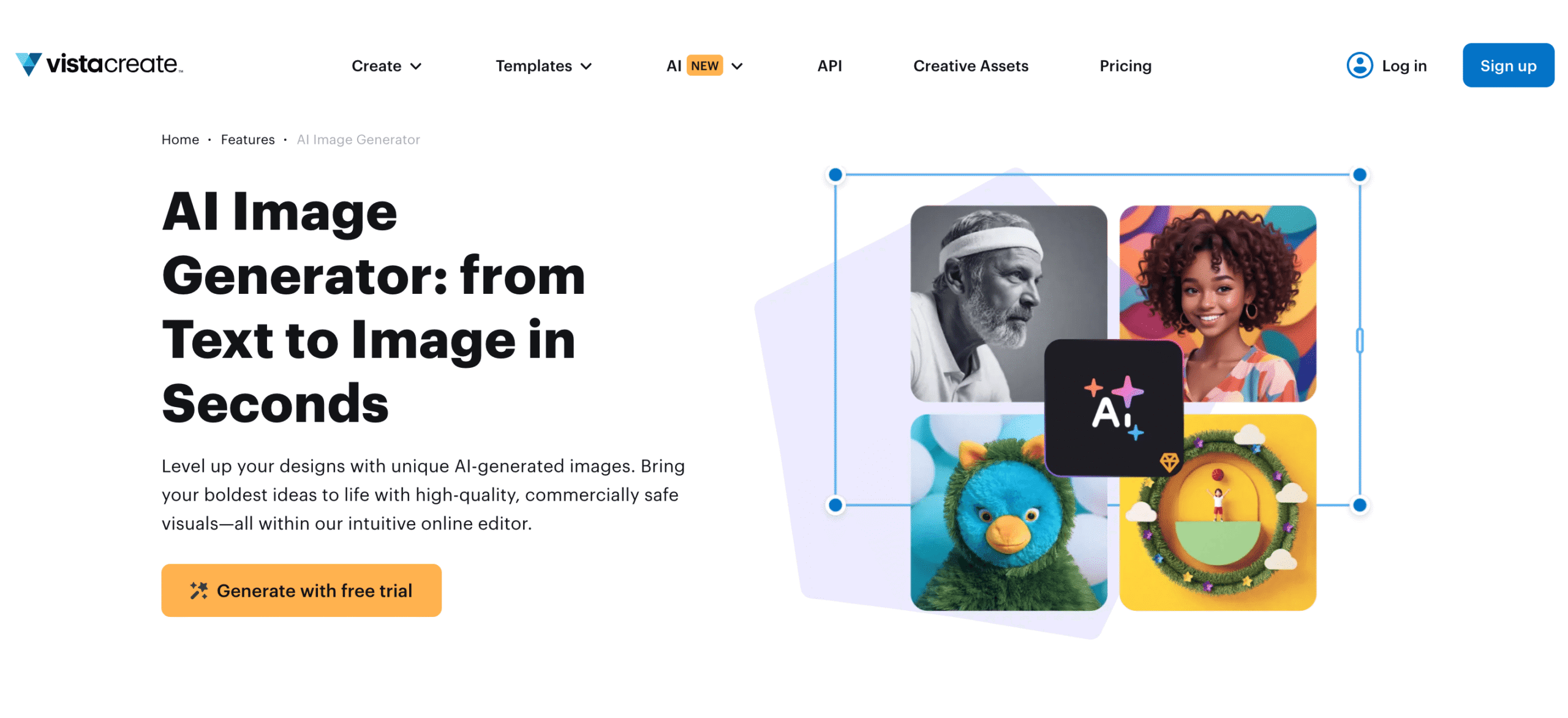
VistaCreate is an intuitive, AI-powered design platform that helps marketers and creators produce professional visuals for LinkedIn, social media, and digital campaigns in minutes.
Best features:
AI Image Generator that turns text prompts into unique, high-quality visuals
Thousands of ready-made templates for social media, ads, and presentations
Brand kits for consistent visual identity
Built-in video and animation tools for more dynamic content
What I like:
I love how VistaCreate’s AI Image Generator makes it easy to create custom visuals that fit my brand’s message without relying on stock photos. The templates are modern and easy to edit, and the overall platform feels built for marketers who want fast, polished results for their LinkedIn or social campaigns.
21. ChatGPT
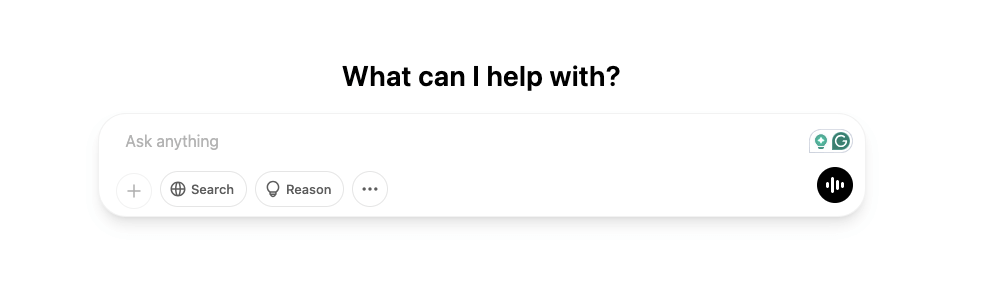
ChatGPT is an AI-powered content creation tool that helps you generate high-quality text based on your input.
Best features:
Customizable tone and voice
Generates content for various purposes, such as blog posts or social media captions
Saves time and effort in writing original content
What I like:
As a busy marketer, ChatGPT has been a great tool for generating engaging content quickly. Its customizable tone and voice have also helped me maintain consistency in my brand’s messaging across different platforms.
Analytics Tools
To track the success of your marketing efforts, you need reliable data. These tools help you analyze website traffic, user behavior, and more.
22. Google Analytics
Google Analytics is a free tool from Google that provides valuable insights into your website’s performance and visitor behavior.
Best features:
Real-time data tracking
In-depth reports on traffic sources, audience demographics, and more
Integrates with other Google products like Search Console for a complete view of your online presence
What I like:
Google Analytics has been my go-to tool for understanding how users interact with my website. Its real-time data tracking allows me to see the immediate impact of my marketing efforts, and its comprehensive reports help me make informed decisions about my strategies.
23. Google Trends
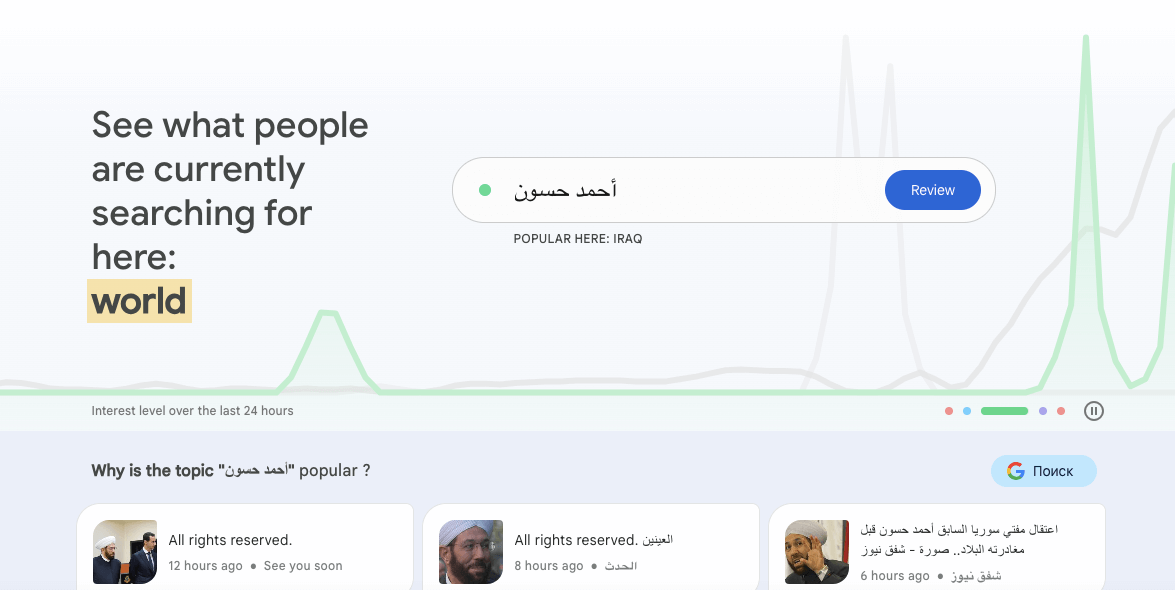
Google Trends is a free tool that shows you the popularity of search queries over time.
Best features:
Visual representation of search trends
Shows related topics and queries
Can filter by location, timeframe, and category
What I like:
I use Google Trends to research keywords and topics for my content. Its visual representations make it easy to spot popular trends and its related queries feature helps me understand what else my audience is searching for.
24. Plus AI
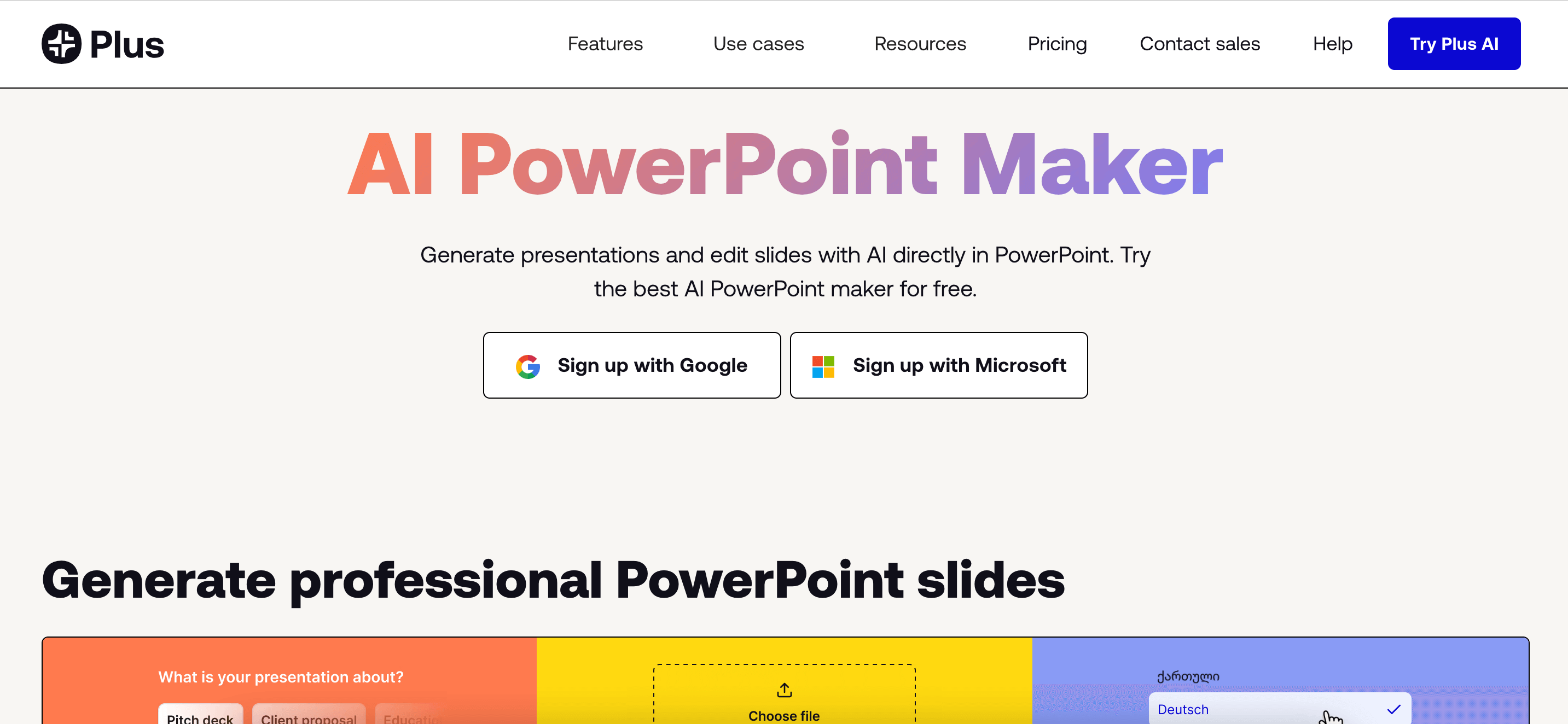
Plus AI is a powerful AI-powered add-on for Google Slides that helps you create professional, polished presentations with ease. Whether you’re starting from scratch or looking to enhance an existing deck, Plus AI can generate content, suggest layouts, and even adapt the tone and structure based on your goals.
Best features:
AI presentation builder for Google Slides
Smart suggestions for structure, tone, and content
Easy-to-edit, fully customizable slide designs
Supports multiple use cases – from business proposals to educational decks
What I like:
What I love about Plus AI is how it takes the guesswork out of presentation design. I can input a short description or outline, and it instantly generates a cohesive deck with great flow and visuals. It’s especially helpful when I’m short on time but still want a professional result. Plus, since it works directly within Google Slides, I don’t have to jump between platforms to get things done. And if you ever feel like experimenting, a few Plus AI alternatives like Gamma, Presentations.ai or Beautiful.ai are also worth trying, they each bring a slightly different flavor to how AI helps you tell your story.
25. Clariti
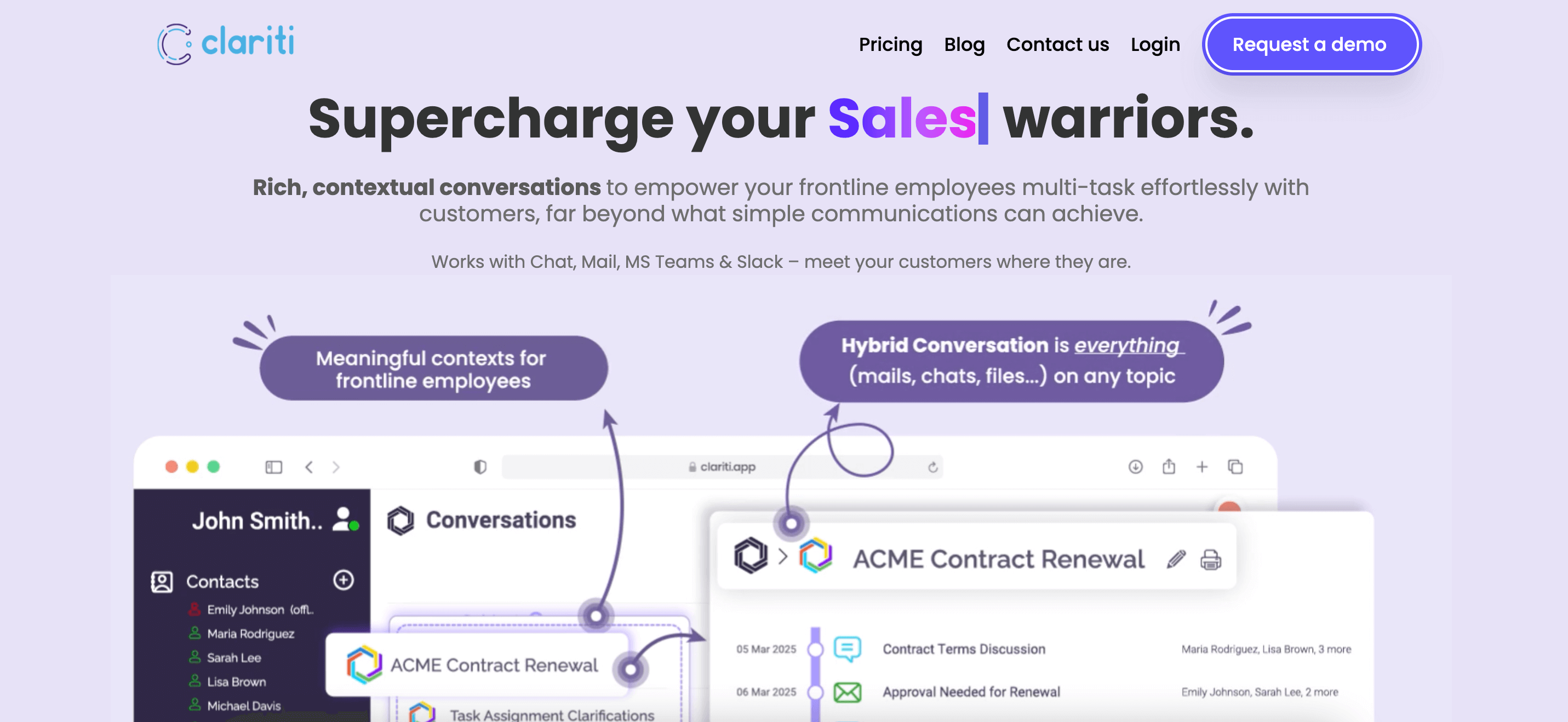
Clariti is a game-changer for digital marketers looking to streamline communication, manage campaigns effectively, and enhance collaboration.
Best features:
Hybrid Conversations – Unifies emails, chats, and documents into a single contextual thread, reducing miscommunication.
Contextual Communication – Keeps track of marketing campaigns, feedback, and team discussions in one place.
Integrated Voice & Screen Sharing – Enables real-time discussions for campaign planning and performance analysis.
Seamless App Integrations – Connects with thousands of tools via Zapier, ensuring smooth workflow automation.
What I like:
I like how Clariti keeps all my communications—emails, chats, and documents—organized by topic. I don’t have to search through multiple apps to find relevant information. The ability to switch seamlessly between messaging and calls without losing context makes collaboration effortless. With Clariti, I stay focused, reduce clutter, and get work done more efficiently.
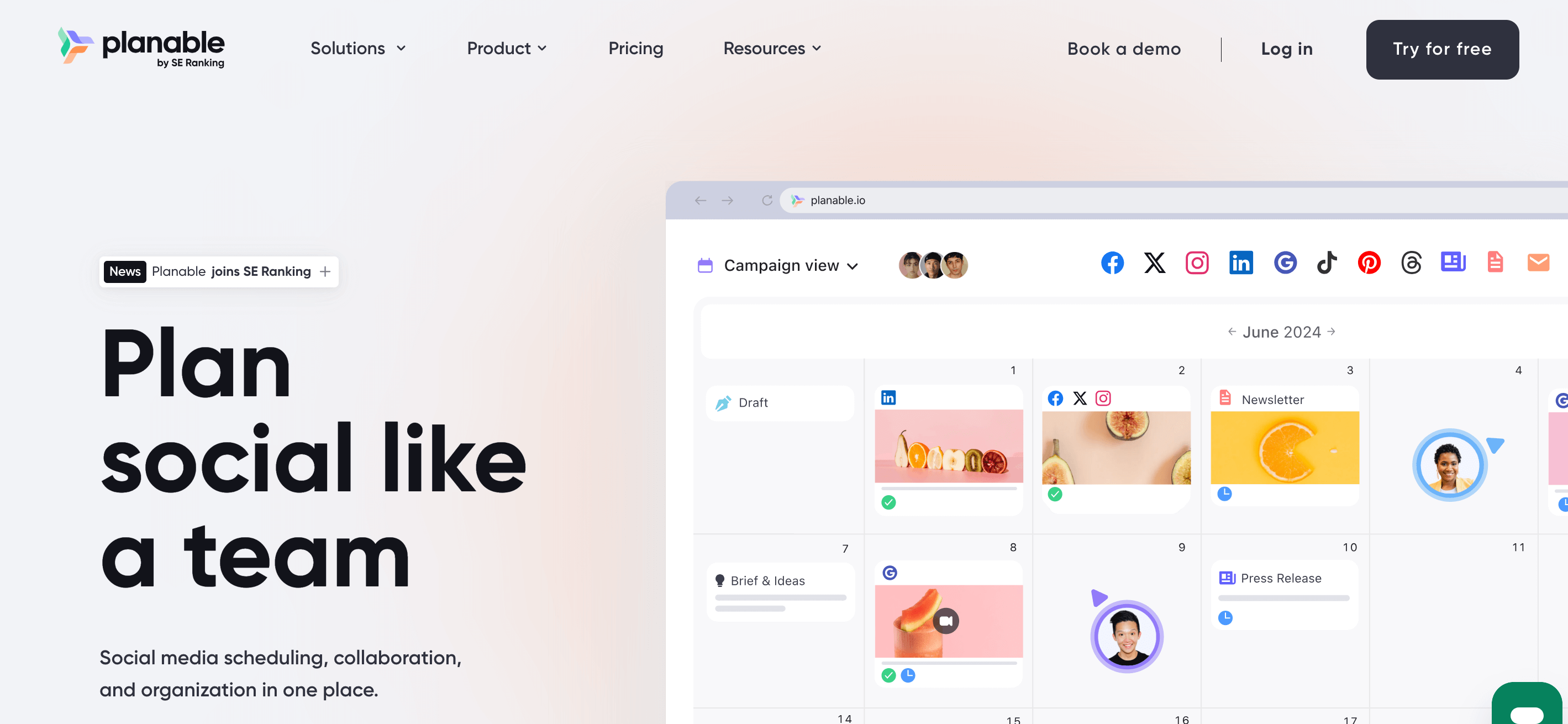
Planable is a collaborative social media management and approval tool designed to help marketing teams streamline their workflows. It centralizes all types of content, from blog posts and newsletters to videos and social media campaigns, so teams can brainstorm, plan, and publish in one place.
You can use it to create, review, and schedule posts, repurpose content into different formats, and collaborate seamlessly with your team.
Best features:
Universal Content feature for all content types (social, blogs, newsletters, etc.)
Visually appealing content calendar with scheduling and recycling options
Real-time collaboration with feedback and approval workflows
Built-in media library and AI tools for captions and hashtags
What I like:
Planable makes content collaboration effortless. Instead of juggling emails and spreadsheets, everything happens in one clean, visual hub. I especially like the content recycling feature, it saves time and extends the lifespan of posts without extra work.
A dedicated program designed for agencies that manage privacy and cookie consent across multiple client websites. The CookieYes Agency Program gives you a single, easy-to-use dashboard to onboard, organize, and manage all your client sites, priority support, and tools that remove the repetitive setup work from compliance.
What I like
It takes something tedious like cookie compliance and makes it simple. Adding new client sites is quick, the UI is clean, and everything stays organized in one place. Plus, the way it handles Google Consent Mode V2 means your clients’ analytics and ads keep running correctly and compliantly.
Best features
Instant onboarding, no long waiting periods
One dashboard to manage all client sites
Priority support and bulk discounts for agencies
Automated cookie scanning and consent tracking
Easy setup across WordPress, Shopify, Wix, custom sites
Built-in support for Google Consent Mode V2 & Microsoft Clarity
Multi-user access for your team to collaborate smoothly
Reteno is an AI messaging platform for subscription apps. It enables mobile apps teams to improve their retention and Web2App funnel performance. You can manage email, push notifications, SMS, in-app, web push, App Inbox, and messengers directly from Slack, Claude Cowork, or OpenAI Codex agents using conversational commands. Purpose-built for Web2App, trial, freemium, and direct-install funnels, with specialized expertise in the Health & Fitness and Education verticals. Ideal for teams prioritizing retention, speed, and automated optimization.
Best Features:
Impactful messages crafted and tested by AI.
High-level automation from campaign creation to sending.
Multilingual to effortlessly reach a global audience.
Single 360 user profile for an in-depth understanding of customer behavior.
Hyper-targeted segmentation with unlimited conditions for precise personalization.
What I like Reteno combines multiple communication channels into one platform, making customer engagement feel personalized. I also like that it focuses heavily on behavior-based automation, which helps first-apps businesses bring users back at the right moment rather than sending generic campaigns.
PostEverywhere is a social media scheduling and management tool that lets you post content across 11 platforms from one dashboard, including Instagram, LinkedIn, TikTok, YouTube, Facebook, X, Threads, Pinterest, Bluesky, Discord, and Telegram.
It combines a visual content calendar with AI caption generation, so you can plan, write, and schedule a week of content in one sitting instead of switching between separate apps for each platform.
Best features:
Cross-platform publishing to 11 social networks with per-platform formatting
AI caption generator that adapts copy to each platform’s voice and length
Visual drag-and-drop content calendar with bulk CSV scheduling
What I like: This is the only scheduler I’ve tested that handles all the major networks, plus the smaller ones like Bluesky, Discord, and Telegram, in one place. The AI captions actually feel platform-appropriate instead of
generic, and the 7-day free trial gives you time to test the workflow before committing.
How To Build Your Digital Marketing Tool Stack
No single tool covers everything, and too many overlapping subscriptions waste budget and split your data. Build your stack in layers:
Start with measurement. Set up Google Analytics and Google Search Console first so every other tool can be judged by its results.
Add a CRM. A CRM such as HubSpot keeps leads and customer data in one place and connects to most email and social tools.
Pick one tool per core channel. Choose one email platform, one social media scheduler and one SEO suite that match the channels you actually use.
Add content and design tools. Design and AI writing tools speed up production, but keep a human review step for quality and brand voice.
Connect the tools. Prefer tools with native integrations or support for automation platforms so data flows without manual exports.
Review every quarter. Cancel tools your team no longer uses and check whether an all-in-one plan would replace several single-purpose tools.
Most digital marketers use a mix of analytics tools such as Google Analytics, SEO tools such as SEMrush or Ahrefs, a CRM, an email marketing platform, a social media scheduler and design tools such as Canva. Many teams also use AI tools for drafting content and project management tools for planning. The right mix depends on the channels you focus on.
What is the best all-in-one digital marketing tool?
All-in-one platforms such as HubSpot combine CRM, email, landing pages and reporting, which suits teams that want fewer tools and shared data. Specialist tools often go deeper in a single channel, such as SEO or social media. Many teams pair an all-in-one platform with one or two specialist tools.
Which free digital marketing tools are worth using?
Google Analytics, Google Search Console and Google Trends are free and essential for understanding traffic and search demand. Many other tools on this list, including HubSpot CRM, Canva, Buffer and Mailchimp, offer free plans or tiers that are useful for small teams. Check each plan’s limits before relying on it.
Conclusion
These are just some of the many useful digital marketing tools available out there. As technology continues to advance, new tools will emerge to help marketers stay on top of their game.
Keep exploring and experimenting with different tools to find what works best for your business needs. And remember, the key is not to have all the tools but to use the right ones effectively in your marketing strategy.