For a modern knowledge worker, productivity apps have become part of the everyday toolkit, helping streamline tasks and reduce the effort spent on routine work.
Some apps help you track hours, others keep your notes in order, and many bring teams together so projects stay on course.
The challenge isn’t the lack of options — it’s knowing which tools actually make a difference once you add them to your routine. In this guide, we’ve gathered a selection of the top productivity apps for knowledge workers that support the everyday needs of professionals across different industries.
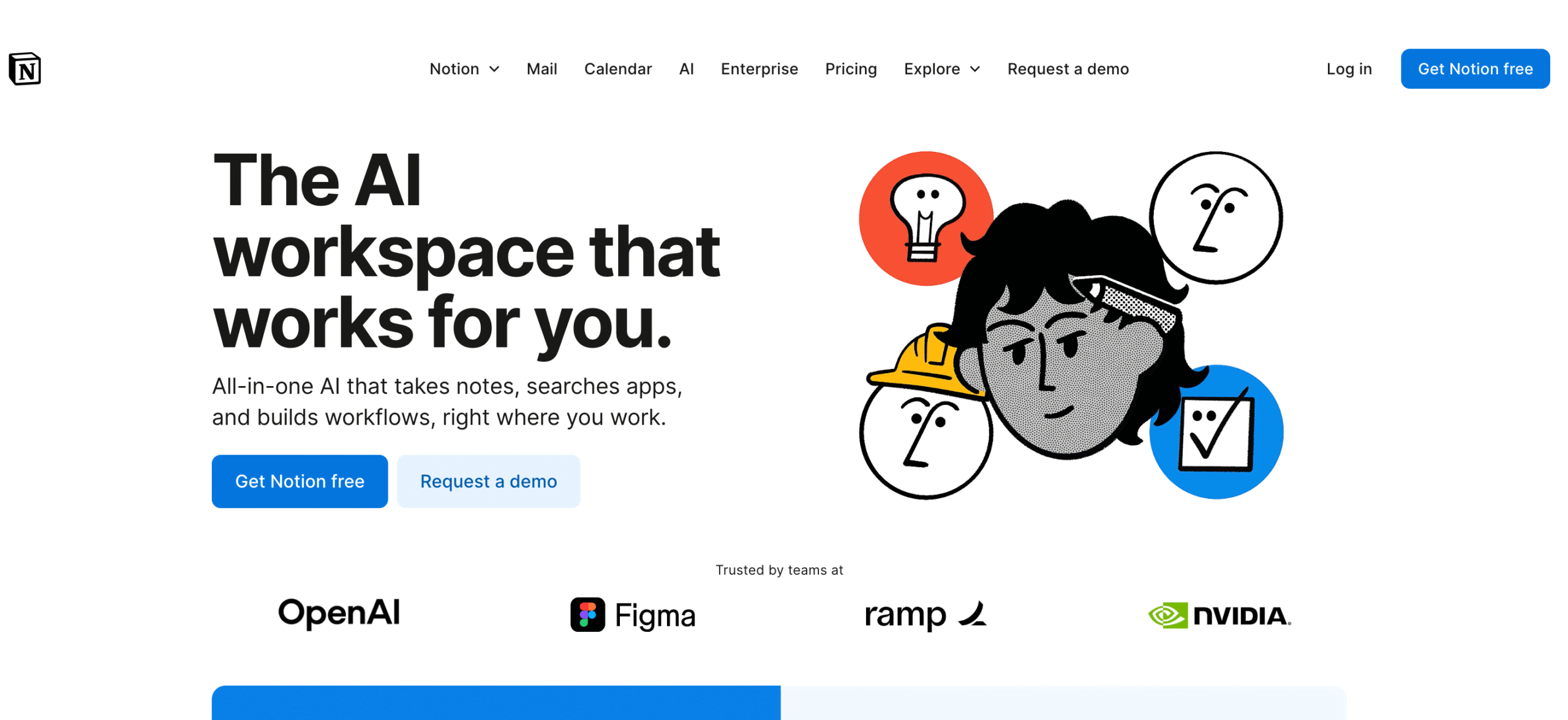
One of the best apps for knowledge workers, Notion is used as a hub for notes, projects, and reference materials. It lets you add text, tables, checklists, databases, and files, and reorganize your assets as needed. The app syncs across devices and offers collaboration features, allowing users to comment, mention teammates, and share pages without needing extra tools.
Some teams use Notion as a notebook or a lightweight task tracker, while others build full internal knowledge bases and document their processes inside the app. Power users often rely on linked databases to keep research and tasks connected in one place. This makes Notion particularly useful for writers, developers, product teams, and anyone who has to handle large amounts of information.
Notion is free for individual usage. Paid plans start at $12 per member/month and unlock collaboration options and advanced features for teams.
Trusted by world’s leading businesses like IBM, OpenAI, and Stripe, Slack is built around the idea that work moves faster when conversations stay organized. It enables teams to communicate in channels that reflect projects, departments, or anything a team needs to keep separate but easy to find.
Because Slack adapts to different workflows, it works equally well for small groups and large organizations. People use the tool for day-to-day chats and quick check-ins, as well as for coordinating project updates and keeping track of ongoing tasks.
Slack integrates with 2,600+ apps, which means you can connect your task manager, calendar, or file storage and see updates without leaving the workspace.
Slack has a free plan with limited message history. Paid plans, which start at $8.75 per user/month, expand storage and add features designed for larger teams.
Recognized among the top task management apps, Asana gives you a clear way to map out work, assign responsibilities, and keep track of what’s moving ahead. The interface is built around tasks and projects, but you can view the same information as lists, boards, or timelines, depending on what helps you understand the workflow better.
What truly sets Asana apart is how well it handles ongoing projects with multiple steps and contributors. Tasks can include descriptions, attachments, comments, and due dates. Larger teams often rely on timelines or workload views to see how each person’s schedule looks before they take on new work. You can also set rules that move tasks, assign people, or trigger reminders automatically.
Asana offers a free plan for up to two users with basic needs. Paid plans begin at $10.99 per user/month and add timelines, advanced workflows, reporting features, custom fields, and other useful tools.
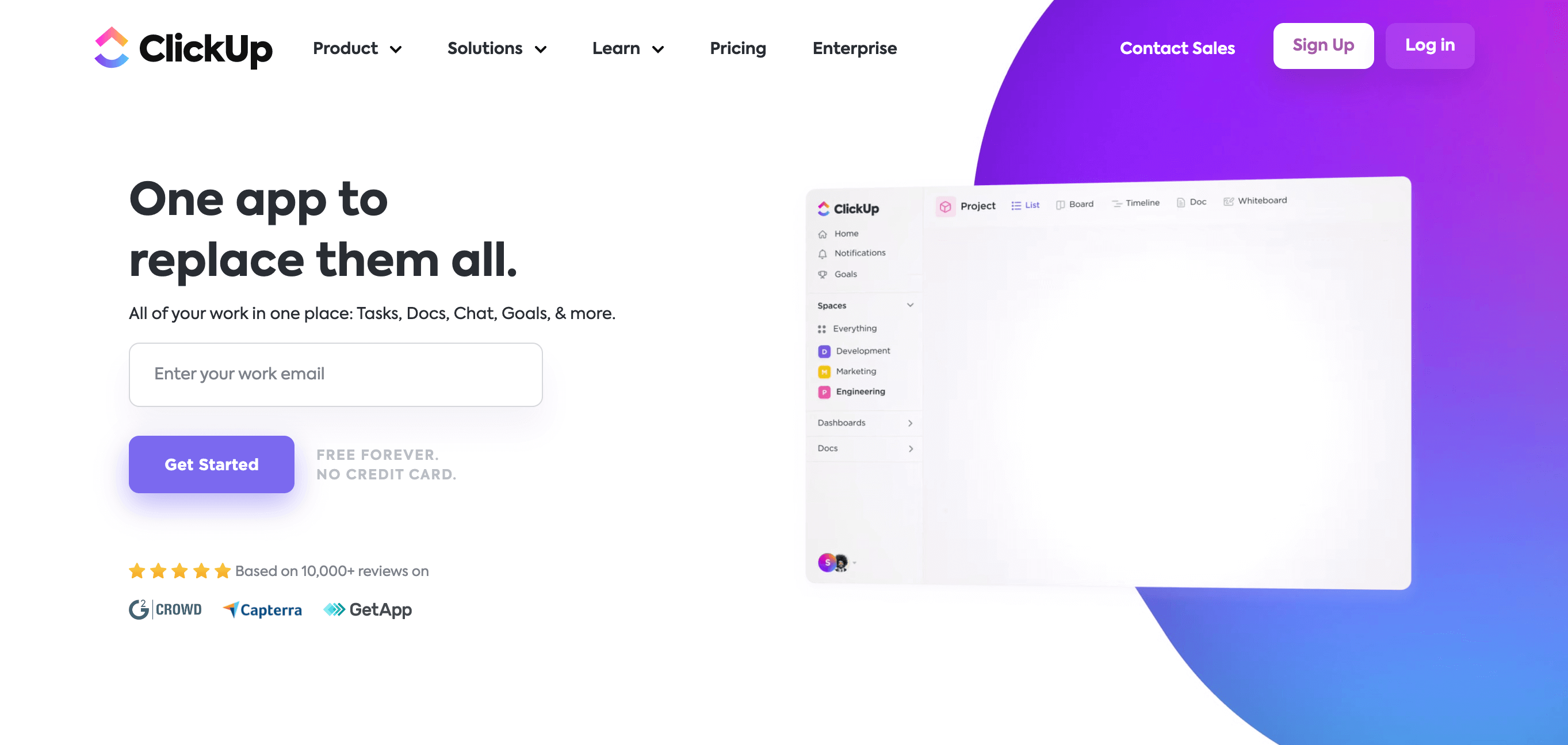
ClickUp brings tasks, documents, goals, and schedules into a single workspace, helping teams keep their work in order without switching between several apps. The structure is flexible enough for simple to-dos, yet it can scale into a full project environment with spaces, lists, and dashboards.
The platform supports different views, so the same work can appear as lists, boards, timelines, or calendars depending on what makes the most sense for your team. It also includes built-in docs, which is convenient when you need a place to write project notes or store requirements close to the tasks they relate to. Automation rules help remove repetitive actions and keep workflows consistent, especially when the same steps repeat from project to project.
ClickUp can also track time, making it appealing to users who want a task management app and simple time tracking software in a single interface. Integrations with 1,000+ tools, including Slack, Google Drive, and GitHub, help keep everything connected.
ClickUp has a generous free plan for individuals and small teams. Paid plans are offered from $7 per user/month and unlock more storage, advanced automation, and plenty of additional features.
Gmail, Docs, Sheets, and Drive form a familiar environment where people write, store files, schedule meetings, and exchange information without needing extra setup. Once you switch to the paid version, these tools become part of a unified workspace with shared storage and ample collaboration features.
One of the major reasons Workspace fits knowledge work so well is the way documents update instantly for everyone involved. Several people can edit a file at the same time, comment on specific lines, or open older versions when they need to see how a document evolved. Calendar and Meet make scheduling and quick video calls easy to handle inside the same system.
There’s a free version of the core apps for personal use, while business plans are priced from $8.40 per user/month.
Microsoft OneNote works like a digital notebook, which makes it easy to capture ideas without worrying too much about structure. Each notebook can hold sections and pages, so notes stay grouped in a way that resembles a physical binder. This layout appeals to people who want a unified space for collecting meeting notes, research, sketches, and quick reminders.
Typing, handwriting, screenshots, and pasted materials can all live side by side on the same page. The freeform canvas allows you to place content wherever it feels natural, rather than sticking to a fixed layout. Over time, many users build personal knowledge collections inside OneNote, turning it into a lightweight PKM system.
For teams that rely on Microsoft 365, OneNote fits neatly into the existing workflow. Notebooks sync through OneDrive, so they stay available across devices, and pages can be shared for collaboration or feedback. The search function helps pull up notes from older meetings or past projects when you need to retrace your steps.
OneNote is available at no cost for personal use. For organizations, it comes as part of Microsoft 365 subscriptions, which begin at $6 per user/month.
Obsidian is built around the idea that notes become more useful when they connect to each other. The app lets you link ideas the way you might map out thoughts on paper, and over time, these links form a network of notes that’s easy to explore, which is why many people use Obsidian for personal knowledge management.
Everything lives in plain text Markdown files on your device, making the tool appealing to users who prefer a lightweight environment without the distractions of a traditional editor. The interface stays out of the way: write, link, tag, and reorganize your notes as they grow. When you want a wider view, the graph map shows how your ideas relate to each other.
Obsidian is free. Optional Sync ($5 per user/month) and Publish ($10 per user/month) services are available as paid add-ons for those who need cross-device syncing or a way to share notes online.
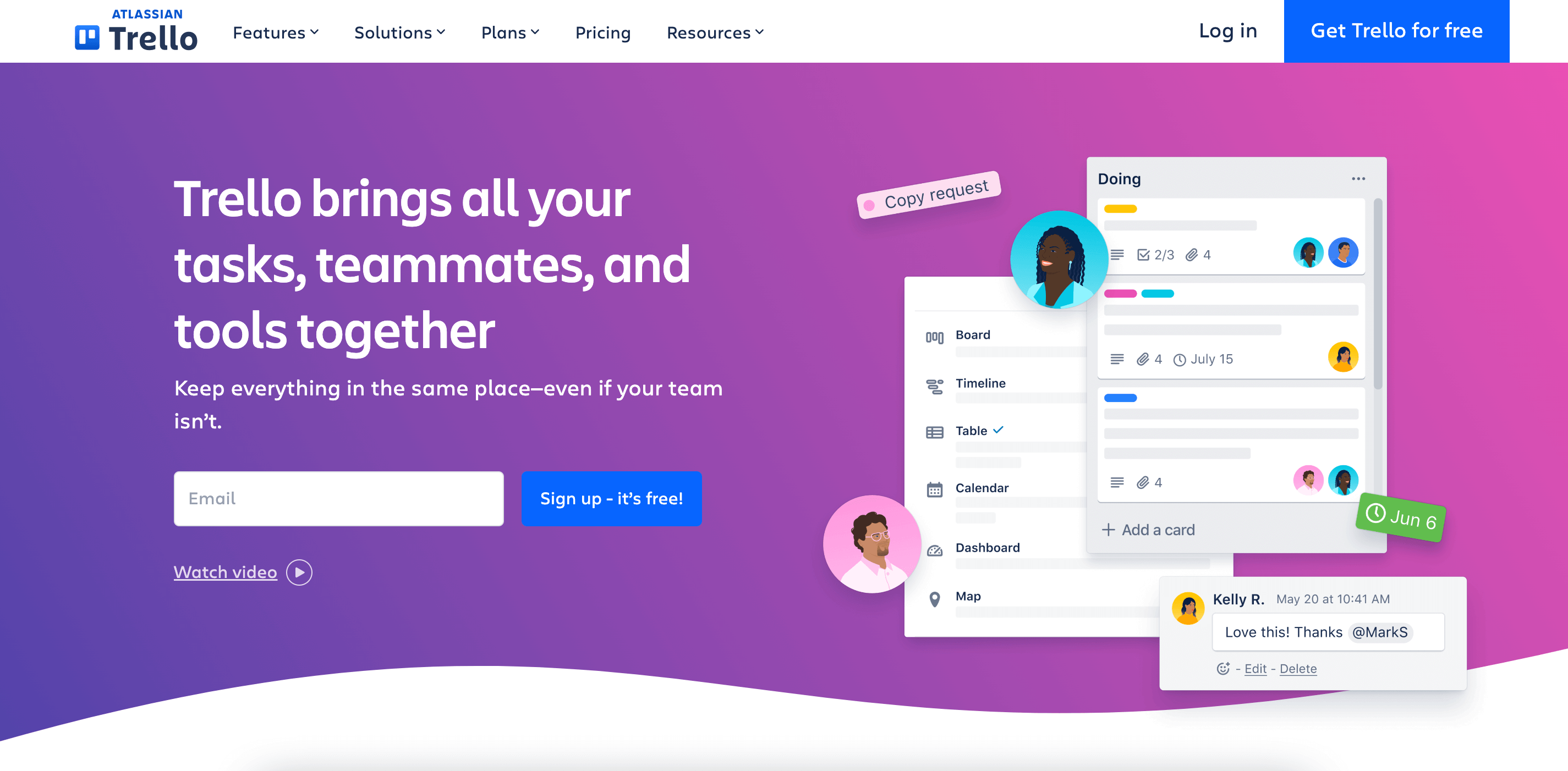
One of the best productivity apps for knowledge workers, Trello is a task management tool that uses a simple board-and-card system. Each board holds lists, and each list contains cards that represent tasks or ideas. This layout is easy to understand even if someone has never used task management apps before, which is why Trello is often the first tool teams try when they want to organize projects visually.
Cards can hold checklists, attachments, comments, and due dates. Moving cards between lists feels natural: start a task in “To Do,” shift it to “In Progress,” and drop it in “Done” once it’s finished. While many teams use this flow to manage ongoing work, the setup is flexible enough for personal planning as well.
Trello includes a free tier that covers the essentials. Its paid plans begin at $6 per user/month and add AI, more automation, customization, and administrative controls for teams.
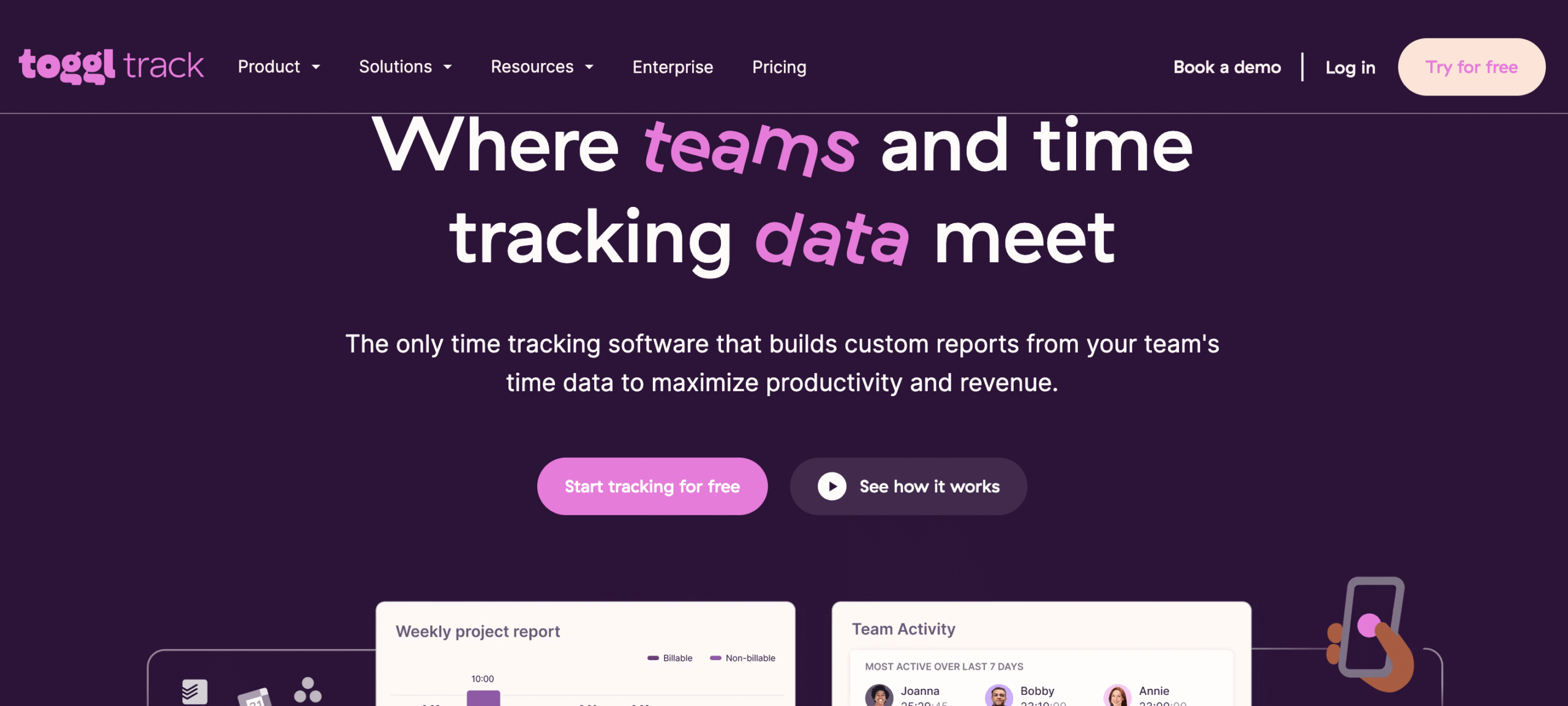
If you’re looking for straightforward and easy-to-use time tracking software, Toggl Track is a great option. You press a button when you start working, press it again when you stop, and the app records everything in the background. This simplicity makes it one of the most widely used productivity tools for professionals in design, copywriting, software development, and any other industry where you bill clients by the hour.
Toggl turns data into clear reports that show how your day was divided between tasks, clients, or projects. Tags and project labels make sorting easier, so you can pull up exactly the information you need without digging.
Toggl works across devices and syncs automatically, which is helpful if you move between a laptop and a phone. Browser extensions let you start timers from tools like Asana, Trello, or Notion, so your time tracking software stays tied to the apps you already use. Small teams can also use Toggl to review shared workloads or check how long recurring tasks actually take.
There’s a free version with enough features for up to 5 users. Paid plans start at $10 per user/month and add detailed reporting and team management tools.
Forest takes the idea of a focus timer and turns it into something more visual. Instead of watching numbers count down, you plant a small virtual tree and let it grow while you work. If you leave the app to check your phone, the tree withers. This encourages you to stay on task, especially when you struggle with constant notifications or the habit of checking social apps “for just a second.”
The app follows the classic Pomodoro structure — short focus intervals followed by brief breaks — but the growing forest adds a sense of progress that many users find motivating. Forest includes task lists and light statistics, so you can track how many sessions you’ve completed or which days were the most productive. It works on both mobile and desktop, and you can sync your progress if you use it across devices.
Forest is available for download on the App Store, Google Play, and as a Chrome extension.
Freedom helps people cut down on digital interruptions by blocking websites, apps, or even the entire internet for a set period of time. As a result, it’s easier to focus on writing, research, studying, or any other task that requires deep attention. Many users rely on it when they want to break the habit of checking social media every few minutes.
One of the most popular distraction blockers, the app lets you create different block lists for different situations. You might have one list for work and another for evenings. Sessions can start instantly or run on a schedule. Freedom works across devices, so whatever you block on one screen stays blocked everywhere else.
Freedom has a free trial that lets you try a limited number of sessions. The paid version begins at $8.99 per month. A lifetime plan is also available for $199.
The next well-known tool on our list of the top productivity apps for knowledge workers is Zapier, designed to minimize repetitive tasks by connecting the apps you already use. Instead of copying information from one tool to another or sending the same update across several platforms, you can set up automated workflows, called Zaps. Once a Zap is active, it reacts to a trigger in one app and performs an action in another, which saves time and reduces the chance of manual errors.
Zapier’s workflow automation is built around simple if-this-then-that logic. For example, you can create a Zap that sends new form submissions into a spreadsheet, or one that posts task updates to Slack as soon as something changes in Asana. Zapier supports thousands of integrations, so it often ties together task management apps, email tools, CRMs, calendars, and file storage systems.
Zapier includes a free tier with a limited number of Zaps and monthly runs. Paid plans start at $29.99 per month and expand task limits and unlock features designed for heavier use.
No list of knowledge worker productivity apps feels complete without a good calendar optimization tool. Reclaim.ai helps users protect their time by automatically organizing tasks, routines, and breaks around the rest of their schedule. With this app, you don’t need to manually block out focus time or rearrange meetings — it shifts events as needed and keeps your calendar balanced.
So, how does it work? The app connects to your existing calendar and quietly negotiates space for the things you need to get done. Tasks are placed into open slots based on urgency and estimated duration, and they shift when new meetings appear. You can also set recurring habits, like reading, exercise, or planning sessions, and Reclaim will find time for them without crowding out your day.
Reclaim.ai provides a free tier for individual planning. Paid plans, which are available from $12 per seat/month, come with extended scheduling windows and a broader set of productivity features.
Confluence gives teams a central place to write things down and keep their knowledge in order, acting as a team-level counterpart to a personal knowledge management (PKM) system. Pages can hold anything from meeting notes to product requirements, and they stay grouped inside spaces that reflect how the company is organized.
Pages are easy to edit, and the editor supports text, tables, images, embeds, and task lists. You can comment on specific parts of a page, mention colleagues, and track revisions when several people work on the same document. As an Atlassian product, Confluence integrates closely with Jira, so project tickets and documentation stay connected. This makes Confluence a natural fit for engineering, product, and operations teams that depend on planning as much as detailed written records.
Confluence is free for teams of up to 10 users. Paid plans begin at $5.42 per user/month.
A standard collaboration platform for many teams, Zoom is renowned for its simple interface and a host of useful features. The platform supports chat, breakout rooms, waiting rooms, and recording, which gives teams enough flexibility to run different kinds of sessions. Screen sharing is smooth, and presenters can hand control to someone else without interrupting the flow.
Zoom is also known for its stability. Meetings generally hold up well even when connections vary, and mobile users can join without losing key features. For teams spread across time zones, it’s often the easiest way to gather everyone in one place without switching to a more complex system.
Zoom provides a free plan with meetings of up to 40 minutes for groups. You can upgrade to one of the paid plans, which begin at $16.99 per user/month and include longer meeting limits, cloud recording, administrative controls, and advanced hosting features.
ResearchProspect AI Summarizer is designed to help knowledge workers cut through information overload and focus on what matters most. The tool quickly analyzes long documents, research papers, and reports, producing clear and accurate summaries that save hours of manual reading. Its interface is straightforward, making it easy to upload content and get concise insights without a steep learning curve.
What makes ResearchProspect AI Summarizer especially useful for researchers and professionals is its ability to preserve context and key arguments rather than just extracting surface-level points. This helps users grasp complex material faster while still retaining the depth needed for informed decision-making, writing, or further analysis.
The platform integrates well into everyday workflows, supporting common document formats and enabling quick sharing of summaries with team members. For knowledge workers who regularly deal with dense information, ResearchProspect AI Summarizer acts as a reliable productivity boost, turning time-consuming reading tasks into efficient, manageable steps.
Conclusion
Productivity looks different for every knowledge worker, but the tools you choose can make a meaningful difference in how you handle your daily tasks. While the variety of productivity tools for professionals may feel overwhelming, the goal isn’t to use as many as possible, but to find the ones that genuinely support the way you think and work.
We hope our list of the best apps for knowledge workers helps you choose the tools to make your workday smoother and more manageable.