Startups have to move quickly, but, let’s face it, not every team has (or can afford) developers on hand when an idea needs to be tested or a process has to be fixed.
This is where modern no-code tools come in, helping founders build websites, apps, MVPs, internal systems, and automated workflows without writing code. And importantly, most of them are flexible enough to grow with the product.
In this article, we’ve rounded up the best no-code tools for startups that meet the main needs of early-stage companies, from design and data to automation and mobile development.
No-Code Tools For Startups At A Glance
1. Tool
Best for
Free plan
1. Bubble
Full web and mobile apps built visually
Yes
2. Atoms
Turning a plain-language idea into a working website or app with AI
Yes
3. Webflow
Marketing websites and CMS-driven sites
Yes
4. Airtable
Spreadsheet-style databases and workflows
Yes
5. Softr
Business apps, client portals and internal tools
Yes
6. WeWeb
Production-grade web apps with an AI-assisted builder
Yes
7. Zapier
Connecting apps and automating workflows
Yes
8. Glide
Apps built from spreadsheets and tables
Yes
9. FlutterFlow
Mobile, web and desktop apps with drag and drop
Yes
10. Notion
Lightweight internal systems, docs and wikis
Yes
11. Coda
Collaborative docs that combine text, tables and apps
Yes
12. Make
Visual workflow automation between apps
Yes
13. Featurebase
Customer support, product feedback and product updates
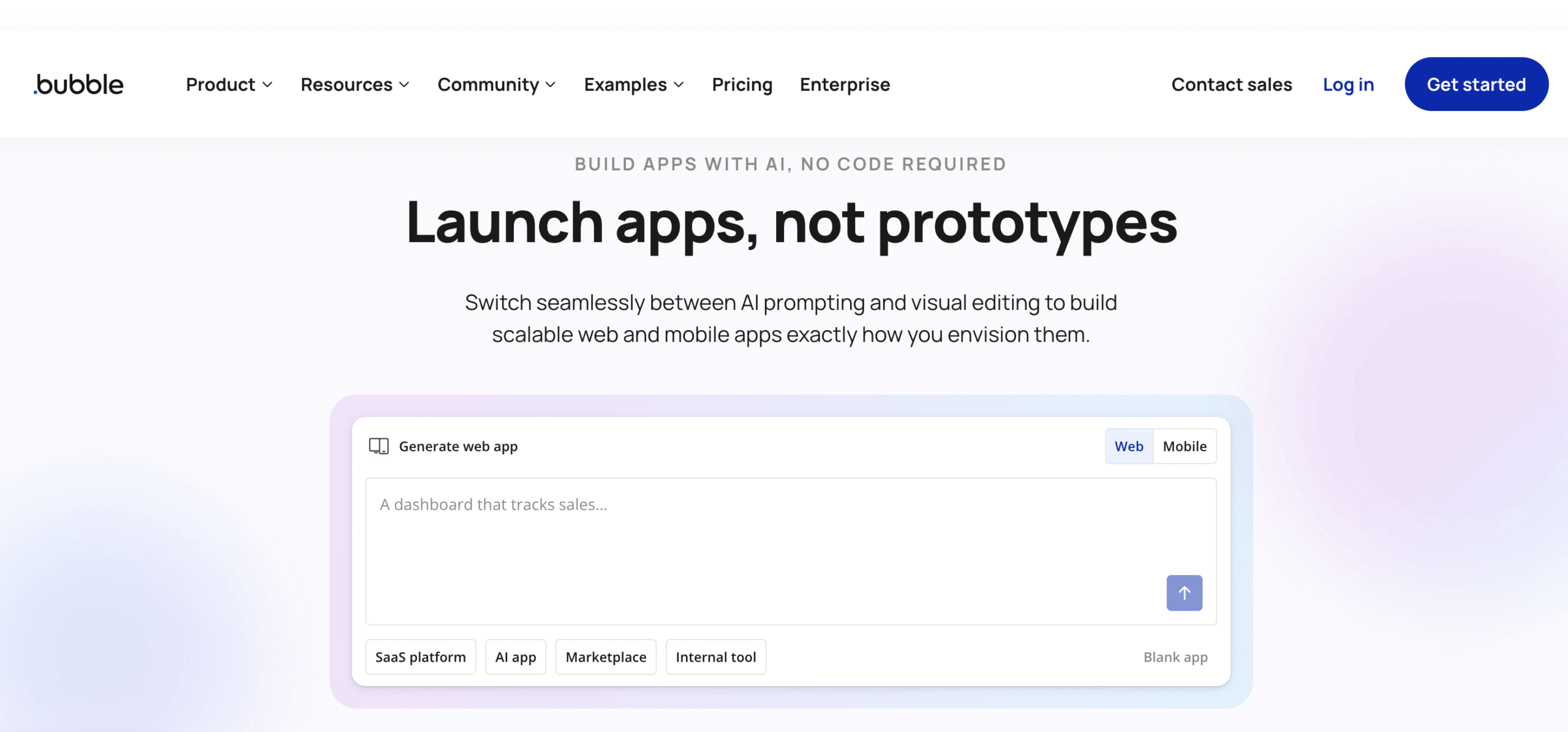
Bubble is a no-code visual mobile and web app development platform that lets founders and teams build full applications without writing code, all from a single editor. In addition to designing landing pages or internal dashboards, you can create interactive logic, databases, user accounts, and workflows visually. Bubble’s native mobile builder allows you to design, test, and publish iOS and Android apps with real mobile functionality like navigation, push notifications, and camera access, all without traditional programming.
With Bubble, you can build product marketplaces, SaaS tools, social platforms, internal business apps, and consumer mobile experiences. For example, event organizers can use Bubble to launch companion mobile apps for conferences in weeks that would otherwise have taken months of engineering work, and community platforms with signup, profiles, and activity feeds.
Atoms is an AI-powered no-code platform that turns a plain-language idea into a working website or app. Where most “vibe coding” tools run a single model that generates everything from one prompt, Atoms runs a team of specialized AI agents, a Product Manager, an Engineer, a Data Scientist, and others, that collaborate to research, design, build, and launch the product the way an actual product team would. The architecture isn’t experimental, either: it’s built on MetaGPT, a 68K-star open-source multi-agent framework and one of the most-referenced projects in AI agent research. Launched in early 2026, Atoms has already passed 1M users across hundreds of thousands of real build sessions.
For early-stage startups, the appeal is that the whole loop lives in one place. A non-technical founder can describe an MVP in their own language (multi-language input is supported), review what the agent team proposes, and ship complete pages and flows through a visual editor, with user authentication, data storage, and Stripe payments built in from day one rather than bolted on. In practice, that means a solo founder can go from idea to a revenue-ready SaaS dashboard or marketplace without hiring a designer, a developer, or stitching together a separate auth, payments, and hosting stack.
Pricing:
Atoms offers a usable free entry point alongside paid tiers:
One of the most popular no-code platforms for startups, Webflow is a visual-first website builder and CMS that helps design, build, and launch responsive websites without writing HTML, CSS, or JavaScript. That said, it still gives you the control and performance of a professionally coded site.
What sets Webflow apart from simpler landing page creators is how much creative freedom it gives you. You can custom-lay out every element, manage interactions and animations, and publish content with a built-in CMS. It also includes reliable hosting, SEO tools, secure infrastructure, and a growing suite of AI-assisted features to speed up design and content workflows.
Webflow allows teams to launch landing pages, marketing sites, content hubs, and portfolio sites that scale with traffic. Founders often prototype new SaaS landing pages or thought-leadership blogs on Webflow because they can connect dynamic CMS content to templates and update it without redeploying code.
Airtable is a cloud-based no-code workflow and database tool that blends the simplicity and familiarity of a spreadsheet with the structure and power of a relational database. Airtable allows you to create databases, link tables, design multiple views of your data like grids and calendars, and automate workflows, all visually and collaboratively. It has also embraced AI-powered features that help automate tasks and generate insights directly in workflows.
Airtable is designed to help teams track projects, manage product inventories, build simple CRM systems, and organize content publishing pipelines, all while switching between views like Kanban or timeline to suit different needs. Early startups often turn to Airtable as a lightweight CRM that tracks leads and deals, or as a product backlog with linked tasks, owners, due dates, priority status, etc.
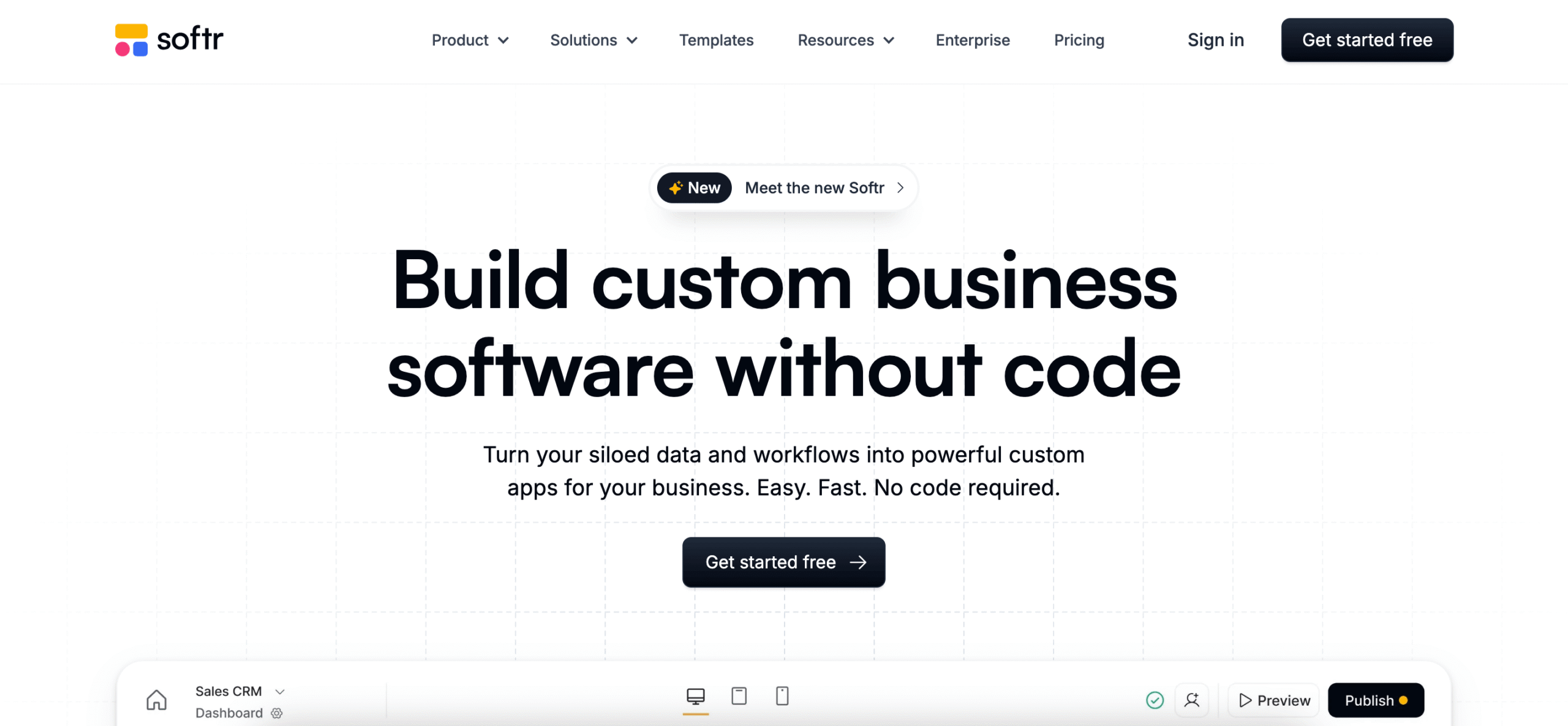
Softr is a cloud-based no-code web app builder that is commonly used for building business apps, client portals, internal tools, dashboards, and custom workflows by combining drag-and-drop blocks with built-in permissions and user management. For example, Softr might come in handy if you need to create a client portal where customers can log in, view project statuses, and upload files, or an internal CRM that tracks leads and automates status updates.
Softr connects to common data sources like Airtable, Google Sheets, Notion, SQL, and HubSpot in real time, letting you pull in and sync data rather than keeping everything siloed. It also includes its own built-in database capabilities, so you don’t necessarily need an external backend to start building. The editor provides pre-built templates and blocks for lists, tables, charts, forms, calendars, and user authentication, which makes launching a polished web app much faster than starting from scratch.
Pricing:
Softr’s plans include:
Free: $0/month
Basic: $59/month
Professional: $167/month
Business: $323/month
Enterprise: custom pricing
Paying on a yearly basis makes the plan two months cheaper.
WeWeb is a powerful AI-driven app builder designed for speed, scalability, and full control. It enables you to turn any idea into a production-grade, scalable web application.
You can generate apps in seconds with AI, then refine every detail in a visual editor. With both no-code and code capabilities, it’s built for those who want to move fast without compromising flexibility or ownership.
Apps built with WeWeb are hosted on a global AWS CDN for high performance and reliability. You can also export your application as a standard Vue.js single-page app and deploy it wherever you choose.
WeWeb is versatile and can be used to build a wide range of applications, including but not limited to: SaaS products, directories, forms, customer portals, and business process automation tools.
It’s also well-suited for internal tools, dashboards, and healthcare products that require strong security and compliance.
Zapier is one of the most widely used workflow automation tools, designed to help teams connect apps, orchestrate AI-powered workflows, and automate repetitive tasks without writing code. It connects to more than 8,000 apps, including Google Sheets, Slack, CRMs, databases, and everything in between, so you can move data, trigger actions, and keep tools in sync automatically.
Workflows in Zapier, called Zaps, consist of a trigger (an event in one app) and one or more actions (responses in the same or other apps). For instance, you can set up a Zap that adds new leads from a Typeform submission into Airtable, sends a Slack alert, and updates a CRM record, all without touching code.
Zapier also includes AI-powered workflow capabilities and tools like Zapier Forms and Zapier Tables that let you collect data and build standalone systems that feed into your automations. With Zapier, non-technical users can build something basic in minutes using templates or drag-and-drop logic, and then expand into more advanced conditional paths and multi-step automations.
Pricing:
Zapier is structured around four subscription tiers:
Glide is a no-code app builder that turns spreadsheets and tables into powerful, usable apps without writing code. It makes it possible to build apps from sources like Google Sheets, Excel, or Glide’s own tables, and automatically generate a responsive, touch-friendly interface that works on mobile devices and desktops.
The Glide editor focuses on components like lists, forms, images, maps, and buttons so you can visually design workflows, navigation, and pages. For example, the tool can be used to build a field-team app that lets sales reps update records on the move or an internal inventory tool where staff can scan and adjust stock directly in a Glide app.
Glide includes user authentication, roles and permissions, and in-app actions so you can control who sees what and what actions they’re allowed to take. Because the data source is essentially a live spreadsheet or table, changes flow in real time, and you don’t have to manually sync separate systems.
Pricing:
For individual use, you can choose from three plans:
Free: $0/month
Explorer: $25/month
Maker: $60/month
For companies, Glide provides three business plans:
FlutterFlow is a no-code visual app development platform designed to let you build mobile, web, and desktop applications quickly, using a drag-and-drop interface powered by Google’s Flutter framework. It produces cross-platform apps that work on iOS and Android, and supports integrations with backends like Firebase for authentication, databases, and real-time data. Founders often use FlutterFlow as an MVP builder, prototyping mobile apps or internal tools to test user flows before fully custom engineering.
The platform combines an intuitive visual builder with a host of useful features such as prebuilt components, logic flows, API connections, deployment options, and native export. Not to mention, you can export Flutter source code if you want to extend functionality outside the visual editor. FlutterFlow also supports real-time collaboration and tools like automated tests and no-code integrations with GitHub at higher tiers, which helps teams work together on larger projects.
Pricing:
FlutterFlow’s plans include:
Free: $0/month
Basic: $39/month
Growth: $80/month for the 1st seat and $55/month for the 2nd seat
Business: $150/month for the 1st seat and $85/month for seats 2–5
Annual billing offers a 25% discount on the effective monthly rate.
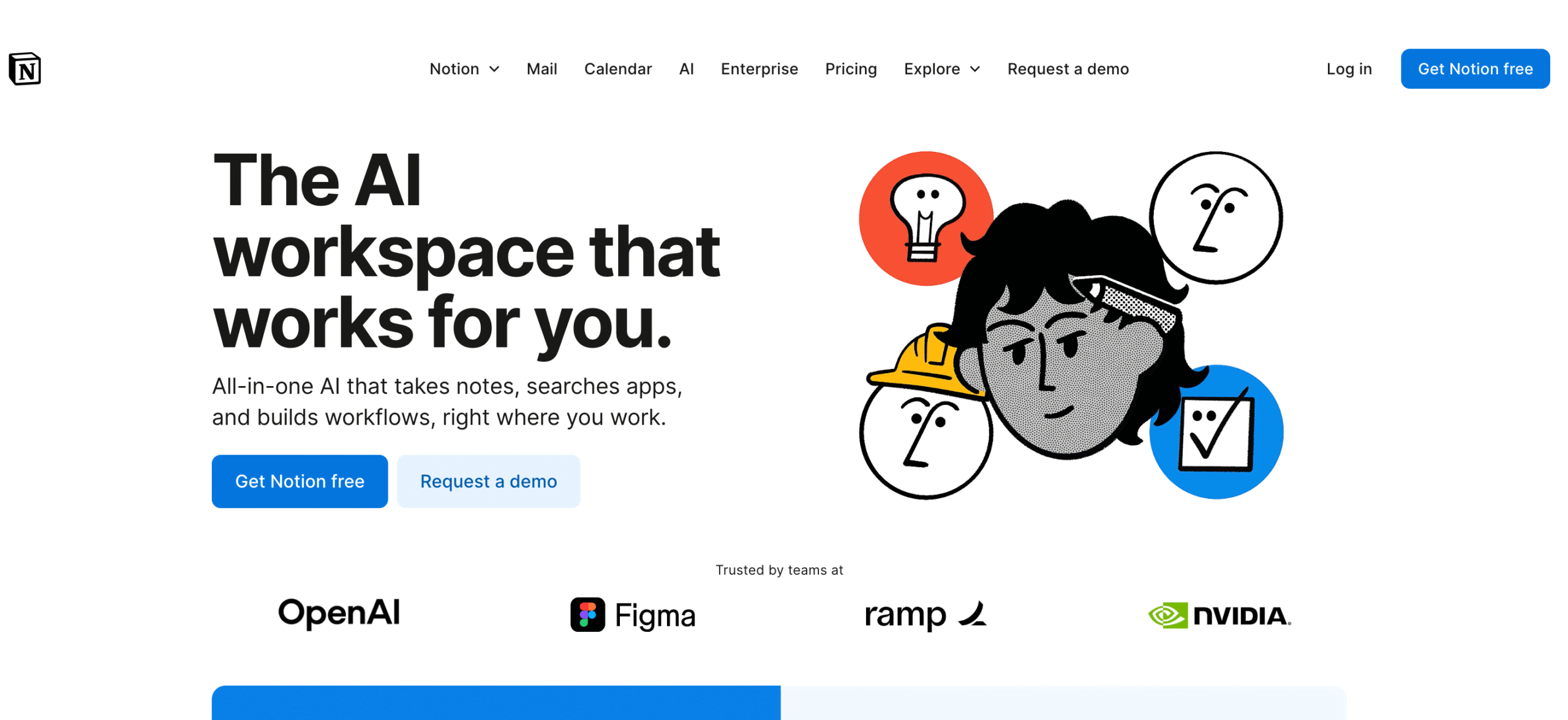
Notion is one of the best no-code tools for startups that want to build lightweight internal systems without relying on multiple separate tools. Notion positions itself as the AI workspace that works for you, an all-in-one productivity platform where teams can capture ideas, manage projects, write docs, and organize knowledge in one place.
It offers a block-based editor where every piece of content, including text, tables, images, to-dos, or embeds, appears as a block you can arrange, nest, and customize. Such a setup makes it easy to build simple internal systems like wikis and lightweight databases. A typical scenario is using Notion to centralize onboarding docs and track product roadmaps, among other daily tasks.
Notion also offers features like linked databases, multiple views (table, board, list, calendar), filters, and formula properties, so you can design structured data systems similar to basic internal apps. Thanks to Notion’s collaborative capabilities, multiple teammates can edit, comment, and share pages or sections. With integrations to tools like Slack, Zapier, and GitHub, the platform is often the center of a startup’s operational stack.
Coda is one of the collaborative, all-in-one no-code platforms for startups that blends the best of documents, spreadsheets, and applications, allowing teams to build custom solutions without writing code. Coda lets you create interactive pages that include text, tables, buttons, charts, and logic, giving structure and flexibility to workflows that would otherwise be scattered across multiple tools.
In practice, many product teams use it to build a unified document that tracks roadmap items, syncs with external tools, and automates status updates, effectively replacing a separate project board, spreadsheet, and notes system. Coda also supports no-code integrations through Packs, its prebuilt connectors that link your workspace to tools like GitHub, Google Sheets, Slack, HubSpot, and more, so data across systems stays in sync without manual steps.
Make is designed for creating workflows that connect apps and automate tasks using a visual drag-and-drop builder for scenarios. It supports thousands of apps, custom APIs, routers, filters, and branching paths, so you can create simple automations or very complex business logic in a single visual canvas. One use case is setting up scenarios that route new leads from Webflow to Airtable, enrich them with external data, and notify a team in Slack, all running automatically.
Make’s real-time execution view lets you watch data pass through each step as scenarios run, and its data transformation tools help reshape inputs without needing scripts. This flexibility makes it a strong fit in the world of no-code for startups, especially for teams that prefer deeper logic than Zapier or want a more powerful orchestration layer behind their apps. Since Make supports scheduling, custom webhooks, and multi-step flows with conditional paths, it’s often the core automation engine behind no-code stacks.
Pricing:
There are several pricing levels available for Make:
Featurebase is a simple way for startups to handle customer support, collect product feedback, and publish updates in one place. Instead of juggling a help center, a feedback board, a roadmap, and a changelog across different tools, you can run all of that from Featurebase with minimal setup.
It’s especially useful early on when you’re trying to stay close to users. You can let customers submit and vote on feature requests, keep a public roadmap, and post changelog updates so people see what’s shipped. On the support side, teams use it to manage an inbox and cut down repetitive questions with an AI support agent.
Pricing:
Free: free forever (1 seat)
Growth:$29/seat/month (billed yearly) + $0.29 per AI resolution
Professional:$59/seat/month (billed yearly) + $0.29 per AI resolution
Enterprise:$99/seat/month (billed yearly) + $0.29 per AI resolution
You get a 22% discount when billed annually.
How To Choose A No-Code Tool For Your Startup
Start from the job, not the tool. A marketing site, a customer-facing app, an internal dashboard and an automation between apps each call for a different category of tool, as the table above shows.
Check how far it scales. Look at record, user and workflow limits on each plan, and whether performance holds up as data grows.
Look at data ownership and export. Make sure you can export your data, and ideally your app logic or code, if you outgrow the platform.
Confirm integrations and APIs. Your tool should connect to payments, authentication, email and analytics, either natively or through Zapier or Make.
Test collaboration features. Roles, permissions, version history and comments matter once more than one founder is building.
Use the free plan first. Every tool in this list has a free plan, so build a small prototype before paying.
How Startups Validate An Idea With A No-Code Prototype
No-code tools let founders test demand before paying for custom development. A common process looks like this:
Define the one problem and the one user. Write down the core job your product does and who it is for.
Build a landing page. Use a site builder such as Webflow to explain the offer and collect sign-ups.
Prototype the core workflow. Build only the main feature in an app builder such as Bubble, Softr, Glide or FlutterFlow, with Airtable or a built-in database behind it.
Automate the rest by hand or with workflows. Use Zapier or Make to connect forms, email and payments instead of building back-end features.
Put it in front of real users. Track sign-ups, usage and feedback, and collect feature requests in one place.
Decide what to build next. Iterate on what users actually do, then decide whether to keep scaling on no-code or move to custom code.
Sharing A No-Code Prototype For Stakeholder Feedback
A prototype only helps if the right people see it and respond to it. Startup teams usually share a no-code build in one of three ways: publish a working version and send the link, invite stakeholders into the tool with limited access, or collect structured feedback in a separate place.
Among the tools on this list, Bubble lets you design, test and publish apps, and Webflow publishes sites with a built-in CMS, so a live version can reach investors or pilot users quickly. Softr and Glide include roles and permissions, which helps when early users should log in and try a client portal or internal tool without seeing everything. Notion lets teammates edit, comment on and share pages, which suits written specs and feedback notes, while FlutterFlow supports real-time collaboration on the build itself. For feedback from customers rather than the internal team, Featurebase lets users submit and vote on feature requests and keeps a public roadmap.
Whichever route you pick, decide in advance what question the prototype should answer, and keep all feedback in one place so it turns into a clear list of next steps.
Frequently Asked Questions
What Is The Best No-Code Platform For Prototyping A Startup Idea?
It depends on the product. Bubble and WeWeb suit full web apps, FlutterFlow and Glide suit mobile apps, Webflow suits landing pages, and AI builders such as Atoms can turn a written idea into a first version quickly. Pick the tool that matches your core feature and build the smallest version that real users can try.
How Does A Startup Team Collaborate On A No-Code Product?
Most no-code platforms support multiple editors with roles and permissions, and many include version history, comments and separate development and live environments. Teams typically keep specs and roadmaps in a workspace such as Notion or Coda, collect user feedback in a tool such as Featurebase, and assign one owner for the data model to avoid conflicting changes.
Can You Scale A Startup On No-Code Tools?
Many startups run on no-code tools well past launch, especially for internal tools, marketing sites and automations. Limits usually appear around complex logic, heavy data volumes, performance or plan costs as usage grows. Plan for data export early, and consider no-code development companies or experienced no-code developers to help you scale or migrate.
What are the most popular no-code tools for building a startup MVP?
Bubble, FlutterFlow, Softr, Glide and WeWeb are common choices for an MVP because they produce working apps rather than mock-ups. On this list, Bubble is listed for full web and mobile apps, FlutterFlow for mobile, web and desktop apps, Softr for business apps and client portals, Glide for apps built from spreadsheets and WeWeb for production-grade web apps. Webflow fits when the MVP is mainly a marketing site, and Zapier or Make can connect the pieces.
How do you share a no-code prototype for stakeholder feedback?
Publish a working version and send the link, or invite stakeholders into the tool with limited roles and permissions, as Softr and Glide allow. Notion lets teammates comment on and share pages for written feedback, and Featurebase lets customers submit and vote on feature requests. Keep all feedback in one place so it can be turned into a prioritized list of changes.
Conclusion
No-code has opened the door for startups to build, test, and refine ideas without waiting for a full engineering team, and the tools in this list cover most of what an early company needs to get moving. Whether you’re shaping your first MVP, building internal workflows, or automating the busywork that slows teams down, the right tool can take weeks off your timeline.
We hope our list of the top no-code tools for startups helps you find the right solution for your next step.